
Lossless audio formats are digital audio file types that preserve the complete original quality of sound without any data loss during compression. In contrast to lossy formats, which remove certain audio information to decrease file size, lossless formats maintain the full integrity of the audio signal, ensuring that all details and characteristics of the original recording are preserved. This makes them particularly valuable to audiophiles and music professionals who prioritize sound quality.
When listening to music in a lossless format, you hear the complete depth and richness of the audio exactly as the artist and producer intended. This is accomplished through advanced encoding techniques that compress the audio data while maintaining full quality. Consequently, lossless formats typically require larger file sizes than lossy formats, but they deliver superior clarity and fidelity in the listening experience.
Experience the clarity and depth of sound like never before with high resolution audio.
Key Takeaways
- Lossless audio formats preserve original sound quality by compressing audio without any data loss.
- They differ from lossy formats by maintaining full audio fidelity, resulting in larger file sizes.
- Popular lossless formats include FLAC, ALAC, and WAV, each with varying device compatibility.
- Converting to lossless formats involves specific software that retains audio integrity during compression.
- Proper management and understanding of device support are key to effectively using lossless audio files.
How do Lossless Audio Formats differ from other audio formats?
The primary distinction between lossless audio formats and other types, particularly lossy formats like MP3 or AAC, lies in how they handle audio data. Lossy formats achieve smaller file sizes by removing certain frequencies and details that are deemed less critical to the overall listening experience. This process can lead to a noticeable degradation in sound quality, especially when played on high-fidelity systems.
In contrast, lossless formats retain all the original audio information, allowing for a more authentic reproduction of the sound. Another key difference is the way these formats are used in various applications. Lossy formats are often favored for streaming services and portable devices where storage space is limited and bandwidth is a concern.
On the other hand, lossless formats are typically preferred by those who value high-quality audio, such as musicians, sound engineers, and serious listeners who want to archive their music collections without compromising on quality.
Benefits of using Lossless Audio Formats

One of the most significant benefits of using lossless audio formats is the superior sound quality they provide. When you choose a lossless format, you can enjoy music that sounds as close to the original recording as possible. This is particularly important for genres that rely heavily on intricate details, such as classical music or jazz, where every note and nuance contributes to the overall experience.
Additionally, lossless formats offer greater flexibility for editing and mixing. If you are a musician or producer, working with lossless files allows you to manipulate the audio without introducing artifacts or degradation that can occur with lossy formats. This means you can create high-quality recordings and mixes that maintain their integrity throughout the production process.
Furthermore, lossless files are ideal for archiving your music collection, ensuring that you have a pristine version of each track for future use.
Common Lossless Audio Formats
Several common lossless audio formats are widely used today, each with its unique characteristics and advantages. One of the most popular is FLAC (Free Lossless Audio Codec), which compresses audio files without losing any quality. FLAC files are supported by many devices and software applications, making them a versatile choice for both casual listeners and audiophiles alike.
Another notable format is ALAC (Apple Lossless Audio Codec), which is similar to FLAC but is specifically designed for use within Apple’s ecosystem. If you are an Apple user, ALAC provides seamless integration with iTunes and other Apple products while maintaining high-quality audio playback. Other lossless formats include WAV (Waveform Audio File Format) and AIFF (Audio Interchange File Format), both of which offer uncompressed audio but result in larger file sizes compared to FLAC and ALAC.
How to convert audio files to Lossless format
| Format | Compression Type | File Extension | Compression Ratio | Audio Quality | Supported Platforms | Notes |
|---|---|---|---|---|---|---|
| FLAC (Free Lossless Audio Codec) | Lossless | .flac | 30-50% | Identical to original CD quality | Windows, macOS, Linux, Android, iOS | Open-source, widely supported, metadata support |
| ALAC (Apple Lossless Audio Codec) | Lossless | .m4a | 30-50% | Identical to original CD quality | macOS, iOS, Windows (with software) | Developed by Apple, integrated with iTunes and Apple devices |
| WAV (Waveform Audio File Format) | Uncompressed / Lossless | .wav | 0% (Uncompressed) | Identical to original CD quality | All major platforms | Large file size, widely used in professional audio |
| AIFF (Audio Interchange File Format) | Uncompressed / Lossless | .aiff, .aif | 0% (Uncompressed) | Identical to original CD quality | macOS, Windows | Common in Apple environments, large file size |
| APE (Monkey’s Audio) | Lossless | .ape | 30-50% | Identical to original CD quality | Windows (limited support elsewhere) | High compression but less widely supported |
Converting your existing audio files to a lossless format is a straightforward process that can be accomplished using various software tools available online or as downloadable applications. Many media players, such as VLC or iTunes, offer built-in conversion features that allow you to select your desired output format easily. To begin, simply open your audio file in the software of your choice and navigate to the conversion settings.
When converting to a lossless format, it’s essential to choose the right codec based on your needs and preferences. For instance, if you plan to use your files across multiple devices, FLAC may be the best option due to its wide compatibility. On the other hand, if you primarily use Apple products, ALAC would be more suitable.
After selecting your desired format, initiate the conversion process and wait for it to complete. Once finished, you will have high-quality lossless files ready for playback.
Understanding the compression process in Lossless Audio Formats
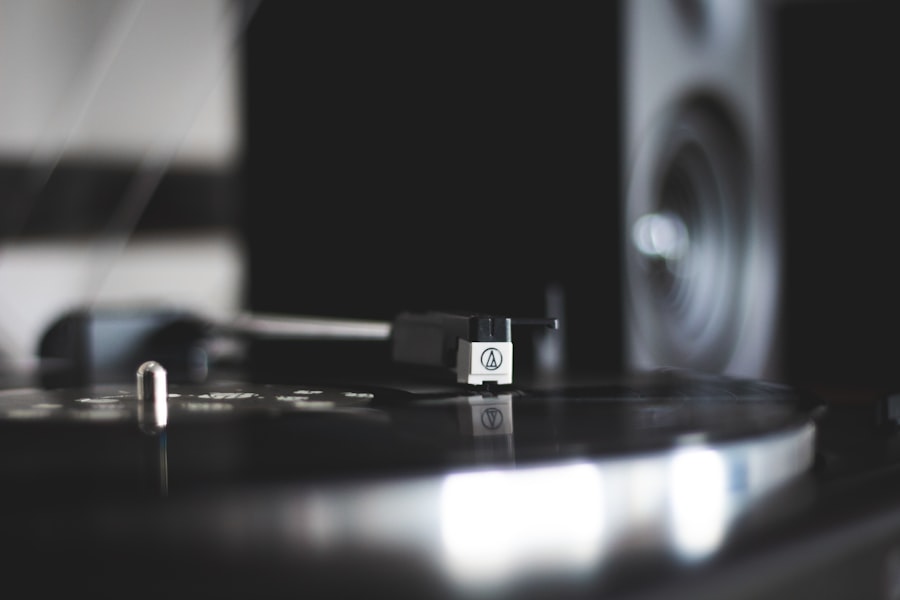
The compression process in lossless audio formats involves sophisticated algorithms that reduce file size without sacrificing any audio quality. Unlike lossy compression methods that discard certain data, lossless compression retains all original sound information while finding ways to represent it more efficiently. This is achieved through techniques such as predictive coding and entropy coding.
Predictive coding analyzes the audio signal and predicts future samples based on previous ones, allowing for more efficient storage of similar sounds. Entropy coding further compresses this data by encoding frequently occurring patterns with shorter representations while using longer codes for less common patterns. The result is a smaller file size that still contains every detail of the original recording, making lossless formats an excellent choice for preserving audio fidelity.
Compatibility of Lossless Audio Formats with different devices
When considering lossless audio formats, compatibility with your devices is an essential factor to keep in mind. Most modern media players and smartphones support popular lossless formats like FLAC and ALAC, but it’s always wise to check your device specifications before making a switch. For instance, while many Android devices can play FLAC files natively, some older models may not support this format without additional apps.
If you primarily use Apple products, ALAC is an excellent choice due to its seamless integration with iTunes and other Apple software. However, if you enjoy using various platforms or devices, FLAC’s widespread compatibility makes it a versatile option for your music library. Additionally, many high-end audio systems and DACs (Digital-to-Analog Converters) support lossless formats, allowing you to enjoy high-quality playback across different setups.
Tips for managing and organizing Lossless Audio files
Managing and organizing your lossless audio files can enhance your listening experience significantly. Start by creating a structured folder system on your computer or external storage device that categorizes your music by artist, album, or genre. This will make it easier for you to locate specific tracks when you want to listen or share them with others.
Consider using music management software like MusicBee or MediaMonkey to help you keep track of your collection. These programs allow you to tag your files with metadata such as album art, artist information, and track numbers, ensuring that your library remains organized and visually appealing. Regularly backing up your collection is also crucial; consider using cloud storage solutions or external hard drives to safeguard your precious music files against data loss.
The future of Lossless Audio Formats
As technology continues to evolve, the future of lossless audio formats looks promising. With advancements in storage capacity and internet speeds, more listeners are beginning to appreciate the benefits of high-quality audio playback. Streaming services are also starting to offer lossless options; for example, Tidal and Amazon Music HD provide subscribers with access to high-resolution audio tracks that cater to audiophiles seeking superior sound quality.
Moreover, as more consumers invest in high-fidelity audio equipment and smart home systems capable of supporting lossless playback, the demand for these formats will likely increase.
Debunking myths about Lossless Audio Formats
Despite their growing popularity, several myths about lossless audio formats persist that can mislead potential users. One common misconception is that lossless files are only beneficial for audiophiles or professionals in the music industry. In reality, anyone who values sound quality can appreciate the difference between lossy and lossless formats; even casual listeners may notice improved clarity and detail when switching to a lossless format.
Another myth is that lossless files take up too much space and are impractical for everyday use. While it’s true that they require more storage than lossy formats, advancements in storage technology have made it increasingly affordable to store large collections of high-quality music. With external hard drives and cloud storage options readily available, managing a library of lossless files has never been easier.
Choosing the right audio format for your needs
In conclusion, selecting the right audio format ultimately depends on your personal preferences and listening habits. If sound quality is your top priority and you want to experience music as it was intended by its creators, then embracing lossless audio formats is a wise choice. They provide unparalleled fidelity and detail that can elevate your listening experience significantly.
However, if convenience and storage space are more critical factors for you—especially if you frequently stream music on-the-go—lossy formats may still serve your needs adequately. Ultimately, understanding the differences between these formats will empower you to make informed decisions about how you enjoy your music collection while ensuring that you choose an option that aligns with your lifestyle and preferences.
For those interested in a deeper understanding of lossless audio formats, you might find the article on