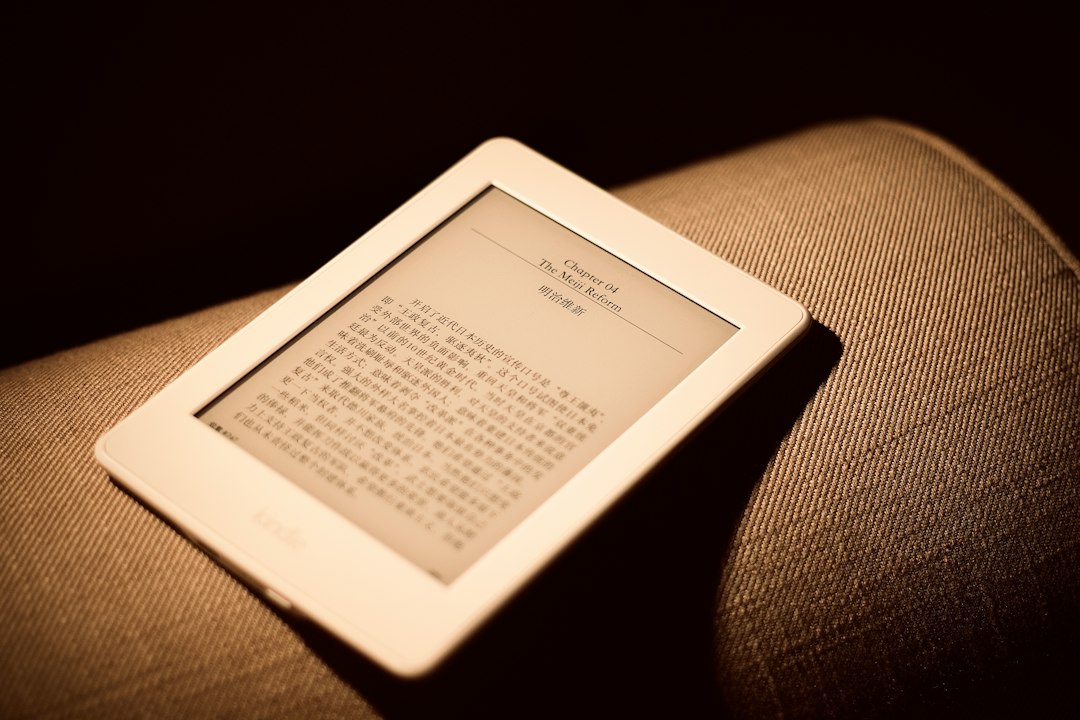
The advent of e-readers, particularly Amazon’s Kindle, revolutionized how people consume literature. Gone were the days of solely relying on physical books or squinting at screens designed for general computing. The Kindle introduced a dedicated reading experience, and central to this was its illumination technology. Initially, many assumed that the “frontlight” was simply a type of “backlight,” a common feature in modern electronic displays. However, the distinction between frontlighting and backlighting on e-readers is crucial, impacting not just readability but also user comfort and overall reading experience. Understanding these differences is key for any prospective e-reader buyer or for those seeking to optimize their current device’s performance. This article will delve into the mechanics, advantages, and disadvantages of both Kindle frontlight and backlight technologies, ultimately guiding readers toward making an informed decision about which is superior for their individual needs.
Understanding E-reader Illumination: The Core Technologies
At its heart, the difference between frontlighting and backlighting on an e-reader lies in where the light originates and how it reaches the reader’s eyes. Both aim to make the screen visible in low-light conditions, but the methods employed have significant implications for visual comfort and the perception of the text. E-ink technology, the display of choice for most dedicated e-readers like the Kindle, functions very differently from the LCD or OLED screens found in tablets and smartphones. E-ink displays mimic the appearance of ink on paper, using tiny charged particles that move to form text and images. This lack of inherent light emission is what necessitates an external illumination source for reading in the dark.
The Mechanics of Backlighting: A Familiar Concept
Backlighting is the more established and widely understood form of screen illumination. In traditional backlit displays, light sources are positioned behind the display panel. When you look at a backlit screen, you are seeing light that has passed through a diffuser layer and then the pixels themselves. This is the principle behind LCD screens, where an LED array at the back shines through a liquid crystal layer.
On an e-reader that employs backlighting (though less common now for dedicated devices like the Kindle Paperwhite and later models), the light would typically emanate from the edges of the screen or a layer beneath the e-ink substrate. This light then diffuses across the display to illuminate the characters. While effective at making the screen visible, a significant drawback of backlighting, especially for prolonged reading, is that the light is directed towards the user’s eyes. This can lead to eye strain, fatigue, and even disrupt sleep patterns due to the blue light component often present in LED backlights. For e-readers, the goal is to replicate the experience of reading a physical book, which uses reflected ambient light rather than direct illumination. Backlighting, by its nature, moves away from this ideal.
The Innovation of Frontlighting: A Paradigm Shift for E-readers
Frontlighting, on the other hand, represents an innovative approach specifically tailored for the needs of e-reader users. Instead of shining light directly into the user’s eyes, frontlighting systems direct light across the surface of the e-ink display. This is typically achieved by placing LEDs around the bezel of the device, near the edge of the screen. These LEDs emit light that travels along a thin layer or waveguide embedded within the screen assembly. This light then diffuses evenly across the e-ink surface, illuminating the text from above.
The crucial difference is that the light from a frontlit system bounces off the e-ink particles and then travels to the reader’s eyes. This is analogous to how a book is read under a lamp: the light from the lamp illuminates the page, and you then see the ink reflecting that light. This reflective nature makes frontlit e-readers significantly more comfortable for extended reading sessions. The light is indirect, reducing the harshness and eye strain often associated with backlit displays. Furthermore, many frontlighting systems offer adjustable color temperatures, allowing users to shift from a cooler, bluish light to a warmer, amber hue, further enhancing comfort and minimizing disruption to melatonin production before sleep.
When considering the best reading experience on a Kindle, the debate between frontlight and backlight technology is crucial. For a deeper understanding of how these lighting options affect your reading comfort and eye strain, you can explore a related article that delves into the advantages and disadvantages of each type of lighting. Check out this insightful piece on the topic at Freaky Science.
Advantages of Kindle Frontlighting: Comfort and Control
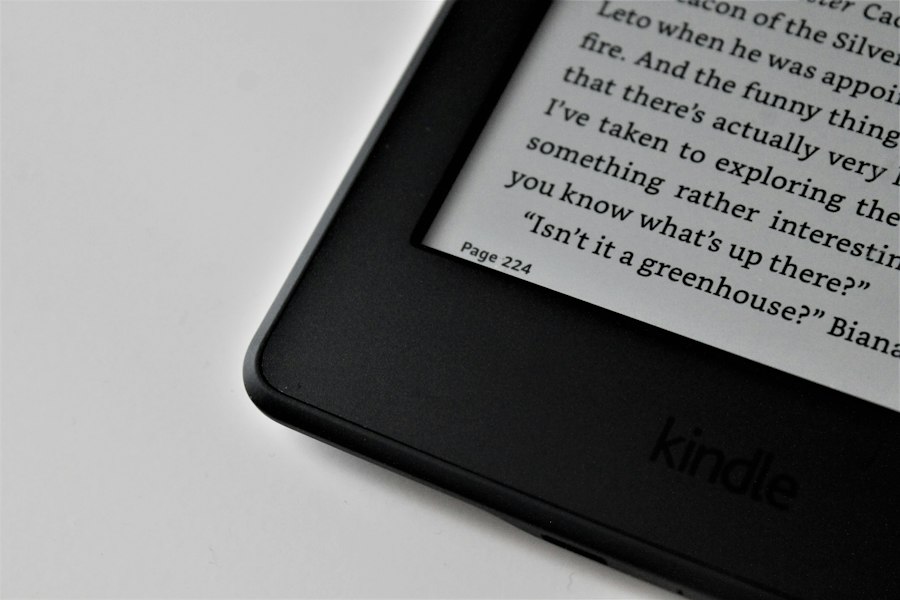
The widespread adoption of frontlighting in modern Kindles, starting with the Paperwhite and becoming standard across most models, is a testament to its superiority for dedicated e-reading. The design choices behind frontlighting directly address the primary pain points of digital reading, offering a more natural and comfortable experience that closely approximates reading on paper.
Reducing Eye Strain: The Gentle Illumination
The most significant advantage of frontlighting is its dramatic reduction in eye strain. Unlike backlighting, where light is emitted directly towards the eyes, frontlighting illuminates the screen’s surface. This means the light is reflected off the e-ink display, much like light reflecting off the ink on a physical page. This indirect illumination is far less jarring and fatiguing for the eyes, especially during long reading sessions. Users who previously experienced discomfort, dryness, or headaches after reading on backlit devices often find a significant improvement with frontlit e-readers. The absence of direct glare also contributes to this comfort, allowing for longer periods of immersion in a book without the need for frequent breaks.
Adjustable Brightness and Color Temperature: Personalization for Optimal Reading
Modern Kindle frontlighting systems go beyond simple on/off functionality. They offer granular control over brightness levels, allowing users to fine-tune the illumination to perfectly suit their ambient lighting conditions. Whether reading in a dimly lit room or under bright sunlight, the brightness can be adjusted to ensure optimal contrast and clarity of the text without causing discomfort.
Perhaps even more revolutionary is the adjustable color temperature feature, present in models like the Kindle Oasis and newer Paperwhite generations. This allows users to shift the tone of the frontlight from a cool, bright white to a warmer, amber hue. The cooler tones are often preferred in bright daylight for maximum contrast, while the warmer tones are ideal for nighttime reading. This warmer light is less disruptive to the body’s natural circadian rhythms, as it contains less blue light, which is known to interfere with melatonin production. This makes frontlit Kindles a much better choice for bedside reading, allowing users to enjoy their books without compromising their sleep quality.
Mimicking the Natural Reading Experience: The Paper-like Effect
The ultimate goal of an e-reader is often to replicate the tactile and visual experience of reading a physical book. Frontlighting takes a significant step towards achieving this. By illuminating the screen from above and reflecting off the e-ink, it creates a visual effect remarkably similar to reading a printed page under ambient light. This naturalistic approach is less taxing on the eyes and fosters a more immersive and enjoyable reading experience, free from the distractions and discomforts often associated with traditional screen technologies. The e-ink display itself is inherently glare-free and has a matte finish, which further enhances this paper-like quality when combined with frontlighting.
Potential Drawbacks of Frontlighting and How They Are Addressed
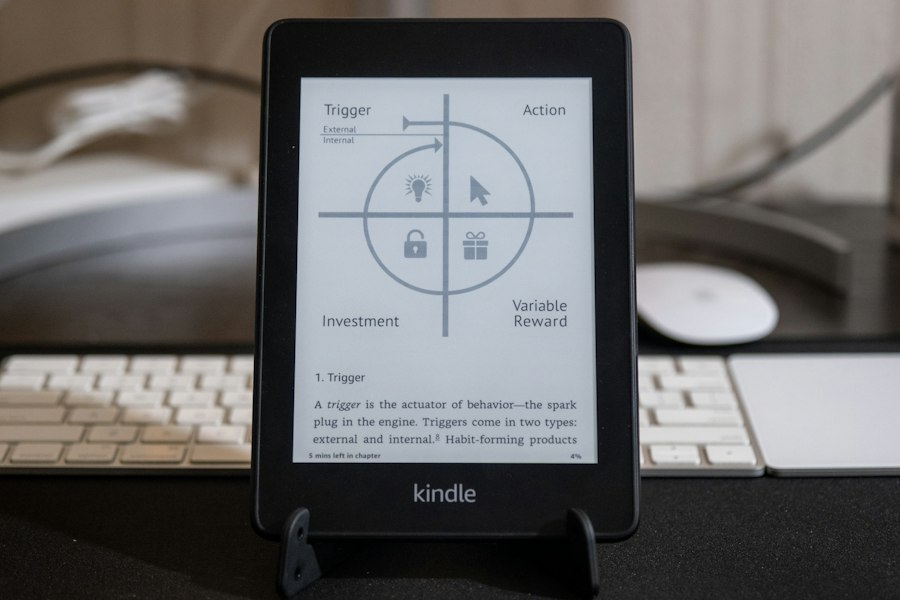
While frontlighting is a significant advancement, no technology is without its potential limitations. However, in the case of Kindle frontlighting, many of these perceived drawbacks are either minor or have been effectively mitigated through design and technological improvements. Understanding these potential issues can further clarify why frontlighting has become the standard.
Uniformity and “Hotspots”: Early Challenges
In the early iterations of frontlighting technology, some users reported issues with uneven illumination, often described as “hotspots” where the light appeared brighter in certain areas of the screen than others. This could be due to the positioning of the LEDs or the design of the light diffusion layers. However, with subsequent generations of Kindle devices, manufacturers have made significant improvements in the uniformity of the frontlight. Advanced diffusion techniques and more sophisticated LED placement have largely resolved this issue, ensuring a consistent and even glow across the entire display. For most users today, any unevenness is virtually imperceptible.
Battery Life Considerations: A Trade-off for Illumination
Adding a light source, even an energy-efficient one like LEDs, will inevitably have some impact on battery life. When the frontlight is used, it consumes more power than when the e-reader is operating solely on ambient light. However, it’s important to contextualize this. E-ink displays are incredibly power-efficient, especially when displaying static images or text. The frontlight only draws power when it’s actively illuminating the screen. Furthermore, the LEDs used are highly efficient, and the power draw is significantly less than that of a backlit tablet or smartphone. Amazon consistently advertises weeks of battery life for their frontlit Kindles, even with regular use of the frontlight, demonstrating that the trade-off for enhanced readability is generally well-managed. Users can further optimize battery life by keeping the brightness at a moderate level and turning off the frontlight when ample ambient light is available.
The Perception of “Dark Mode” and Contrast
Some users might associate the concept of “dark mode” with white text on a black background, a common feature on backlit devices. While some e-readers offer this option, Kindles primarily focus on replicating the black text on white paper experience. The frontlight enhances the contrast of the black e-ink characters against the white background. While a true inverted “dark mode” might not be the primary focus, the ability to adjust brightness and color temperature allows for a highly customized visual experience that can significantly improve contrast and legibility for individual preferences, even for those who might traditionally prefer darker themes. The underlying e-ink technology is optimized for this reflective display method.
Backlighting on Other Devices: A Different Context
While Kindle’s focus has shifted definitively to frontlighting for its dedicated e-readers, it’s important to acknowledge that backlighting remains the dominant illumination method for a vast array of electronic devices. Understanding the context of backlighting on tablets, smartphones, and laptops helps to highlight why frontlighting is a superior choice for focused reading.
Tablets and Smartphones: Versatile but Eye-Strain Prone
Tablets and smartphones utilize backlit LCD or OLED displays. These devices are designed for a wide range of applications, from browsing the internet and watching videos to playing games and reading. The backlit nature of these screens allows for vibrant colors and high refresh rates, making them visually engaging for multimedia content. However, when it comes to prolonged reading, the direct emission of light towards the eyes can be a significant issue. The blue light emitted by many backlit screens is a particular concern, as it can disrupt sleep patterns and contribute to digital eye strain. While these devices offer convenience and versatility, they are not optimized for the comfortable, extended reading experience that frontlit e-readers provide. The glossy nature of most tablet and smartphone screens also contributes to glare, which can further exacerbate eye strain.
Laptops and Other Displays: Functionality Over Reading Comfort
Laptop screens, computer monitors, and televisions all employ backlighting. Their primary function is to display a wide range of visual information, often with high color accuracy and responsiveness. For tasks like graphic design, video editing, or gaming, backlighting is essential. However, reading long-form text on these devices can be similarly taxing as on tablets and smartphones. The light is directed at the user, and while many modern displays offer features to reduce blue light emission, the fundamental principle of direct illumination remains. Consequently, individuals who spend extensive periods reading on their computers often find that they need to take more frequent breaks or use external reading aids to mitigate eye fatigue.
The E-reader’s Niche: Prioritizing the Reading Experience
The distinction between frontlighting and backlighting becomes starkly clear when considering the dedicated purpose of an e-reader. E-readers are designed for reading. This focus allows for specialized technologies like e-ink and frontlighting to be developed and refined, prioritizing user comfort and mimicking the experience of reading a physical book. While backlit devices offer a broader spectrum of functionality, they compromise on the core requirements for comfortable, extended reading. The Kindle, by embracing frontlighting, has carved out a superior niche for itself as the premier device for avid readers who value their visual well-being.
When considering the differences between Kindle frontlight and backlight technologies, it’s essential to explore how each option affects reading comfort and eye strain. A related article that delves deeper into this topic can be found here, where various lighting options are compared to help readers make an informed choice. Understanding these differences can significantly enhance your reading experience, whether you prefer to read in dim light or bright conditions.
Choosing the Right Kindle: Frontlight is the King
| Feature | Kindle Frontlight | Backlight (e.g., tablets, smartphones) |
|---|---|---|
| Light Source | LEDs positioned along the edge, directing light across the screen | LEDs positioned behind the screen, shining directly through the display |
| Eye Comfort | Gentle, evenly distributed light reduces eye strain during long reading sessions | Direct light can cause more eye fatigue and glare over extended use |
| Readability in Sunlight | Excellent, screen remains matte and readable even in bright sunlight | Poor, screen glare and reflections reduce readability outdoors |
| Battery Life Impact | Minimal impact, designed for low power consumption | Higher power consumption, significantly reduces battery life |
| Screen Type | E Ink display with frontlight | LCD or OLED display with backlight |
| Color Display | Typically grayscale only | Full color support |
| Use Case | Optimized for reading books comfortably for long periods | Multimedia consumption, gaming, and general device use |
Given the clear advantages of frontlighting for e-reading, the choice for most consumers looking for a dedicated reading device becomes straightforward. Amazon’s product lines reflect this understanding, with virtually all current Kindle models featuring frontlight technology as a standard. However, there are still variations in the sophistication of this frontlighting, which can influence the decision between different Kindle models.
The Paperwhite and Oasis: Leaders in Frontlight Technology
The Kindle Paperwhite and Kindle Oasis stand out as prime examples of e-readers that excel in their frontlighting capabilities. The Paperwhite, historically positioned as the mid-range option, offers excellent, evenly distributed frontlight that has been continuously refined over its generations. It provides a smooth and comfortable reading experience, adjustable brightness, and, in newer models, adjustable color temperature. The Oasis, Amazon’s premium e-reader, typically offers even more advanced frontlighting features, often including a higher number of LEDs for more precise control and potentially more subtle adjustments to color temperature. The Oasis also often features an ergonomic design that further enhances comfort during long reading sessions.
Entry-Level Kindles: A Basic but Effective Introduction
Even Amazon’s entry-level Kindle models, which may not carry the “Paperwhite” moniker and might lack some of the advanced features like adjustable color temperature, still incorporate frontlighting. This ensures that even the most affordable Kindle provides a significantly better reading experience in low light than a non-illuminated e-reader or a backlit tablet. The brightness is adjustable, allowing users to find a comfortable level. While it might not offer the same degree of nuance as its higher-end siblings, the basic frontlight is perfectly adequate for making reading enjoyable in any lighting condition.
Backlit Devices: A Compromise for Versatility
For users who prioritize the all-in-one nature of a tablet or smartphone and are willing to accept the potential for eye strain, a backlit device might still be considered. However, it’s crucial to understand that this choice comes with trade-offs. Reading for extended periods on a backlit screen is not ideal for eye comfort or sleep health. If reading is a primary use case, investing in a dedicated frontlit e-reader like a Kindle will almost invariably lead to a more satisfying and comfortable experience. The technology is simply better suited for the task.
In conclusion, the distinction between Kindle frontlight and backlight is not merely a technicality; it represents a fundamental difference in how the device prioritizes the user’s reading experience. Frontlighting, with its indirect illumination and adjustable features, has become the gold standard for e-readers, offering unparalleled comfort and a closer approximation to reading a physical book. While backlighting serves its purpose on more versatile devices, it falls short when the goal is prolonged, strain-free reading. For anyone seeking the best possible digital reading experience, a frontlit Kindle is the clear and superior choice.

Why Your Kindle Screen Doesn’t Work the Way You Think
FAQs
What is the difference between a frontlight and a backlight on a Kindle?
A frontlight illuminates the screen from the front, directing light towards the display, while a backlight shines light from behind the screen, making it glow.
Which Kindle models have a frontlight feature?
Kindle Paperwhite, Kindle Oasis, and Kindle Voyage are some of the models that come with a frontlight feature for reading in low light conditions.
Do frontlights or backlights cause more eye strain during reading?
Frontlights are generally considered to cause less eye strain compared to backlights, as they mimic natural lighting conditions and reduce glare on the screen.
Can the frontlight or backlight on a Kindle be adjusted for brightness?
Most Kindle models with frontlights allow users to adjust the brightness level of the frontlight, while backlights typically have adjustable brightness settings as well for a customized reading experience.
Which type of lighting technology is more energy-efficient on a Kindle, frontlight or backlight?
Frontlights are usually more energy-efficient than backlights on Kindles, as they consume less power while providing adequate illumination for reading in various lighting conditions.