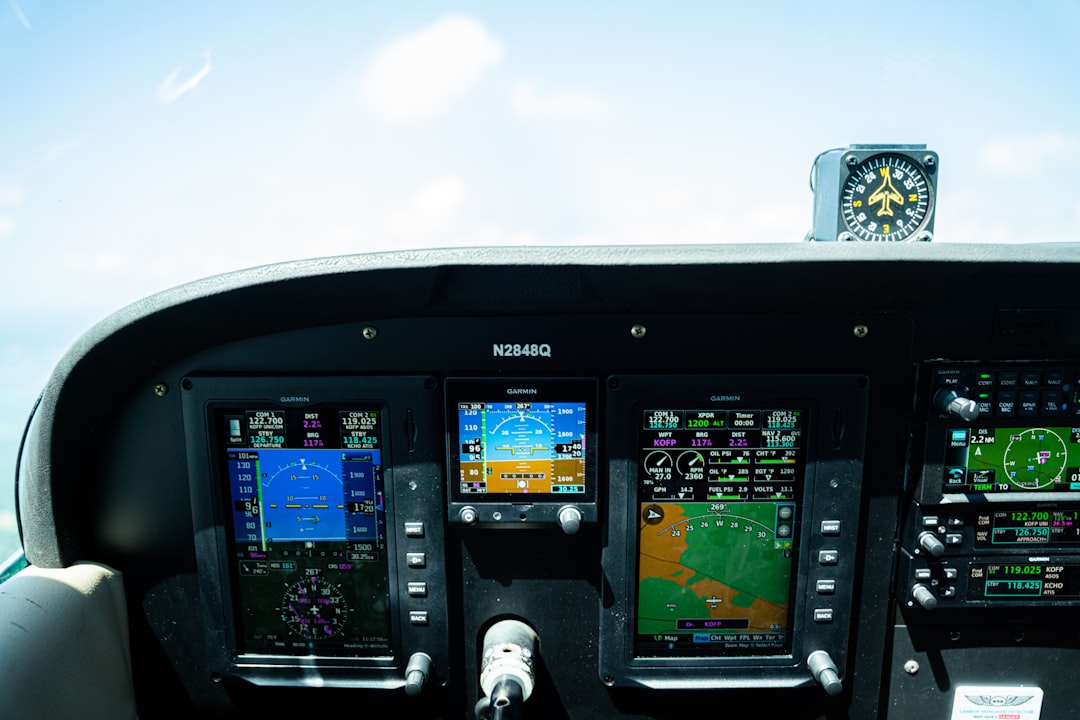
You’re on a flight, peering out the window at the vast expanse of clouds below. A thought might flicker through your mind: can you still pinpoint your location, even with your phone in airplane mode? It’s a common question, and the answer, as with many things in technology, is a little nuanced. You might be surprised to learn that airplane mode, while seemingly disabling all wireless communication, doesn’t necessarily silence every single electronic function.
Before diving into the specifics of GPS, it’s crucial to understand the fundamental purpose of airplane mode. When you activate this setting on your smartphone, tablet, or laptop, you’re essentially instructing your device to cease all wireless transmissions. This includes cellular data (like 4G or 5G), Wi-Fi, and Bluetooth.
The Purpose of Disabling Wireless Signals
The primary reason for airplane mode is to prevent your device’s radio signals from interfering with sensitive aircraft navigation and communication systems. While modern aircraft are designed with shielding to mitigate such interference, airlines and aviation authorities err on the side of caution. By disabling these signals, you’re ensuring the safety and smooth operation of the flight.
What “Disabling” Actually Means for Your Device
It’s important to clarify what “disabling” means in this context. Airplane mode doesn’t physically remove the antennas or circuitry responsible for these transmissions. Instead, it’s a software-driven command that tells the device’s operating system to shut down the radio transmitters. The receivers, however, are a different story, and that’s where the GPS functionality comes into play.
The Impact on Connectivity
When airplane mode is on, you’ll notice that your cellular signal indicator disappears, Wi-Fi is unavailable, and any Bluetooth devices will disconnect. You won’t be able to make calls, send texts (unless via Wi-Fi calling, which is also disabled), browse the internet, or connect to wireless headphones. This complete cessation of outward-bound signals is what makes it “airplane mode.”
If you’re curious about how GPS functions in airplane mode, you might find it interesting to explore the article on the topic at Freaky Science. This resource delves into the intricacies of GPS technology and its capabilities when devices are set to airplane mode, providing valuable insights for travelers and tech enthusiasts alike. For more information, you can read the article here: Freaky Science.
The Science Behind GPS: How It Works
To understand why GPS might still function, you need a basic grasp of how the Global Positioning System operates. It’s a marvel of engineering that relies on a network of satellites orbiting the Earth.
The Satellite Constellation
The GPS system consists of a constellation of at least 24 operational satellites, though there are typically more in orbit to ensure redundancy and coverage. These satellites transmit signals that contain information about their precise location and the current time.
The Role of Receivers
Your smartphone, in essence, is a GPS receiver. It doesn’t transmit any signals to the satellites. Instead, it passively listens for the signals broadcast by multiple satellites.
Triangulation and Position Calculation
To determine your location, your GPS receiver needs to pick up signals from at least four satellites. By measuring the time it takes for the signals from each satellite to reach your device, the receiver can calculate the distance to each satellite. Using a process called trilateration (or more accurately, multilateration), the receiver can then pinpoint your exact position on Earth. The further away a satellite is, the longer its signal takes to arrive. By comparing these distances to multiple satellites, your device can calculate its latitude, longitude, and altitude.
The Passive Nature of GPS Receivers
This is a key point: GPS receivers are designed to receive signals, not transmit them. They don’t send any information back to the satellites. This passive nature is critical to understanding why airplane mode doesn’t affect GPS.
GPS in Airplane Mode: The Verdict
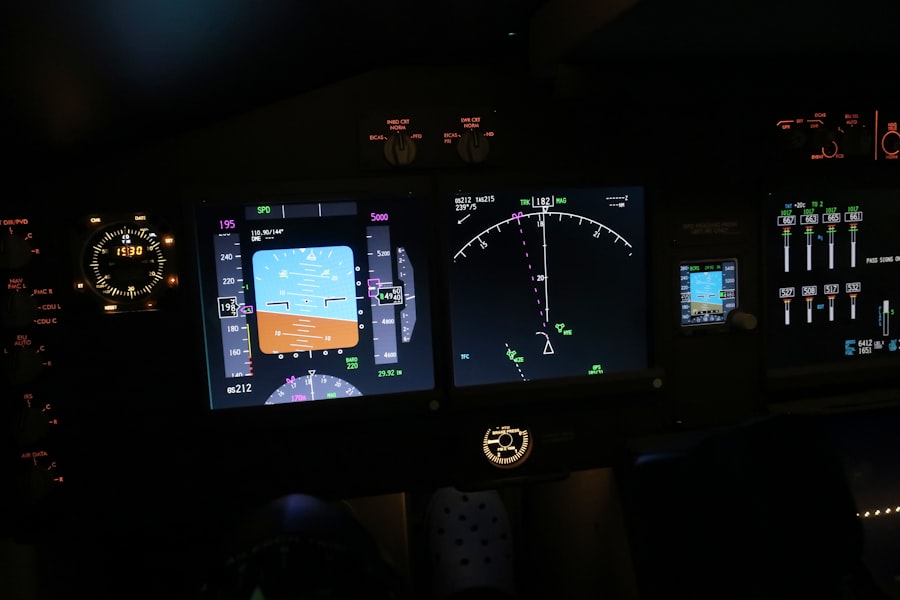
So, does GPS function in airplane mode? The short answer is yes, it generally does. This is because airplane mode primarily disables the device’s transmitters (cellular, Wi-Fi, Bluetooth), not its receivers, and GPS relies on receiving signals.
Receiver vs. Transmitter Distinction
As we’ve established, airplane mode is about stopping your device from sending signals that could interfere with aircraft systems. The GPS receiver in your phone is designed solely to listen for signals from space. It doesn’t broadcast anything. Therefore, the software switch for airplane mode doesn’t flip the “off” switch for the GPS receiver.
The Continuous Nature of Satellite Signals
The GPS satellites are constantly broadcasting their signals, regardless of what’s happening on your device. These signals are always in the air, waiting to be picked up by any compatible receiver. Airplane mode on your phone doesn’t shut down the satellite network; it only silences your phone’s ability to communicate with terrestrial networks and other devices.
The Implication for Location Services
This means that if you have a GPS-enabled device and you activate airplane mode, your device can still acquire a GPS signal and determine your location. You might not be able to see this location on a map application that requires an internet connection to download map tiles, but the raw GPS data is still being processed.
When GPS Might Seem to Fail in Airplane Mode
While GPS generally works, there are scenarios where you might perceive it as not functioning correctly while in airplane mode. These are usually due to limitations in how you’re trying to use the GPS data, rather than a failure of the GPS system itself.
Dependence on Internet Connectivity for Mapping Apps
This is the most common reason for perceived GPS failure. Most mapping applications, like Google Maps or Apple Maps, require an internet connection to download and display detailed map tiles. When you’re in airplane mode, you don’t have internet access, so these apps can’t load the visual representation of your location.
Downloading Offline Maps
You can, however, mitigate this by downloading offline maps for your intended travel area before your flight. This allows the mapping app to use the downloaded map data in conjunction with the GPS location, even without an internet connection.
Limitations of Offline Maps
It’s important to note that offline maps might not be as detailed or up-to-date as online maps. They might lack real-time traffic information or business listings.
Lack of Assisted GPS (A-GPS) Features
Modern smartphones often utilize Assisted GPS (A-GPS). A-GPS uses cellular and Wi-Fi network data to help the GPS receiver get a faster and more accurate fix on your location. When in airplane mode, you lose access to this assistance.
The Impact of No A-GPS
While this doesn’t mean GPS won’t work at all, it can lead to a longer time to acquire a satellite lock (sometimes referred to as “cold start”) and potentially a slightly less precise location fix, especially in urban canyons or areas with limited satellite visibility. Your device will rely solely on the satellite signals.
Software or Hardware Glitches
In rare instances, a software glitch on your device or a hardware issue with the GPS receiver could prevent it from functioning correctly, even if airplane mode is the factor you’re considering.
Restarting Your Device
A simple restart of your device can often resolve temporary software glitches that might be impacting GPS performance.
Checking Device Settings
Ensure that your location services are enabled in your device’s main settings, even when airplane mode is on. While airplane mode doesn’t disable GPS, sometimes other settings might inadvertently affect it.
When considering whether GPS functions in airplane mode, it’s important to understand how these settings interact with your device’s capabilities. Many users wonder if they can still access location services while their phone is in airplane mode. For a deeper dive into this topic, you can check out a related article that explores the nuances of GPS technology and its functionality in various modes. This informative piece can be found here, providing insights that may help clarify your questions about using GPS while traveling.
Practical Applications and Considerations
| Question | Answer |
|---|---|
| Does GPS work in airplane mode? | Yes, GPS can work in airplane mode as it does not rely on cellular signals. However, some devices may require the user to enable GPS separately even when in airplane mode. |
Understanding whether GPS works in airplane mode opens up several practical considerations for your travels.
In-Flight Navigation Apps
Many airlines now offer in-flight entertainment systems that include a flight map. These systems often use your aircraft’s internal GPS or a similar navigation system to show your progress. Your phone’s GPS can also work in conjunction with third-party apps that can track your flight path.
Using Flight Tracking Apps
Apps like Flightradar24 or FlightAware allow you to track your flight’s progress. While they might primarily rely on data from air traffic control, some can also leverage your device’s GPS to provide a more accurate visual representation of your position on the map if you have downloaded offline maps.
Limitations of In-Flight Apps
Be aware that the accuracy of these in-flight maps can vary. They are often a secondary system and not as precise as dedicated navigation devices.
Using GPS for Navigation Without Internet
If you’re going on a trip where internet access will be scarce, downloading offline maps before you leave is essential. This allows you to use your phone’s GPS for turn-by-turn navigation in areas where you might not have cellular service, even if you’re not on a plane.
Pre-Trip Preparation
The key to successful offline GPS navigation is preparation. Spend time before your trip downloading the maps for all the regions you plan to visit.
Battery Consumption
Keep in mind that using GPS, especially for extended periods, can drain your device’s battery. Consider carrying a portable power bank.
Estimating Travel Time and Distance
Even without a fully functioning mapping app, your device’s GPS can still provide valuable information about your speed and the distance you’ve traveled. This can be useful for estimating arrival times or simply for a sense of your progress.
Basic GPS Data
Your device’s native GPS interface (often accessible through developer options or specific apps) can show you your current speed, direction, and satellite lock status.
Conclusion: Your Location Awareness Persists
In conclusion, you can rest assured that your smartphone’s GPS receiver typically continues to function even when your device is in airplane mode. The primary function of airplane mode is to disable outgoing wireless transmissions, not to silence the passive reception of satellite signals that power GPS.
The Key Takeaway
The critical distinction between transmitting and receiving is at the heart of this understanding. Your phone’s GPS is a receiver, and airplane mode doesn’t interfere with its ability to pick up signals from the satellite constellation.
Empowering Your Travel Experience
While you might not see your location painted on a live map without internet, the raw GPS data is still available to your device. By understanding this, you can better prepare for travel, download offline maps, and utilize your phone’s location-tracking capabilities even in scenarios where traditional connectivity is unavailable. So, the next time you’re soaring through the skies, you can still be aware of where you are, thanks to the persistent hum of those orbiting GPS satellites.

Your Phone Can Still Know Where You Are in Airplane Mode
FAQs
1. Can GPS work in airplane mode?
Yes, GPS can still work in airplane mode. Airplane mode disables the device’s ability to send or receive signals, but it does not affect the GPS function, which relies on receiving signals from satellites.
2. How does GPS work in airplane mode?
When a device is in airplane mode, it can still receive signals from GPS satellites to determine its location. However, it will not be able to use other location services that rely on cellular or Wi-Fi signals.
3. Can I use GPS navigation in airplane mode?
Yes, you can still use GPS navigation in airplane mode. The device will continue to receive signals from GPS satellites to provide location information and navigation guidance.
4. Will using GPS in airplane mode drain the battery faster?
Using GPS in airplane mode may drain the battery faster than usual, as the device relies solely on its internal GPS receiver and may consume more power to maintain a strong satellite signal.
5. Are there any limitations to using GPS in airplane mode?
While GPS can still function in airplane mode, it may not be as accurate in certain situations, such as when the device is indoors or surrounded by tall buildings. Additionally, without access to cellular or Wi-Fi signals, the device may not be able to update maps or access certain location-based services.