Does Bluetooth Work in Airplane Mode: Exploring Connectivity Options
You’re settling into your seat, the cabin lights dimming, and the flight attendant is making their final pre-flight announcements. The familiar phrase “Please ensure all electronic devices are in airplane mode” rings out. You obediently switch your phone or tablet to that seemingly all-encompassing mode, but a question flickers in your mind: what exactly does airplane mode do to your Bluetooth connection? Does it completely sever ties with your wireless earbuds, smartwatch, or other Bluetooth-enabled accessories, or are there nuances you can exploit to maintain some level of connectivity? This article delves deep into the intricate relationship between airplane mode and Bluetooth, exploring the technicalities, practical implications, and the evolving landscape of in-flight connectivity.
When you toggle airplane mode on, it’s easy to assume it’s a monolithic switch that shuts down all wireless communication. However, the reality is a bit more nuanced. Airplane mode’s primary objective is to prevent your device from emitting radio frequencies that could interfere with the aircraft’s navigation and communication systems. This includes the cellular radio, Wi-Fi, and GPS. The reasoning behind this is rooted in safety; early aircraft were more susceptible to interference, and while modern systems are more robust, regulations remain in place as a precautionary measure.
The Core Functions of Airplane Mode
At its heart, airplane mode is designed to disable the following primary wireless radios:
- Cellular Radio: This is the most significant radio disabled. It prevents your device from connecting to cellular towers, thereby stopping calls, texts, and mobile data usage. This is crucial as cellular signals can potentially interfere with air traffic control communications.
- Wi-Fi: Similarly, your Wi-Fi radio is also typically turned off. While Wi-Fi signals are generally less powerful than cellular ones, they still operate on radio frequencies that could, in theory, cause interference.
- GPS Receiver: The GPS receiver is also usually deactivated. While GPS signals are received, not transmitted, there are still concerns about potential interference, especially during critical phases of flight.
The Spectrum of Wireless Communication
It’s important to understand that different wireless technologies operate on different frequency bands and with varying power levels. This distinction is key to understanding why some Bluetooth functionality might persist even when airplane mode is active. Cellular and Wi-Fi radios are designed for longer-range communication and often operate at higher power outputs than Bluetooth.
If you’re curious about how Bluetooth functions in airplane mode, you might find the article on Freaky Science insightful. It delves into the intricacies of wireless technology and its limitations during flight. For more information, you can read the article here: Freaky Science.
Bluetooth and Airplane Mode: A Curious Case of Selective Disabling
Now, let’s address the elephant in the room: Bluetooth. Unlike cellular and Wi-Fi, Bluetooth is a short-range communication technology. It’s primarily designed for connecting devices that are in close proximity, such as your headphones to your phone, or your smartwatch to your tablet. The question then becomes, why would airplane mode, focused on preventing interference with aircraft systems, disable a low-power, short-range technology like Bluetooth?
The Default Behavior: What Happens When You Flip the Switch
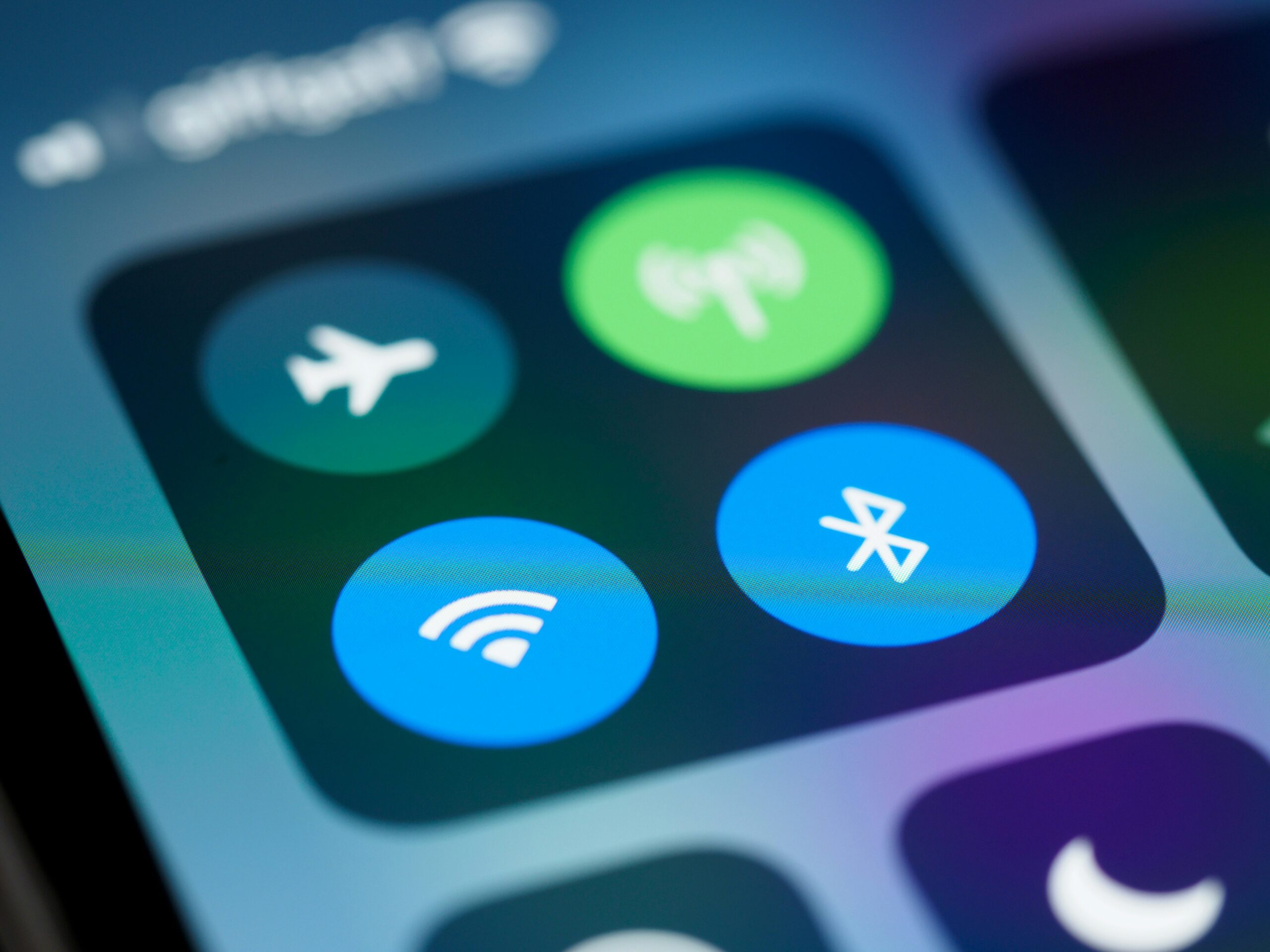
In most modern smartphones and tablets, activating airplane mode will indeed disable your Bluetooth radio by default. This is a conservative approach adopted by manufacturers to ensure compliance with aviation regulations and to avoid any potential ambiguity. It’s the simplest way to guarantee that no potentially interfering signals are being emitted. When you enable airplane mode, you’ll likely see the Bluetooth icon disappear from your status bar, indicating its deactivation.
The Rationale Behind the Default Setting
The primary rationale is to err on the side of caution. Even though Bluetooth is low-power, the sheer number of devices on a plane could, in theory, create a cumulative effect or a rare instance of interference. Aviation safety is paramount, and regulations are designed to be comprehensive. Therefore, manufacturers build their operating systems to disable Bluetooth when airplane mode is activated, aligning with the strictest interpretation of safety protocols.
Why Not Just Keep It On? The Interference Conundrum
While the risk is arguably low, the potential for interference, however minimal, is the driving factor. Aircraft rely on a complex array of radio systems for navigation, communication, and air traffic control. Any unintended emissions from personal electronic devices could, in a worst-case scenario, disrupt these critical systems. Bluetooth operates in the 2.4 GHz ISM band, which is also used by Wi-Fi and other devices. While it has mechanisms to mitigate interference, the continuous transmission, even at low power, is what regulators are wary of.
The Workaround: Re-enabling Bluetooth in Airplane Mode
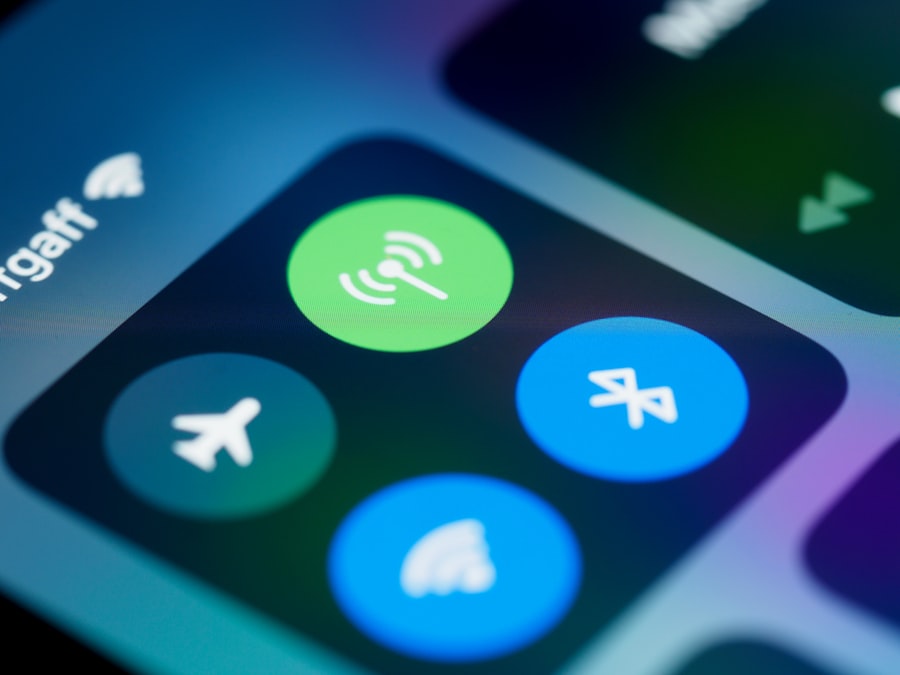
Here’s where the story gets interesting. For many devices, airplane mode isn’t a permanent lockout of all wireless radios. It’s a mode that disables certain radios upon activation, but allows you to selectively re-enable others. This is where the distinction between disabling the radio and disabling the functionality becomes crucial.
The “Wi-Fi and Bluetooth” Exception
Most modern operating systems, including iOS and Android, allow you to re-enable Wi-Fi and Bluetooth independently after switching to airplane mode. This is a deliberate design choice to provide users with some flexibility while maintaining compliance. The logic here is that once the primary, high-power radios (cellular) are disabled, the risk associated with lower-power, short-range radios like Bluetooth and Wi-Fi is significantly reduced.
How to Re-enable Bluetooth
The process is usually quite straightforward:
- Activate Airplane Mode: Go to your device’s settings and switch on airplane mode. You’ll notice that cellular connectivity is lost, and usually Wi-Fi and Bluetooth icons disappear.
- Navigate to Bluetooth Settings: Go back into your device’s settings menu and find the Bluetooth section.
- Toggle Bluetooth On: You should see a toggle switch for Bluetooth. Turn it back on.
- Connect Your Device: Your device will then begin searching for nearby Bluetooth devices. You can then re-pair your headphones, smartwatch, or any other Bluetooth accessory.
The “Why” Behind the Workaround
The ability to re-enable Bluetooth (and often Wi-Fi) in airplane mode is a testament to the evolution of both technology and regulations. Aviation authorities now recognize that short-range, low-power wireless technologies are unlikely to cause significant interference, especially when used in conjunction with the disabling of higher-power radios. This allows passengers to enjoy the convenience of their Bluetooth accessories without compromising safety.
Practical Applications and Use Cases for Bluetooth in Flight

The ability to use Bluetooth in airplane mode opens up a world of convenience during your travels. No longer are you tethered by wires, allowing for a more comfortable and enjoyable flight experience.
Enhancing Your In-Flight Entertainment
- Wireless Headphones: This is perhaps the most popular use case. You can connect your noise-canceling Bluetooth headphones to your in-flight entertainment system (if it supports Bluetooth audio) or to your personal device playing downloaded movies or music. This eliminates tangled wires and allows you to move around your seat more freely.
- Audiobooks and Podcasts: Listening to audiobooks or podcasts on your device with Bluetooth headphones is a fantastic way to pass the time and create a personal oasis of calm.
Staying Connected (in a limited way)
- Smartwatch Functionality: Many smartwatches use Bluetooth to connect to your smartphone. While you won’t receive cellular notifications, you can often still access basic functions like checking the time, viewing step counts, and potentially even controlling music playback on your phone.
- Wireless Keyboards and Mice: For those who need to get some work done, a compact Bluetooth keyboard or mouse can significantly enhance the usability of a tablet for typing or presentations.
Other Bluetooth Accessories
- Fitness Trackers: While not directly used for entertainment, fitness trackers often sync with your phone via Bluetooth. Being able to re-enable Bluetooth allows you to sync your activity data without needing to wait until you land.
- Portable Speakers: If you’re traveling with a companion and want to share music (with consideration for other passengers, of course!), a portable Bluetooth speaker can be a way to do so.
When traveling, many people wonder if Bluetooth can function while their device is in airplane mode. This topic is explored in depth in a related article that discusses the nuances of connectivity options during flights. To learn more about how these settings interact, you can read the full article here: Bluetooth and Airplane Mode. Understanding these features can enhance your travel experience and help you stay connected when it matters most.
The Future of Connectivity and Evolving Regulations
| Device | Bluetooth Functionality in Airplane Mode |
|---|---|
| iPhone | Bluetooth can be used in airplane mode for certain functions such as connecting to Bluetooth headphones or speakers. |
| Android Phone | Bluetooth can be used in airplane mode for specific purposes like connecting to Bluetooth accessories or transferring files. |
| Windows Laptop | Bluetooth functionality is available in airplane mode for connecting to Bluetooth devices and peripherals. |
The relationship between airplane mode and Bluetooth is not static. As technology advances and our understanding of radio frequency interference evolves, so too do the regulations governing electronic device usage in flight.
The Rise of In-Flight Wi-Fi and Bluetooth
Many airlines now offer in-flight Wi-Fi, and increasingly, they are also equipping their entertainment systems with Bluetooth audio capabilities. This signifies a shift towards embracing wireless connectivity rather than strictly prohibiting it. As more aircraft are fitted with these systems, the ability to use Bluetooth seamlessly will become even more widespread.
The Role of Bluetooth Low Energy (BLE)
Bluetooth Low Energy (BLE) is a power-efficient version of Bluetooth designed for devices that transmit small amounts of data infrequently. Many modern Bluetooth accessories, such as fitness trackers and smartwatches, utilize BLE. The even lower power consumption and reduced transmission duration of BLE devices further diminish any potential for interference, making their use in flight even less of a concern.
Ongoing Research and Dialogue
Aviation authorities and the aviation industry are constantly engaged in research and dialogue to understand the impact of new technologies. This ensures that regulations are based on current scientific understanding and technological capabilities, rather than outdated concerns. The continuous improvement in the design and shielding of aircraft systems also plays a crucial role in this evolving landscape.
What to Expect in the Future
As we move forward, you can expect to see an even greater integration of wireless technologies in the aviation environment. The focus will likely shift towards intelligent management of wireless emissions rather than outright bans. This could lead to scenarios where specific Bluetooth profiles or devices are permitted based on their proven low interference potential. Ultimately, the goal is to balance passenger convenience with the unwavering priority of flight safety.
In conclusion, while airplane mode initially aims to disable all wireless radios, the reality for Bluetooth is far more accommodating. The ability to re-enable Bluetooth after activating airplane mode is a well-established feature that allows you to enjoy the benefits of wireless accessories during your flight. Understanding this distinction empowers you to make the most of your in-flight experience, from enjoying your favorite music with wireless headphones to staying connected with your smartwatch. As aviation technology continues to evolve, the integration of wireless connectivity will only become more seamless, ensuring that your journeys are both safe and convenient.

Your Phone Can Still Know Where You Are in Airplane Mode
FAQs
1. Can Bluetooth work in airplane mode?
No, Bluetooth cannot work in airplane mode. When airplane mode is activated, all wireless communication on the device is turned off, including Bluetooth.
2. Why does Bluetooth not work in airplane mode?
Airplane mode is designed to disable all wireless communication on a device to ensure it does not interfere with the aircraft’s communication and navigation systems. This includes Bluetooth, Wi-Fi, and cellular connections.
3. Is it safe to use Bluetooth in airplane mode?
No, it is not safe to use Bluetooth in airplane mode as it goes against airline regulations and can potentially interfere with the aircraft’s systems.
4. Can I use Bluetooth headphones in airplane mode?
No, you cannot use Bluetooth headphones in airplane mode as Bluetooth is disabled in this mode. It is recommended to use wired headphones or earphones during a flight.
5. Can I use Bluetooth in airplane mode on all devices?
No, airplane mode functions similarly on most devices, disabling all wireless communication including Bluetooth. It is important to comply with airline regulations and switch off all wireless communication when instructed to do so.