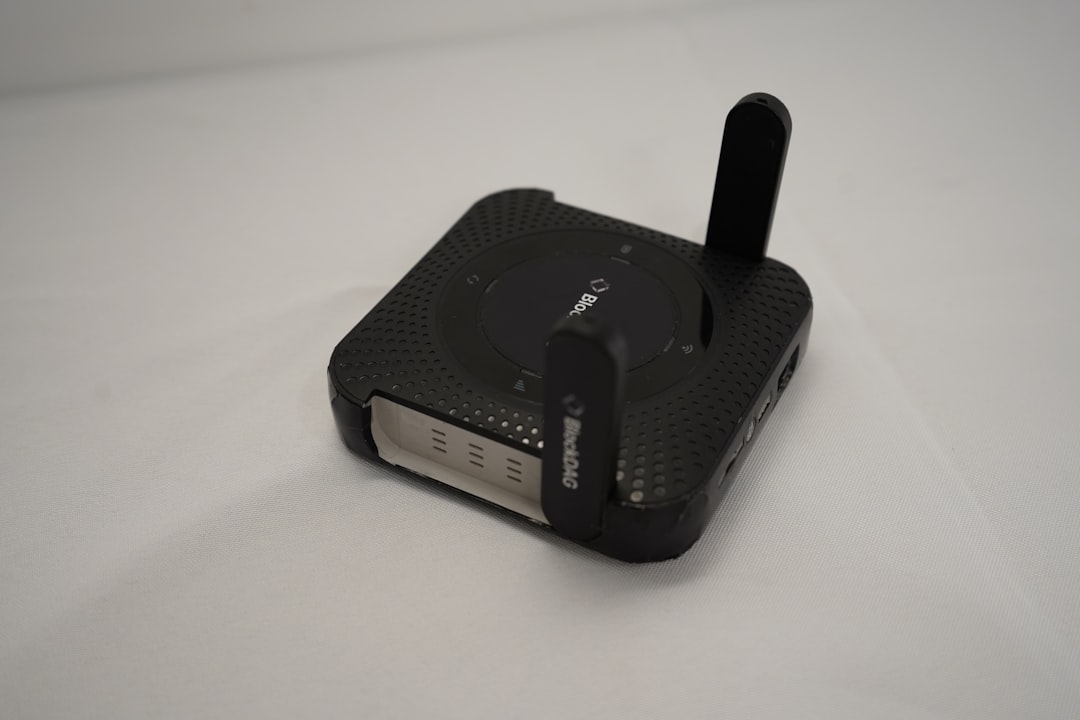
You live in a world woven with invisible threads of communication. From the moment you wake up and check your smartphone to the evening you stream your favorite show, you’re constantly interacting with a complex network of technologies. This article aims to demystify these ubiquitous forces, breaking down Cellular, WiFi, Bluetooth, and GPS into understandable components, so you can appreciate the magic that powers your connected life.
You probably don’t think much about it, but the ability to make calls, send texts, and browse the internet on the go is thanks to cellular technology. It’s the backbone of your mobile communication, and understanding its fundamental principles will illuminate how you stay connected wherever you roam.
How Your Phone Becomes a Part of the Network
Imagine your phone as a tiny radio transmitter and receiver. When you make a call or access data, your phone sends out a signal. This signal isn’t just broadcast randomly; it’s carefully directed towards the nearest cellular tower, also known as a base station. These towers are strategically placed to create a network of coverage, forming what we call “cells.”
The Role of Base Stations and Cells
Each cellular tower is the central hub for a specific geographical area, or “cell.” Think of these cells as hexagonal sections on a map. As you move from one area to another, your phone seamlessly transfers its connection from one tower to the next without you even noticing. This process is called “handoff” or “handover,” and it’s crucial for maintaining uninterrupted service. The design of these cells is an engineering marvel, optimizing coverage and capacity to serve the maximum number of users efficiently. Multiple overlapping cells ensure that there are no dead spots in densely populated areas, and larger cells are used in less populated regions to conserve resources.
Frequency Bands and Spectrum Allocation
For your phone to communicate, it needs to use specific radio frequencies. These frequencies are like invisible highways in the air, each assigned to different purposes. Cellular networks operate across a range of frequency bands, regulated by government agencies. These bands are carefully allocated to different mobile carriers to avoid interference. Higher frequencies generally offer faster data speeds but have a shorter range, while lower frequencies have a longer range but lower speeds. This is why you might experience different network performance depending on your location and the available spectrum. The continuous evolution of cellular technology, from 2G to 5G, has been largely about efficiently utilizing and expanding these frequency bands to accommodate ever-increasing data demands.
From 2G to 5G: A Generational Leap
You’ve likely seen the labels 2G, 3G, 4G, and now 5G displayed on your phone. These represent different generations of cellular technology, each building upon the last to offer significant improvements.
2G: The Dawn of Digital Mobile Communication
The second generation (2G) was a game-changer because it transitioned from analog to digital signals. This meant clearer calls and the introduction of text messaging (SMS). While basic by today’s standards, 2G laid the foundation for the mobile revolution. You might recall the days of clunky phones and very slow internet if you experienced this era.
3G: The Mobile Internet Arrives
Third generation (3G) technology brought us mobile internet access. Suddenly, you could browse websites, send emails, and even download basic applications on your phone. This was a significant leap, marking the beginning of the smartphone era, even if the speeds were a fraction of what you experience today.
4G/LTE: High-Speed Mobile Broadband
Fourth generation (4G), often marketed as LTE (Long-Term Evolution), significantly boosted data speeds. This enabled seamless video streaming, faster downloads, and a much smoother online experience on your mobile device. It’s the technology that truly made the modern smartphone indispensable for many.
5G: The Future of Connectivity
Fifth generation (5G) represents the latest leap forward. It promises dramatically faster speeds, lower latency (the delay between sending a command and receiving a response), and the ability to connect a massive number of devices simultaneously. This opens doors for new applications like augmented reality, autonomous vehicles, and advanced IoT (Internet of Things) devices. You’re likely starting to see the benefits of 5G, with even more innovation on the horizon.
For a deeper understanding of how cellular, WiFi, Bluetooth, and GPS technologies interconnect and function in our daily lives, you can explore the article titled “Cellular, WiFi, Bluetooth, and GPS Explained” available at this link: Cellular, WiFi, Bluetooth, and GPS Explained. This resource provides comprehensive insights into the roles each technology plays in modern communication and navigation systems.
The Invisible Web: WiFi and Its Wonders
While cellular keeps you connected on the move, WiFi is the invisible force that powers your connection at home, in offices, and in public spaces. It’s the technology that allows you to stream, browse, and work without the constraints of cables.
How WiFi Establishes Your Wireless Domain
WiFi, a proprietary technology of the Wi-Fi Alliance, operates on radio waves, much like cellular, but within a much shorter range. It enables devices to connect to a network wirelessly, typically to the internet.
Routers and Access Points: The Gatekeepers
The heart of any WiFi network is a router or an access point. Your home router, often provided by your internet service provider, acts as a bridge between your local network and the internet. It receives the internet signal (usually from a modem) and broadcasts it wirelessly, creating your personal WiFi “hotspot.” Access points, often found in larger buildings, perform a similar function, extending WiFi coverage.
Frequencies and Channels: Navigating the Airwaves
Just like cellular, WiFi uses specific radio frequency bands, primarily 2.4 GHz and 5 GHz.
The 2.4 GHz Band: Range and Compatibility
The 2.4 GHz band is older and offers a wider coverage area, making it ideal for penetrating walls and reaching devices further away. However, it’s also more prone to interference from other devices operating on the same frequency, like microwaves and older Bluetooth devices. This can sometimes lead to slower speeds.
The 5 GHz Band: Speed and Less Interference
The 5 GHz band offers significantly faster speeds and experiences less interference because it’s less crowded. However, its range is shorter, and it doesn’t penetrate solid objects as well as 2.4 GHz. Many modern routers offer dual-band WiFi, allowing you to connect to either band, choosing the best option for your device and location.
WiFi Standards: Evolution in Wireless Performance
The performance of your WiFi connection is also dictated by the WiFi standard it uses. These standards are developed by the IEEE and overseen by the Wi-Fi Alliance.
802.11b/g/n: The Early Days
You might have encountered older routers that only support 802.11b, g, or n standards. These provided the initial wireless connectivity, with ‘n’ offering a significant improvement in speed and range over its predecessors.
802.11ac (WiFi 5): A Significant Speed Boost
The 802.11ac standard, now commonly referred to as WiFi 5, brought about a substantial increase in data transfer rates, making HD video streaming and faster downloads commonplace.
802.11ax (WiFi 6/6E): The Future of WiFi
The latest standard, 802.11ax, also known as WiFi 6 and WiFi 6E (with 6E extending into the 6 GHz band), is designed for increased efficiency, especially in crowded environments. It offers higher speeds, better performance for multiple devices, and improved battery life for connected devices. If you have a newer router and devices, you’re likely experiencing the benefits of WiFi 6.
The Close-Range Connector: Bluetooth’s Ubiquitous Presence
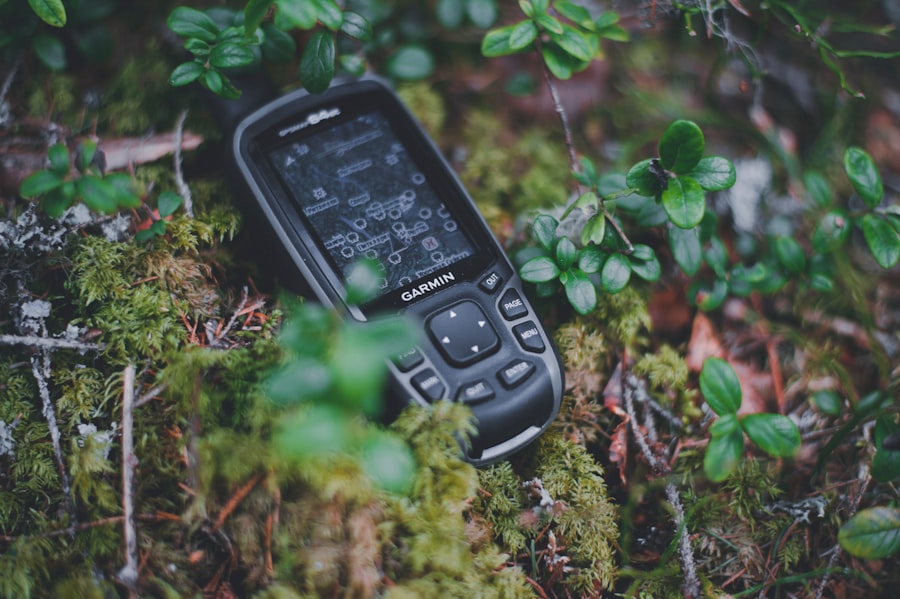
Bluetooth is the unsung hero of short-range wireless communication. It’s the technology that allows your headphones to connect to your phone, your smartwatch to sync with your tablet, and your wireless mouse to work without a dongle.
The Magic of Short-Distance Pairing
Bluetooth operates on the 2.4 GHz ISM (Industrial, Scientific, and Medical) radio band, the same as some WiFi frequencies. However, it uses a technique called “frequency hopping” to rapidly switch between 79 different channels, making it highly resistant to interference. This is how multiple Bluetooth devices can coexist without disrupting each other.
Pairing Devices: Creating a Personal Network
The fundamental concept behind Bluetooth is “pairing.” When you connect two Bluetooth devices for the first time, they exchange authentication information, creating a secure link. This allows them to communicate directly without needing to go through a central hub like a WiFi router.
Profiles: Defining How Devices Interact
Bluetooth devices don’t just connect; they communicate in specific ways defined by “profiles.” These profiles dictate what kind of data can be exchanged and how.
The Advanced Audio Distribution Profile (A2DP)
This is the profile that enables you to stream high-quality stereo audio wirelessly to headphones, speakers, and car stereos.
The Human Interface Device (HID) Profile
This profile allows for the connection of input devices like keyboards, mice, and game controllers.
The Hands-Free Profile (HFP)
Essential for in-car communication, HFP enables your phone to handle calls wirelessly through your car’s audio system or a dedicated Bluetooth headset.
Bluetooth Versions: Evolution of Speed and Range
Like other technologies, Bluetooth has seen continuous development, with new versions offering improved performance.
Bluetooth 4.0 (Low Energy): Powering Wearables
Bluetooth 4.0 introduced Bluetooth Low Energy (BLE), which significantly reduced power consumption. This was a game-changer for battery-powered devices like smartwatches, fitness trackers, and smart home sensors.
Bluetooth 5.0 and Beyond: Enhanced Capabilities
Subsequent versions, like Bluetooth 5.0, 5.1, and 5.2, have brought increased speed, extended range, improved location services, and enhanced audio capabilities, making your wireless connections even more robust and versatile.
Finding Your Way: The Precision of GPS

You might take it for granted, but GPS (Global Positioning System) is a marvel of engineering that allows you to pinpoint your location on Earth with remarkable accuracy. It’s the technology behind navigation apps, location-based services, and countless other applications.
The Symphony of Satellites
GPS is a satellite-based radio navigation system. It consists of a constellation of satellites orbiting the Earth, a network of ground control stations, and user receivers, like the one in your smartphone.
Satellites in Orbit: Your Cosmic Beacons
There are currently dozens of operational GPS satellites in medium Earth orbit. Each satellite transmits precise timing signals and its own orbital location.
The Receiver’s Calculation: Triangulation in Action
Your GPS receiver, whether in your phone or a dedicated device, listens for signals from multiple satellites. By measuring the time it takes for signals from at least four different satellites to arrive, your receiver can calculate its precise distance from each satellite. Using a process called trilateration (or more accurately, multilateration), it then determines your position on Earth.
Accuracy and Factors Affecting It
While GPS is incredibly accurate, its performance can be affected by various factors.
Atmospheric Conditions
The Earth’s atmosphere can refract and slow down GPS signals, leading to minor inaccuracies.
Signal Obstructions
Tall buildings, dense foliage, and even heavy cloud cover can obstruct or reflect GPS signals, making it difficult for your receiver to get a clear reading from enough satellites. This is why your navigation can sometimes be spotty in urban canyons or deep forests.
Receiver Quality
The quality and sensitivity of your GPS receiver also play a role in its accuracy. Newer, more advanced receivers can better compensate for signal degradation.
Beyond Navigation: The Versatility of GPS
While navigation is its most visible application, GPS has far-reaching implications.
Timing and Synchronization
The precise timing signals from GPS satellites are used to synchronize clocks in telecommunications networks, financial systems, and power grids, ensuring critical infrastructure operates smoothly.
Scientific Research and Surveying
GPS is invaluable for mapping, geological surveys, tracking tectonic plate movement, and a wide array of scientific research.
Emergency Services
In emergency situations, GPS is crucial for pinpointing the location of distressed individuals and coordinating rescue efforts.
For those interested in understanding the intricate workings of modern technology, a fascinating article on the interplay between cellular, WiFi, Bluetooth, and GPS can be found at Freaky Science. This resource delves into how these technologies communicate and function together, enhancing our daily lives in ways we often take for granted. Whether you’re curious about how your smartphone connects to various networks or how location services operate, this article provides valuable insights that are both informative and engaging.
The Interplay of Technologies: A Connected Ecosystem
| Technology | Explanation |
|---|---|
| Cellular | Refers to the technology that allows mobile phones to connect to a network and make calls, send texts, and access the internet. |
| WiFi | Enables devices to connect to the internet wirelessly within a certain range of a router or access point. |
| Bluetooth | Allows for short-range wireless communication between devices, such as connecting a phone to a speaker or a keyboard. |
| GPS | Global Positioning System, which uses satellites to provide location and time information to a GPS receiver, allowing for navigation and location-based services. |
It’s important to understand that these technologies don’t operate in isolation. They often work in concert to provide the seamless experiences you’ve come to expect.
How They Complement Each Other
Your smartphone is a prime example of this synergy. When you use a navigation app, it’s likely using GPS to determine your location. Simultaneously, it might use WiFi for faster map downloads and Bluetooth to relay turn-by-turn directions to your car’s audio system or headphones.
Enhancing User Experience
This interconnectedness leads to richer and more intuitive user experiences. Imagine a smart home system where your phone’s location (determined by GPS) triggers your WiFi-enabled lights to turn on as you approach your house, and Bluetooth headphones connect automatically to your smart speaker when you enter the living room.
The Future of Integrated Connectivity
The trend is towards even tighter integration. As we move towards the Internet of Things (IoT), more devices will communicate with each other using a combination of these technologies, creating a truly intelligent and responsive environment. You are at the center of this evolving digital tapestry, and understanding these foundational technologies empowers you to navigate and appreciate the connected world around you.

Your Phone Can Still Know Where You Are in Airplane Mode
FAQs
What is cellular WiFi Bluetooth GPS explained article about?
The article explains the functionalities and differences of cellular, WiFi, Bluetooth, and GPS technologies.
What is cellular technology?
Cellular technology refers to the use of mobile communication technology that allows for voice and data transmission over a network of cell sites.
What is WiFi technology?
WiFi technology allows electronic devices to connect to a wireless local area network (WLAN) using radio waves, providing high-speed internet and network connections.
What is Bluetooth technology?
Bluetooth technology enables short-range wireless communication between electronic devices, such as smartphones, tablets, and computers, for the purpose of data transfer and connectivity.
What is GPS technology?
GPS technology, or Global Positioning System, uses satellite signals to determine the precise location of a device, providing accurate navigation and location-based services.