
So, you’ve got an LED screen, and you’re seeing these weird white spots or patches? That’s likely a cracked phosphor layer. It’s not the end of the world, but it can be annoying and, in some cases, get worse. Let’s break down what’s happening, why it’s happening, and what you can do about it.
Understanding the Phosphor Layer and Its Role
Think of your LED screen like a sandwich. The very back is the LED itself, which emits a blue light. This blue light then passes through a layer of phosphor material. This phosphor is like a translator; it takes that blue light and converts it into the red and green light needed to create the full spectrum of colors you see on your screen. The phosphor is typically a thin, powdery coating applied to a substrate, often a glass or plastic panel.
How Phosphor Creates Color
The magic happens at the molecular level. When the high-energy blue photons from the LED strike the phosphor particles, they excite the electrons within the phosphor material. As these electrons return to their normal energy state, they release energy in the form of light. Different types of phosphors are used to emit specific wavelengths of light – one type for red, another for green. The precise mixture and application of these phosphors, along with the remaining blue light from the LEDs, are what create the white light that then gets filtered and manipulated by the display’s color filters to produce the image you see.
The Structure of an LED Display
To better grasp why the phosphor layer can crack, it’s helpful to understand the layered nature of an LED display. At its simplest, it involves:
- The LED backlight: This provides the initial light source, usually blue.
- The Phosphor Layer: This layer, as described above, converts blue light to red and green.
- The Liquid Crystal Layer (for LCDs): This layer controls how much light passes through to create the image.
- Color Filters: These are red, green, and blue filters that, when combined with the light passing through the liquid crystal layer, create the final on-screen colors.
For OLED displays, the process is different as each pixel emits its own light, but the issue of phosphor degradation can still occur in certain types of OLED technology that utilize phosphorescent emitters. However, the most common scenario for “cracked phosphor layer” complaints typically refers to LED-backlit LCDs.
The phenomenon of cracked phosphor layers in LEDs can significantly impact their performance and longevity. For a deeper understanding of this issue and its implications on LED technology, you can refer to a related article that explores various factors affecting LED efficiency and durability. This article provides valuable insights into the causes of phosphor layer degradation and offers potential solutions to mitigate these problems. To read more, visit this article.
Common Causes of Phosphor Layer Cracking
So, what makes this delicate phosphor layer decide to crack? It’s usually a combination of stress and environmental factors. It’s not typically a sudden, catastrophic event, but rather a gradual process of wear and tear.
Mechanical Stress and Physical Impact
This is perhaps the most straightforward cause. If your screen has been dropped, bumped, or had something pressed against it with significant force, the underlying structure can be compressed or flexed, leading to cracks in the brittle phosphor coating. Even seemingly minor impacts over time can contribute. Think of it like a very thin ceramic glaze on a piece of pottery; it can chip or crack under stress.
- Drops and Falls: This is the most obvious culprit. Even a short fall can generate enough force to compromise the screen’s internal layers.
- Pressure Points: Placing heavy objects on a laptop lid, leaning on a monitor, or even excessive pressure from cleaning can cause localized stress.
- Manufacturing Defects: While less common, sometimes there can be microscopic weaknesses introduced during the manufacturing process that make the phosphor layer more susceptible to cracking later on.
Thermal Stress and Temperature Fluctuations
LEDs generate heat, and this heat, combined with ambient room temperature and how the device is used, can create cycles of expansion and contraction within the display assembly. When different materials in the display expand and contract at different rates, it puts stress on the layers, including the phosphor. Extreme or rapid temperature changes can exacerbate this.
- Overheating: Devices that are used for extended periods in poorly ventilated areas or are pushed to their performance limits can overheat. This prolonged heat can weaken the phosphor layer.
- Rapid Temperature Changes: Moving a device from a very cold environment to a warm one quickly, or vice-versa, can cause rapid expansion or contraction, stressing the delicate layers. Think of leaving a laptop in a cold car and then immediately turning it on in a warm room.
- Heat Dissipation Issues: If the display’s cooling system isn’t efficient, heat can build up, leading to consistent thermal stress on the phosphor.
Chemical Exposure and Environmental Factors
While less common for typical consumer use, certain environmental conditions can also contribute to phosphor degradation. This is more often a concern in industrial or specialized applications where exposure to specific chemicals or humidity levels is higher.
- Humidity and Moisture: Prolonged exposure to high humidity can, in some cases, lead to chemical reactions that degrade the phosphor or the adhesives holding it in place.
- Chemical Vapors: In certain industrial settings, exposure to specific solvents or reactive gases could potentially interact with the phosphor material. For most people using their devices at home or in an office, this is not a significant concern.
Age and Normal Wear and Tear
Like any material, phosphor can degrade over time. Even without specific impacts or extreme conditions, the constant operation of LEDs and the resulting thermal cycling will eventually take a toll. This is a slow, natural aging process, and the lifespan of the phosphor layer is designed to be long, but it’s not infinite.
The Visible Effects of a Cracked Phosphor Layer
So, what does this cracking actually look like on your screen? It’s usually quite distinctive, and thankfully, it’s not a common issue that affects every LED screen.
White Spots and Patches (The Hallmark Sign)
The most common visual symptom is the appearance of irregular white spots or patches on the display. These areas appear brighter than the surrounding image and don’t change with the content being displayed. They are essentially areas where the phosphor is no longer functioning correctly to convert the blue LED light into the intended colors.
- Localized Brightness: These spots stand out because they are emitting a raw, unfiltered blue light (or a mix that appears as pure white) that isn’t being properly diffused or converted.
- Static Appearance: Unlike image retention (burn-in), these white spots are permanent and don’t disappear when the screen content changes. They are part of the screen’s physical structure.
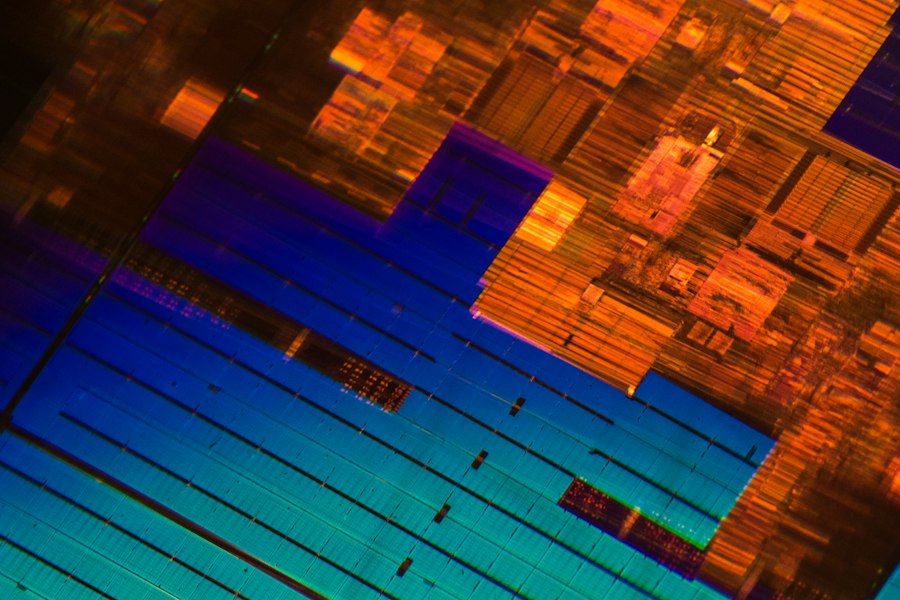
- Irregular Shapes: The cracks themselves can form various patterns, leading to amorphous or spiderweb-like white areas.
Affecting Color Accuracy and Brightness
When the phosphor layer is compromised, the entire color reproduction process is disrupted. This can lead to noticeable shifts in the overall color balance of your display.
- Washed-Out Colors: In areas surrounding the cracked phosphor, you might notice that colors appear less vibrant or “washed out.” This is because the blue light isn’t being accurately converted to red and green, affecting the overall white balance and color saturation.
- Uneven Brightness: While the cracked areas are brighter, the surrounding areas might appear dimmer or less uniform in brightness due to the altered light transmission.
Potential for Spread and Worsening
In some cases, a small crack can, over time, spread or lead to further degradation of the surrounding phosphor. This is particularly true if the initial cause was mechanical stress or continued thermal cycling. It’s like a small chip in glass that can grow.
- Incremental Growth: You might notice the white spots slowly becoming larger or more numerous over weeks or months.
- Increased Visibility: As the cracks spread, the affected areas become more prominent and distracting.
Troubleshooting and Repairing Cracked Phosphor Layers
Unfortunately, when it comes to a physically cracked phosphor layer, the repair options are limited, and often, replacement is the most practical solution. This isn’t like fixing a software glitch; it’s a hardware problem.
Can it be “Fixed” without Replacement?
Generally, no. A cracked phosphor layer is a physical break in a delicate material. There’s no software patch or magic trick to “heal” it. Think of it like a crack in a smartphone screen – you can’t un-crack it. Any “fixes” you might find online are likely temporary, cosmetic, or misdiagnosing the issue.
- No DIY “Glue” Solutions: You won’t find a magical adhesive that can perfectly re-bond the phosphor particles and restore their light-emitting properties.
- Misdiagnosis is Common: Many issues can look like a cracked phosphor layer, such as dead pixels, stuck pixels, or image retention. These can sometimes be addressed with software tricks or gentle manipulation. It’s crucial to be sure it’s actually the phosphor.
When Replacement is the Only Viable Option
For most consumer electronics, if the phosphor layer is significantly damaged, the most cost-effective and reliable solution is to replace the entire display panel.
- Professional Repair Services: For laptops, monitors, or TVs, you can take your device to a professional repair shop. They will diagnose the issue and, if it’s indeed a cracked phosphor layer, recommend replacing the screen assembly.
- DIY Replacement (for the adventurous): If you’re comfortable with electronics repair and your device is out of warranty, you might be able to order a replacement screen panel yourself and install it. This requires careful handling, specific tools, and finding the exact compatible part for your model. There are many online tutorials for specific devices.
- Cost Considerations: Replacing a screen panel can be expensive, sometimes approaching the cost of a new device, especially for larger TVs or high-end laptops. This is why it’s important to weigh the cost of repair against the cost of a new unit.
What to Do If You Suspect a Cracked Phosphor Layer
If you’re seeing those tell-tale white spots, here’s a practical approach:
- Confirm the Diagnosis: Before assuming it’s the phosphor, try to rule out other issues.
- Image Retention Test: Display a static, brightly colored image for a while, then switch to a completely black screen. If bright remnants of the image linger, it’s image retention, not a phosphor crack.
- Pixel Test Software: Use online pixel testing tools to check for dead or stuck pixels, which appear as black or colored dots, respectively.
- Check for Physical Damage: Inspect the screen for any visible signs of impact or damage to the casing that might have caused internal stress.
- Consult Your Warranty: If your device is still under warranty, contact the manufacturer. They will likely cover this type of hardware defect.
- Get a Professional Opinion: If out of warranty, get a quote from a reputable repair shop. They can confirm the issue and give you a realistic repair cost.
- Weigh Your Options: Based on the repair cost and the age/value of your device, decide whether to repair, replace the device, or continue using it as-is if the spots are not too distracting.
The advancements in LED technology have led to various innovations, including the development of cracked phosphor layer LEDs, which enhance light output and efficiency. For a deeper understanding of how these LEDs function and their potential applications, you can explore a related article that discusses the science behind LED technology. This resource provides valuable insights into the mechanisms at play and the future of lighting solutions. To read more, visit Freaky Science.
Preventing Future Phosphor Damage
| Metric | Description | Typical Values | Impact on LED Performance |
|---|---|---|---|
| Crack Width | Width of cracks in the phosphor layer | 1-50 µm | Increases light scattering, reduces luminous efficiency |
| Crack Density | Number of cracks per unit area | 10-200 cracks/mm² | Higher density leads to more light leakage and color inconsistency |
| Phosphor Layer Thickness | Thickness of the phosphor coating | 10-50 µm | Thinner layers are more prone to cracking; affects color conversion |
| Luminous Flux Reduction | Decrease in light output due to cracks | 5-20% | Directly reduces LED brightness |
| Color Shift (CCT Change) | Change in correlated color temperature caused by cracks | Up to 500 K shift | Leads to inconsistent white light appearance |
| Operational Lifetime Impact | Effect of cracked phosphor on LED lifespan | 5-15% reduction | Accelerates lumen depreciation and color degradation |
| Thermal Resistance Increase | Change in thermal resistance due to cracks | 0.1-0.5 K/W increase | Causes higher junction temperatures, reducing reliability |
While you can’t entirely prevent wear and tear or the occasional accidental bump, there are steps you can take to minimize the risk of damaging your LED screen’s phosphor layer.
Handling Your Device with Care
This is the most critical preventative measure. Treat your electronic devices with the respect they deserve to avoid physical stress.
- Secure Transport: When moving laptops or tablets, always use a padded case or sleeve. Avoid placing heavy items on top of them in a bag.
- Stable Placement: Ensure your monitor or TV is placed on a stable surface where it’s unlikely to be knocked over. Avoid areas with high foot traffic or where children and pets can easily access them.
- Gentle Cleaning: When cleaning your screen, use a soft, lint-free microfiber cloth and a screen-specific cleaning solution (or just a slightly damp cloth if no specialized cleaner is available). Never spray liquid directly onto the screen; apply it to the cloth first. Avoid excessive pressure.
Managing Heat and Ventilation
Proper thermal management is key to reducing stress on all internal components, including the phosphor layer.
- Ensure Airflow: For laptops, ensure the vents are not blocked. Avoid using them on soft surfaces like beds or carpets, which can obstruct airflow. Consider using a laptop cooling pad for intensive tasks.
- Avoid Extreme Temperatures: Try to avoid using or storing your devices in excessively hot or cold environments. If a device has been in a very cold car, let it warm up gradually before turning it on.
- Power Management: For laptops, using power-saving modes when not performing demanding tasks can help reduce overall heat generation.
Environmental Considerations
While less of a concern for most users, being mindful of your environment can also help.
- Avoid High Humidity Areas: If possible, don’t leave your devices in very humid environments for extended periods.
- Shield from Chemical Fumes: In home workshops or garages, be mindful of where you place your devices if there are strong chemical fumes present.
By being conscious of how you handle your devices and the environment they are in, you can significantly extend the life of your LED screen and reduce the chances of encountering issues like a cracked phosphor layer.
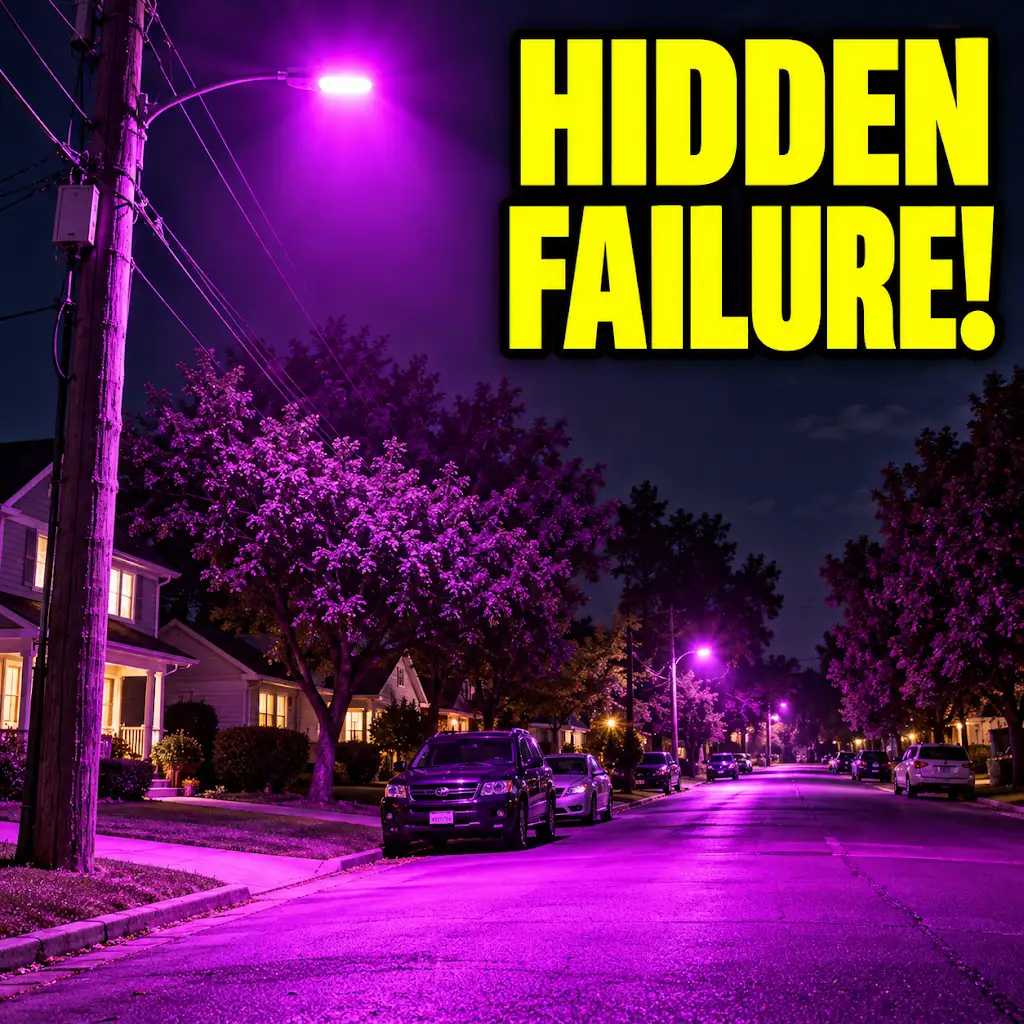
Why The Streetlights Are Turning Purple
FAQs
What is a cracked phosphor layer LED?
A cracked phosphor layer LED is an LED (light-emitting diode) where the phosphor coating on the LED chip has developed cracks or damage, affecting the quality and color of the light emitted.
What causes the phosphor layer in an LED to crack?
The phosphor layer in an LED can crack due to various reasons such as thermal stress, mechanical stress, manufacturing defects, or poor quality materials used in the LED production process.
How does a cracked phosphor layer affect the performance of an LED?
A cracked phosphor layer can lead to a decrease in light output, changes in color temperature, and reduced efficiency of the LED. It can also cause color inconsistencies and reduce the overall lifespan of the LED.
Can a cracked phosphor layer LED be repaired?
In most cases, a cracked phosphor layer LED cannot be repaired. The best solution is to replace the damaged LED with a new one to ensure optimal performance and lighting quality.
How can one prevent the phosphor layer in an LED from cracking?
To prevent the phosphor layer in an LED from cracking, it is important to use high-quality LEDs from reputable manufacturers, avoid exposing the LED to extreme temperatures, and handle the LED with care during installation and maintenance.