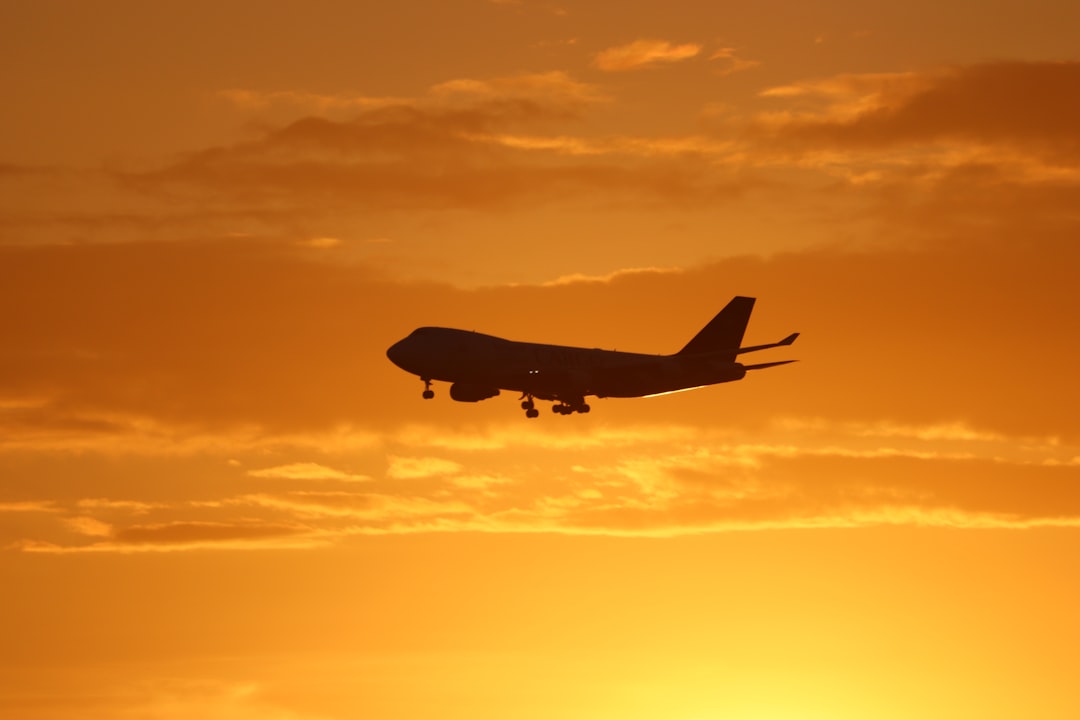
You’re on a plane, the cabin crew has just announced the pre-takeoff safety briefing, and a polite but firm voice reminds you to activate Airplane Mode. You dutifully tap the icon on your screen, but have you ever stopped to wonder exactly what you’re disabling? It’s more than just a little toggle; it’s a switch that fundamentally alters how your device interacts with the world around it. Understanding what Airplane Mode disables can not only demystify this seemingly simple function but also highlight the crucial role it plays in ensuring a safe and smooth flight. Let’s dive into the intricacies of this digital off-switch.
At its heart, Airplane Mode is designed to deactivate your device’s wireless communication capabilities. This is the primary reason it’s mandated on aircraft. The concern is that certain radio frequency signals emitted by your smartphone, tablet, or laptop could potentially interfere with the sensitive navigation and communication systems of an airplane. While the likelihood of a single device causing a major issue is debated, the cumulative effect of hundreds of devices transmitting simultaneously is a more significant concern for airlines and aviation authorities.
Cellular Network Connectivity
This is perhaps the most obvious function that Airplane Mode disables. Your device’s ability to connect to cellular towers – for making calls, sending texts, and accessing mobile data – is immediately shut down. This means no more checking emails on the go, no more live-tweeting your in-flight meal, and no more calling ahead to tell your ride you’ve landed.
No Calls or Text Messages (via cellular)
When Airplane Mode is on, your phone becomes a digital island, cut off from the cellular grid. The radios that would normally be searching for and connecting to cell towers are powered down. This prevents your phone from attempting to establish a connection, which is the core reason for this restriction. You’ll notice the familiar signal bars disappear, replaced by a small airplane icon indicating that your cellular connectivity is off.
Mobile Data Services Halted
Beyond basic calls and texts, your mobile data plan is also completely disabled. This includes all the apps that rely on a constant internet connection, such as social media, streaming services, and most messaging apps that use data rather than SMS. Even if you’re in an area with good cell reception, your device won’t be able to access the internet via your mobile carrier.
Wi-Fi Connectivity
While some airlines now offer Wi-Fi on board, historically, Wi-Fi was also a casualty of Airplane Mode. The rationale is similar to cellular signals – to eliminate any potential for interference. However, with the proliferation of in-flight Wi-Fi, this has become a nuanced area.
Disabling Your Device’s Wi-Fi Radio
When you activate Airplane Mode, your device’s Wi-Fi radio is typically switched off. This prevents your device from scanning for and connecting to any available Wi-Fi networks, including the one your airline might be providing. You’ll notice the Wi-Fi symbol on your device’s status bar will disappear.
The Nuance of In-Flight Wi-Fi
Modern aviation has adapted. Most airlines that offer Wi-Fi will explicitly instruct passengers to enable Airplane Mode first, and then connect to their specific in-flight Wi-Fi network. This is because the in-flight Wi-Fi systems operate on different frequencies and are designed to be compatible with aircraft systems. So, while Airplane Mode disables your device’s general Wi-Fi searching, it doesn’t prevent you from later manually connecting to a designated in-flight network. You are essentially disabling your device’s ability to seek out any Wi-Fi signal, allowing you to then choose a specific, approved one.
Bluetooth Connectivity
Bluetooth is another wireless technology that is powered down when you engage Airplane Mode. This is because Bluetooth also operates on radio frequencies, albeit at a much lower power level than cellular or Wi-Fi. While the risk of interference from Bluetooth is generally considered very low, especially given its short range, the blanket approach of Airplane Mode aims for maximum safety.
Turning Off Bluetooth Transmissions
Your device’s Bluetooth transmitter and receiver are deactivated. This means you won’t be able to connect to Bluetooth headphones, speakers, keyboards, or any other Bluetooth-enabled accessories. If you were planning on enjoying your flight with your noise-canceling Bluetooth headphones, you’ll need to switch Airplane Mode off after takeoff and then manually re-enable Bluetooth to connect them.
Why Disable Low-Power Bluetooth?
The decision to disable Bluetooth, even with its low power output, is largely about consistency and eliminating variables. During critical flight phases like takeoff and landing, when the aircraft is most reliant on its internal systems, airlines err on the side of caution. By disabling all non-essential wireless transmissions at once, they simplify the process and reduce the potential for any unexpected interactions. It’s a comprehensive approach to ensuring that the electromagnetic spectrum within the aircraft is as clean as possible.
Airplane mode is a feature on mobile devices that disables all wireless communication, including cellular, Wi-Fi, and Bluetooth, to ensure that devices do not interfere with aircraft systems during flight. For a deeper understanding of how airplane mode affects your device’s functionality and the science behind it, you can read a related article on this topic at Freaky Science. This resource provides insights into the technology involved and the reasons for its implementation in aviation safety.
What Remains Functional in Airplane Mode?
While Airplane Mode disables many of your device’s communication features, it’s important to remember that it doesn’t render your device completely useless. Many of the core functionalities that don’t rely on external wireless signals remain perfectly operational, allowing you to entertain yourself or stay productive during your journey.
Local Storage and Processing
The internal workings of your device – its processor, memory, and storage – are unaffected by Airplane Mode. This is where all your downloaded content and applications reside, and they continue to function as normal.
Offline Apps and Media
This is the real advantage of Airplane Mode for travelers. All the movies you’ve downloaded, the music you’ve saved, the e-books you’ve purchased, and the games you’ve installed can be enjoyed without an internet connection.
Downloaded Movies and TV Shows
Streaming services like Netflix, Amazon Prime Video, and Disney+ allow you to download content for offline viewing. Once downloaded, these titles are stored locally on your device and can be played back even when all wireless connections are disabled. This is a lifesaver for long flights, ensuring you have a steady stream of entertainment.
Music Libraries and Podcasts
Similarly, music streaming apps such as Spotify and Apple Music offer offline listening options. You can curate playlists and download albums to enjoy your favorite tunes without interruption. Podcasts are also typically downloaded and can be listened to offline.
E-books and Digital Reading
For readers, e-book apps like Kindle and Kobo allow you to download your library. You can happily delve into your latest novel or catch up on industry articles without needing a Wi-Fi signal.
Games and Productivity Software
Many mobile games are designed to be played offline, relying solely on your device’s processing power. Productivity apps, such as word processors, note-taking applications, and photo editors, also function without an internet connection, allowing you to work or organize your thoughts.
When you activate airplane mode on your device, it disables all wireless communications, including cellular, Wi-Fi, and Bluetooth connections, ensuring that your device does not interfere with aircraft systems. For a deeper understanding of how these features work and their implications, you might find this related article on the topic quite informative. You can read more about it here.
Device-Specific Features
Beyond content consumption, some device-specific features that don’t require external connectivity can also be used.
Camera and Photo/Video Capture
Your device’s camera is an independent system. You can absolutely take photos and record videos while in Airplane Mode. The images and videos are stored directly onto your device’s internal memory. This is perfect for capturing those breathtaking views from the airplane window or documenting your travel companions.
Alarms and Timers
The clock functionality of your device, including alarms and timers, is a built-in feature that does not rely on any wireless communication. So, you can confidently set your alarm for your destination or use timers for various purposes without worrying about connectivity.
Notes and Reminders
Most note-taking and reminder applications are designed to sync data when a connection is available, but they also allow for local creation and editing. You can jot down important thoughts, create to-do lists, or set reminders that will remain on your device until you can sync them later.
The Technical Rationale Behind Airplane Mode
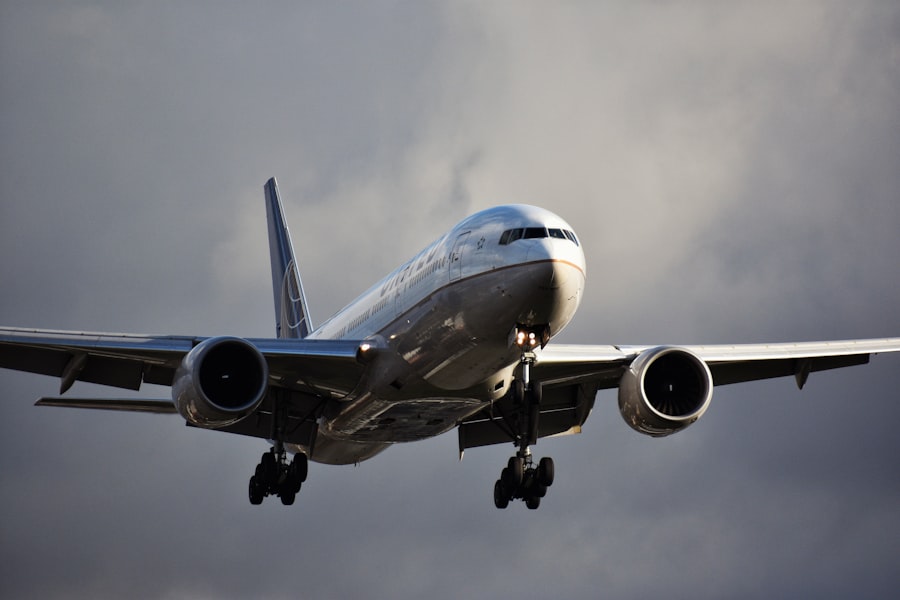
The implementation of Airplane Mode isn’t arbitrary. It’s rooted in the fundamental physics of radio waves and the critical need for signal integrity in aviation. Understanding the technical reasons behind these restrictions provides a deeper appreciation for the technology and its purpose.
Electromagnetic Interference (EMI)
The primary concern is electromagnetic interference (EMI). Electronic devices emit electromagnetic radiation, which can interact with other electronic devices. In the context of an airplane, the sensitive navigation, communication, and flight control systems rely on precise radio signals.
Radio Frequencies and Their Potential Impact
Different wireless technologies operate on different radio frequencies. Cellular networks, Wi-Fi, and Bluetooth all utilize specific bands of the electromagnetic spectrum. While individual devices may emit relatively low levels of radiation, the sheer number of these devices in a confined space like an airplane cabin can create a cacophony of radio waves.
Aircraft Systems: A Delicate Balance
Aircraft avionics are designed to operate within a tightly controlled electromagnetic environment. They use specific frequencies for critical functions like air traffic control communication, GPS navigation, and instrument landing systems. Introducing a multitude of unshielded, potentially interfering signals could, in theory, disrupt these delicate systems. This could lead to misinterpretations of data, lost signals, or even erroneous commands, with potentially severe consequences.
The Precautionary Principle in Aviation
Aviation operates under a strict adherence to the precautionary principle. This means that even if the risk of a particular event is low but the potential consequences are catastrophic, measures are taken to mitigate that risk.
Minimizing Risk During Critical Flight Phases
Takeoff and landing are the most critical phases of flight, where the aircraft is operating at low altitudes and speeds, and is most reliant on its communication and navigation systems. During these times, the cabin is often bustling, and passengers are in the process of boarding or disembarking, making it a period of heightened activity and potential for device activation. By requiring Airplane Mode during these times, airlines aim to create a controlled environment free from any potential electronic disturbances.
The Evolution of Technology and Regulations
It’s worth noting that the understanding of EMI and its impact on aviation has evolved over time. Early regulations were more stringent. As technology has advanced and research has been conducted, some regulations have been relaxed. However, the fundamental principle of minimizing potential interference remains. The current approach balances the need for safety with the desire for passenger convenience, allowing for the use of Wi-Fi and Bluetooth under specific circumstances after takeoff.
Beyond the Flight: Understanding Related Functions

While Airplane Mode is primarily associated with air travel, its core function of disabling wireless communication has implications for other situations where you might want to limit your device’s connectivity.
Saving Battery Life
One of the most significant side effects of having wireless radios constantly searching for signals is battery drain. Constantly trying to connect to cellular towers or Wi-Fi networks consumes a considerable amount of power.
The Battery-Saving Aspect of Airplane Mode
When you activate Airplane Mode, you are essentially powering down these power-hungry components. This can dramatically extend your device’s battery life, especially if you’re in an area with poor reception where your device is working extra hard to find a signal. This makes Airplane Mode a useful tool for conserving battery when you know you’ll be away from a power source for an extended period, even if you’re not on a plane.
Strategic Use for Extended Use
If you have a long day ahead and limited access to charging ports, putting your device in Airplane Mode for periods when you don’t need active internet connectivity can be a smart strategy. You can then briefly disable Airplane Mode to check messages or make a quick call before re-enabling it to conserve power.
Discreet Usage and Focused Work
In situations where you need to focus on a task or want to avoid distractions, Airplane Mode can be a helpful tool. It creates a digital barrier, allowing you to concentrate on your work or enjoy a moment of quiet without the constant influx of notifications.
Minimizing Distractions for Productivity
The constant ping of notifications from emails, social media, and messaging apps can be incredibly disruptive to focused work. Activating Airplane Mode silences all these interruptions, allowing you to dedicate your full attention to the task at hand. This is particularly useful if you’re working on a report, writing, or studying.
Respecting Quiet Environments
Beyond productivity, Airplane Mode can also be used to be considerate in quiet environments. Whether you’re in a library, a place of worship, or attending a lecture, disabling wireless notifications ensures that your device won’t disrupt others. While often associated with airplanes, this aspect of Airplane Mode highlights its broader utility for managing your device’s presence and your own focus.
Emergency Situations and Network Congestion
In certain extreme scenarios, such as during natural disasters or large public events, cellular networks can become heavily congested and even overloaded. In such situations, disabling your device’s cellular radio might, paradoxically, allow it to function more reliably.
When Networks Are Overwhelmed
When a large number of people attempt to use their phones simultaneously, it can overwhelm the capacity of local cell towers. This can lead to dropped calls, slow data speeds, and an inability to connect at all. By switching to Airplane Mode, you stop your device from continuously attempting to connect to an overloaded network, which can preserve its battery and allow you to access any local, non-cellular communication methods if available.
Accessing Emergency Services (with limitations)
It’s a common misconception that in a true emergency, Airplane Mode prevents you from calling emergency services. This is generally not the case. While your device’s cellular radio is disabled for standard communication, many modern smartphones are designed to allow emergency calls (like 911 or 112) to go through even when in Airplane Mode, by briefly activating a specific emergency communication protocol. However, this functionality can vary by device and network, so it’s not a foolproof guarantee. The primary benefit in these situations is often battery conservation and preventing your device from contributing to network congestion when it’s futile.
In conclusion, Airplane Mode is far more than just a simple switch. It’s a deliberate and multifaceted feature designed to ensure safety in the skies and offers practical benefits in various other scenarios. By understanding what it disables – primarily your device’s cellular, Wi-Fi, and Bluetooth radios – you can better appreciate its importance and utilize its functionalities to your advantage, both in the air and on the ground.

Your Phone Can Still Know Where You Are in Airplane Mode
FAQs
What is airplane mode?
Airplane mode is a setting available on most smartphones and other electronic devices that disables the device’s wireless communication functions. It is typically used during air travel to comply with airline regulations.
What does airplane mode disable?
When airplane mode is enabled, it disables the device’s ability to make or receive calls, send or receive text messages, and connect to the internet via cellular data or Wi-Fi. It also turns off Bluetooth and GPS functions.
Can I still use my device in airplane mode?
Yes, you can still use your device in airplane mode for activities that do not require wireless communication, such as playing games, listening to music, taking photos, or using apps that do not rely on internet connectivity.
Why is airplane mode required during flights?
Airplane mode is required during flights to prevent interference with the aircraft’s communication and navigation systems. It also helps reduce the potential for electromagnetic interference with other electronic equipment on the plane.
Are there any exceptions to using airplane mode during flights?
Some airlines allow the use of Wi-Fi and Bluetooth while in airplane mode, as long as the cellular and voice communication functions are disabled. However, it is important to follow the specific guidelines provided by the airline and the flight crew.