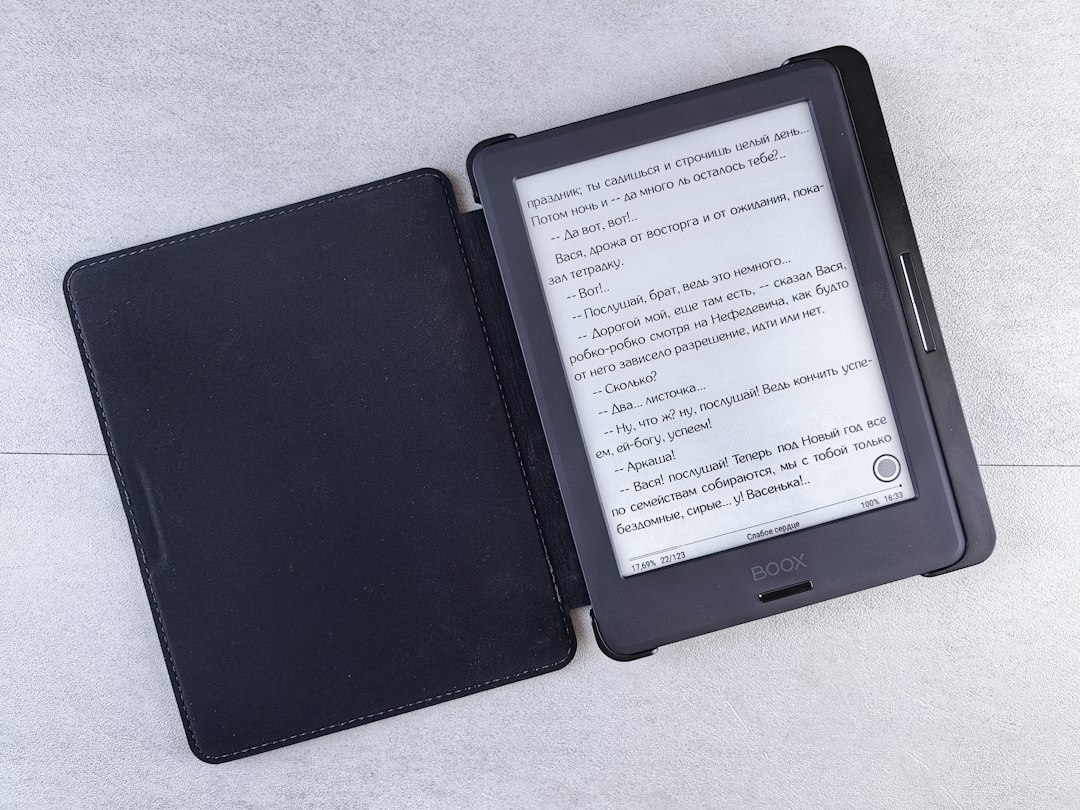
The glow of a traditional screen, with its emitted light and ever-present flicker, has long been the standard for digital reading. Yet, for many, the ideal reading experience remains rooted in the tactile sensation and visual comfort of printed paper. Amazon’s Kindle e-readers have arguably come the closest to bridging this gap, and the secret lies in their innovative use of E-Ink technology. Unlike the back-lit LCD or OLED screens found in smartphones and tablets, E-Ink displays mimic the appearance of ink on paper, offering a fundamentally different and, for many, superior reading environment. This article delves into the intricacies of E-Ink technology as implemented in Kindle devices, exploring how it achieves its paper-like quality and the benefits it brings to the reading experience.
The Foundation of Paper-Like Reading: Understanding E-Ink Technology
At its core, E-Ink, also known as electrophoretic ink, is a revolutionary display technology designed to emulate the look and feel of conventional ink on paper. Instead of emitting light, E-Ink screens reflect ambient light, much like a printed page. This fundamental difference is the primary reason for its comfort and readability, especially during extended reading sessions. The technology is built upon a microencapsulated design, where millions of tiny, transparent capsules are suspended in a liquid. Within each capsule are even smaller particles, typically black and white, each carrying an electrical charge. By applying specific electrical fields to these capsules, the charged particles can be moved to the surface of the display, creating the visible pixels that form text and images.
The Microcapsule Matrix: Tiny Spheres of Ink
The fundamental building block of an E-Ink display is the microcapsule. These are microscopic, transparent spheres, typically around the diameter of a human hair, that contain a fluid medium. Suspended within this fluid are two types of charged pigment particles: positively charged white particles and negatively charged black particles. The precise composition and size distribution of these particles, along with the properties of the fluid medium, are critical to the performance and visual characteristics of the E-Ink display. When an electric field is applied to a specific area of the display, it influences the movement of these charged particles. For instance, a positive charge applied from below might attract the negatively charged black particles to the surface, while repelling the positively charged white particles to the back. Conversely, a negative charge would draw the white particles to the surface. This controlled movement of black and white particles allows for the formation of distinct pixels, creating the illusion of text and imagery. The density and arrangement of these microcapsules determine the resolution and sharpness of the display.
Electrophoretic Movement: The Dance of Charged Particles
The process of creating an image on an E-Ink screen is known as electrophoresis. This is the movement of charged particles in response to an electric field. In an E-Ink display, the underlying circuitry, composed of a grid of electrodes, creates these electric fields. When a specific pixel needs to be rendered as black, a negative voltage is applied to the electrode beneath that microcapsule, attracting the positively charged white particles to the back and drawing the negatively charged black particles to the front. To render a pixel as white, a positive voltage is applied, repelling the black particles and bringing the white particles to the surface. For shades of gray, a more complex pattern of electrical pulses is employed, influencing the proportion of black and white particles that are brought to the visible surface. This granular control over the particle distribution is what enables E-Ink to display not just stark black and white but also a range of grays, which is essential for rendering nuanced images and varied text styles. The speed of this electrophoretic movement is a key factor in the responsiveness of E-Ink displays, particularly for actions like page turns.
Bistability: The Power-Saving Advantage
One of the most significant advantages of E-Ink technology, and a key contributor to its paper-like feel, is its bistability. This means that once an image or text has been displayed, it requires no further power to remain visible. The particles remain in their positions due to electrostatic forces until a new electrical signal is applied to change them. This is in stark contrast to traditional LCD or OLED screens, which continuously consume power to maintain the illuminated pixels. This bistable nature is the reason why E-Ink devices can last for weeks on a single charge, a feat virtually impossible for devices with conventional displays. This power efficiency also contributes to the lack of flicker and eye strain, as there is no constant refresh rate or backlight attempting to maintain an image. The image is simply there, much like ink on paper, until it is instructed to change.
The science behind Kindle screens is fascinating, particularly in how they utilize E Ink technology to create a reading experience that mimics paper. This technology not only reduces eye strain but also enhances readability in various lighting conditions. For a deeper understanding of the mechanics and benefits of Kindle screens, you can explore this related article on the topic. To learn more, visit this link.
The Kindle’s Implementation: Bringing E-Ink to Life
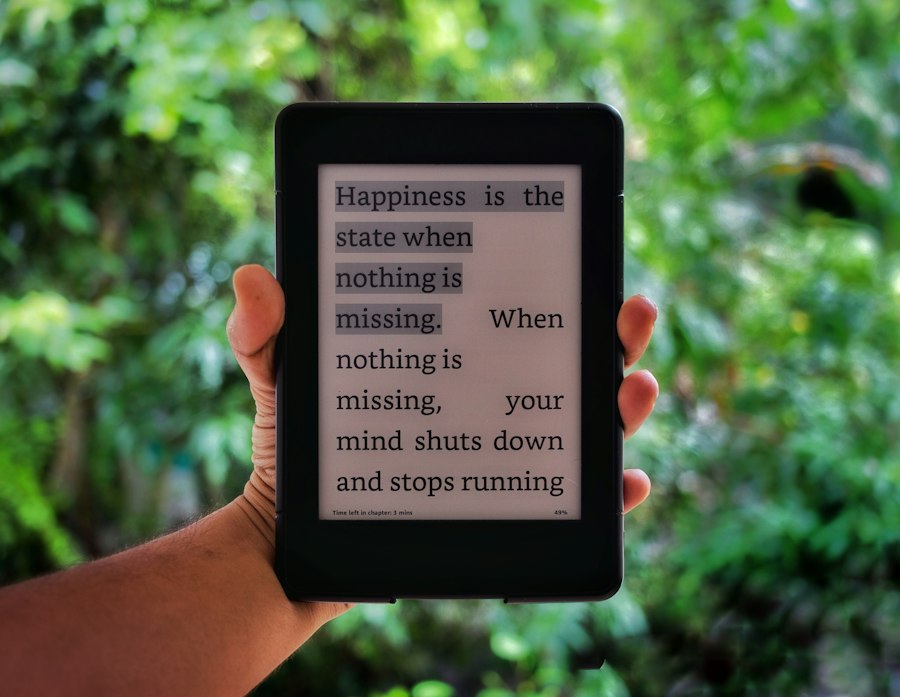
Amazon’s Kindle e-readers have been instrumental in popularizing E-Ink technology for a mass consumer audience. While the fundamental principles of E-Ink remain consistent, Kindle devices incorporate several refinements and proprietary technologies to optimize the reading experience. These include advanced screen technologies, precise control of the electrophoretic process, and the integration of features that enhance readability in various lighting conditions. The goal is to deliver a consistent and comfortable reading experience that closely approximates that of a physical book.
Paperwhite Displays: Enhanced Contrast and Illumination
Early E-Ink displays were purely reflective, meaning they relied entirely on ambient light. This made them difficult to read in dim conditions. Amazon’s introduction of the “Paperwhite” Kindle models marked a significant leap forward by integrating a front-lit display. This is not a backlight in the traditional sense; instead, tiny LEDs are strategically placed along the edges of the screen and the light is diffused across the surface, illuminating the display from the front. This gentle, even illumination allows for reading in complete darkness without the harsh glare associated with back-lit screens. The light is adjustable, enabling users to set the brightness to their preference, further contributing to eye comfort. The “Paperwhite” technology specifically aims to create a diffused, soft light that further mimics the subtle glow of natural light on paper, rather than the direct, piercing light of a traditional screen.
Adaptive Front Light: Personalized Reading Brightness
More advanced Kindle models, such as the Kindle Oasis and the latest Paperwhite generations, feature an adaptive front light. This intelligent system automatically adjusts the screen’s brightness based on the ambient light conditions. Using a built-in sensor, the Kindle can detect how bright or dark its surroundings are and then subtly increase or decrease the front light accordingly. This removes the need for manual adjustment, providing a consistently optimal reading experience whether the user is in bright sunlight, a dimly lit room, or complete darkness. This feature further enhances the “effortless reading” promise of E-Ink, allowing users to simply pick up their Kindle and read without fiddling with settings. The adaptive nature ensures that the device is always presenting the text in a way that minimizes eye strain and maximizes clarity.
Warm Light Adjustment: Mimicking Natural Light Cycles
A further enhancement in some Kindle models is the ability to adjust the color temperature of the front light, often referred to as “Warm Light.” Traditional E-Ink displays, even when front-lit, tend to emit a cooler, bluish light. While this is less fatiguing than the light from a typical LCD, some users find it still not entirely conducive to relaxed reading, especially before bedtime. The Warm Light feature allows users to shift the light spectrum towards warmer tones, similar to the light of a sunset or incandescent bulb. This can be particularly beneficial for reducing exposure to blue light in the evening, which is known to disrupt sleep patterns. By offering this level of customization, Kindle aims to cater to individual reading preferences and provide an even more natural and comfortable visual experience that respects the user’s circadian rhythm.
The Benefits of E-Ink for the Reading Experience
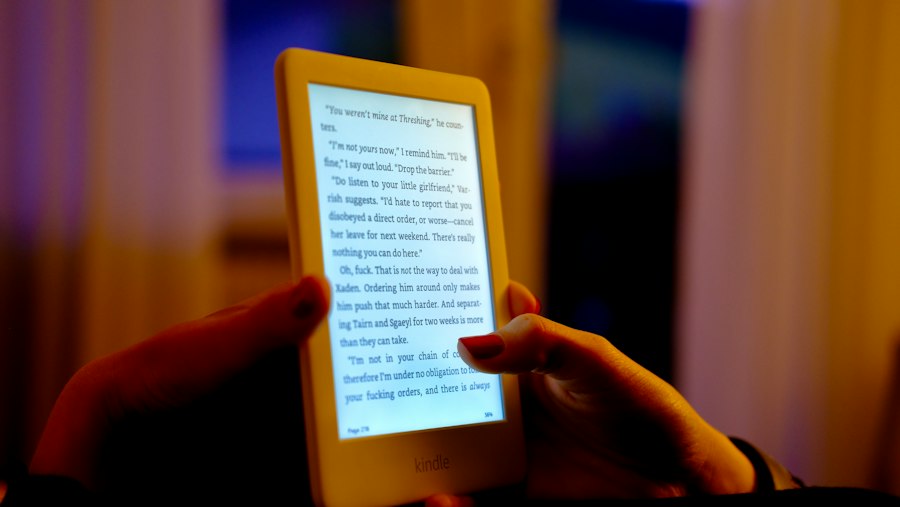
The technical sophistication of E-Ink translates directly into tangible benefits for the avid reader. The most commonly cited advantages revolve around visual comfort, portability, and battery life, all of which contribute to a reading experience that is, for many, superior to that offered by traditional electronic devices.
Unparalleled Eye Comfort: A Digital Book Without the Glare
The most significant advantage of E-Ink displays is their remarkable eye comfort. Because E-Ink reflects ambient light rather than emitting its own, it does not produce the harsh glare and blue light that are often associated with LCD and OLED screens. This makes E-Ink devices ideal for extended reading sessions, as they significantly reduce the risk of eye strain, fatigue, and headaches. The static nature of the image, with no flickering or refresh rate to contend with, further contributes to this comfort. Users often describe reading on a Kindle as being akin to reading a physical book, a testament to E-Ink’s ability to minimize the visual distractions and discomfort that can plague digital reading on other devices. This lack of emitted light is a fundamental departure from backlit displays and directly addresses the primary complaint many users have about prolonged screen time.
Extended Battery Life: Weeks, Not Hours
The bistable nature of E-Ink technology is the cornerstone of its exceptional battery life. Since power is only consumed when the display content is actively changing (i.e., during a page turn or interaction), Kindle devices can operate for weeks on a single charge. This is a dramatic difference compared to smartphones or tablets, which typically require daily charging, if not more frequent. This extended battery life makes Kindles incredibly convenient for travel, long commutes, or simply for those who prefer not to be tethered to a power outlet. The freedom from constant charging allows for a more immersive and uninterrupted reading experience, where the device is always ready when inspiration strikes. This power efficiency is a direct result of the physics of the E-Ink display, where the ink particles hold their position without continuous electrical input.
Sunlight Readability: No More Squinting
Unlike traditional screens, which can become difficult or impossible to view in bright sunlight due to glare and reflection, E-Ink displays excel in direct sunlight. Because they rely on reflected ambient light, they actually become easier to read in brighter conditions, much like a physical book. This makes Kindles perfect companions for outdoor reading, whether on a sunny beach, in a park, or by a window. There is no need to find shade or tilt the device to avoid glare. The contrast remains sharp, and the text is clear, providing a truly enjoyable reading experience in any bright environment. This inherent advantage over backlit screens makes E-Ink devices uniquely suited for users who enjoy reading outdoors or in brightly lit public spaces.
Considerations and Limitations of E-Ink Technology
While E-Ink offers numerous advantages, it is not without its limitations. These drawbacks are primarily related to its refresh rate, color reproduction, and the overall user interface experience compared to more dynamic displays. Understanding these limitations is crucial for setting appropriate expectations and choosing the right device for specific needs.
Refresh Rate and Ghosting: The Speed of Change
The electrophoretic movement of particles within E-Ink displays is inherently slower than the refresh rates of LCD or OLED screens. This means that page turns, while significantly improved over early E-Ink devices, can still have a slight delay compared to the instantaneous transitions seen on other devices. More noticeable, especially in older generations or with rapid screen changes, is the phenomenon of “ghosting.” This occurs when remnants of the previous screen image briefly persist after the new image has been displayed. Modern E-Ink displays and Kindle software employ various techniques, such as partial screen refreshes or full page flashes (where the screen briefly turns black then white), to mitigate ghosting and improve the perceived speed of transitions. However, for fast-paced content like comics or graphic novels, or for users accustomed to the immediacy of modern digital interfaces, the refresh rate can still be a limitation.
Color Reproduction: Primarily Black and White (and Shades of Gray)
The most significant limitation of E-Ink technology for many years has been its inability to display a wide spectrum of vibrant colors. Traditional E-Ink displays are monochromatic, rendering text and images in shades of black, white, and gray. While Amazon has introduced color E-Ink technology (like Kaleido) in some of its devices, these displays are still not as vibrant or color-accurate as their LCD or OLED counterparts. Color E-Ink is improving, but it is generally not as fast as monochrome and often comes with a reduced contrast ratio and a somewhat muted color palette. For reading novels, biographies, or technical documents where color is not essential, the monochrome E-Ink is perfectly suited. However, for content that heavily relies on color, such as magazines, comics, or image-heavy publications, traditional E-Ink can be a compromise.
User Interface and Responsiveness: Not for Gaming
The slower refresh rate and the way E-Ink displays are updated also mean that they are not well-suited for interactive applications that require rapid and fluid user interface responses. While navigating menus and adjusting settings on a Kindle is generally smooth, tasks like scrolling through web pages quickly, playing games, or watching videos are not the intended use cases for E-Ink devices. The technology is optimized for static or slowly changing content, making it ideal for reading but not for the dynamic, multi-purpose interactions typically associated with tablets or smartphones. The emphasis remains squarely on providing an optimal reading experience, and this specialization means certain functionalities are intentionally not prioritized.
The science behind Kindle screens is fascinating, particularly when considering how e-ink technology mimics the appearance of printed paper to reduce eye strain. This innovative display method allows for a reading experience that is both comfortable and efficient, making it a popular choice among avid readers. For a deeper understanding of the technology and its benefits, you can explore a related article on this topic at Freaky Science.
The Future of E-Ink and the Kindle Ecosystem
| Metric | Description | Value/Specification | Unit |
|---|---|---|---|
| Screen Type | Type of display technology used | E Ink Carta | – |
| Resolution | Number of pixels on the screen | 1448 x 1072 | pixels |
| Pixel Density | Pixels per inch (PPI) | 300 | ppi |
| Screen Size | Diagonal length of the screen | 6 | inches |
| Reflective Display | Uses ambient light instead of backlight | Yes | – |
| Refresh Rate | Time to refresh the screen | ~250 ms | milliseconds |
| Power Consumption | Energy used during page refresh | Very low (mW range) | milliwatts |
| Contrast Ratio | Difference between black and white levels | 10:1 to 15:1 | ratio |
| Viewing Angle | Angle at which screen is readable | Up to 180 | degrees |
| Front Light | Built-in adjustable LED lighting | Yes | – |
The evolution of E-Ink technology is ongoing, with manufacturers constantly striving to overcome its limitations and enhance its capabilities. Amazon, as a major player in the E-Ink market, is likely to continue leveraging and driving these advancements within its Kindle ecosystem, further solidifying its position as the go-to device for dedicated readers.
Advancements in Color E-Ink: Towards More Vibrant Displays
As mentioned, color E-Ink is an area of active development. Companies like E Ink Holdings are continuously refining their color display technologies, aiming for brighter, more saturated colors, faster refresh rates, and improved contrast. While it may be some time before color E-Ink fully rivals the vibrancy of LCDs, the progress being made suggests that future Kindle devices could offer a more compelling experience for color-heavy content. This could open up new possibilities for the Kindle, potentially making it a more versatile device for a wider range of digital publications. The continued investment in this area indicates a commitment to pushing the boundaries of what E-Ink can achieve.
Enhanced Durability and Form Factors: Beyond the Traditional Tablet
Future E-Ink developments may also focus on improving the durability of the displays and exploring new form factors. E-Ink screens are generally more resistant to scratches than some traditional screen technologies, but they can still be fragile. Innovations in protective coatings and flexible display substrates could lead to even more robust and versatile Kindle devices. Furthermore, the development of flexible E-Ink displays could pave the way for innovative designs, such as e-readers that can be rolled up or folded, further enhancing their portability and unique appeal. The inherent power efficiency and readability of E-Ink make it an attractive candidate for a variety of novel device concepts.
The Kindle’s Continued Role: A Dedicated Reading Platform
Despite the growing capabilities of multi-functional tablets, the Kindle is likely to maintain its strong position as a dedicated reading platform. Its core strengths – unparalleled eye comfort, exceptional battery life, and sunlight readability – remain unmatched by any other digital device. As E-Ink technology continues to evolve, it will likely further enhance these advantages. The Kindle ecosystem, with its vast library of books, integrated reading features, and user-friendly interface, provides a focused and immersive experience that caters specifically to the needs of readers. The future of the Kindle is intrinsically linked to the ongoing advancements in E-Ink, ensuring that it continues to offer a compelling and comfortable gateway to the world of digital literature.

Why Your Kindle Screen Doesn’t Work the Way You Think
FAQs
1. How does the Kindle screen work?
The Kindle screen uses electronic ink technology, also known as E Ink. This technology uses tiny microcapsules filled with positively and negatively charged particles that respond to electrical charges to create text and images on the screen.
2. Does the Kindle screen emit blue light?
No, the Kindle screen does not emit blue light like traditional backlit screens. This makes it easier on the eyes and reduces eye strain, especially during long reading sessions.
3. Can the Kindle screen be read in direct sunlight?
Yes, the Kindle screen is designed to be easily readable in direct sunlight. In fact, the screen becomes more reflective in bright light, making it easier to read outdoors compared to devices with traditional LCD screens.
4. How does the Kindle screen compare to a traditional LCD screen in terms of battery life?
The Kindle screen is more energy-efficient than traditional LCD screens, which means it consumes less power. This results in significantly longer battery life for the Kindle, allowing users to go weeks without needing to recharge, depending on usage.
5. Can the Kindle screen display color?
Most Kindle devices use grayscale E Ink screens that display text and images in black and white. However, some newer models, like the Kindle Fire, have color LCD screens that can display content in full color.