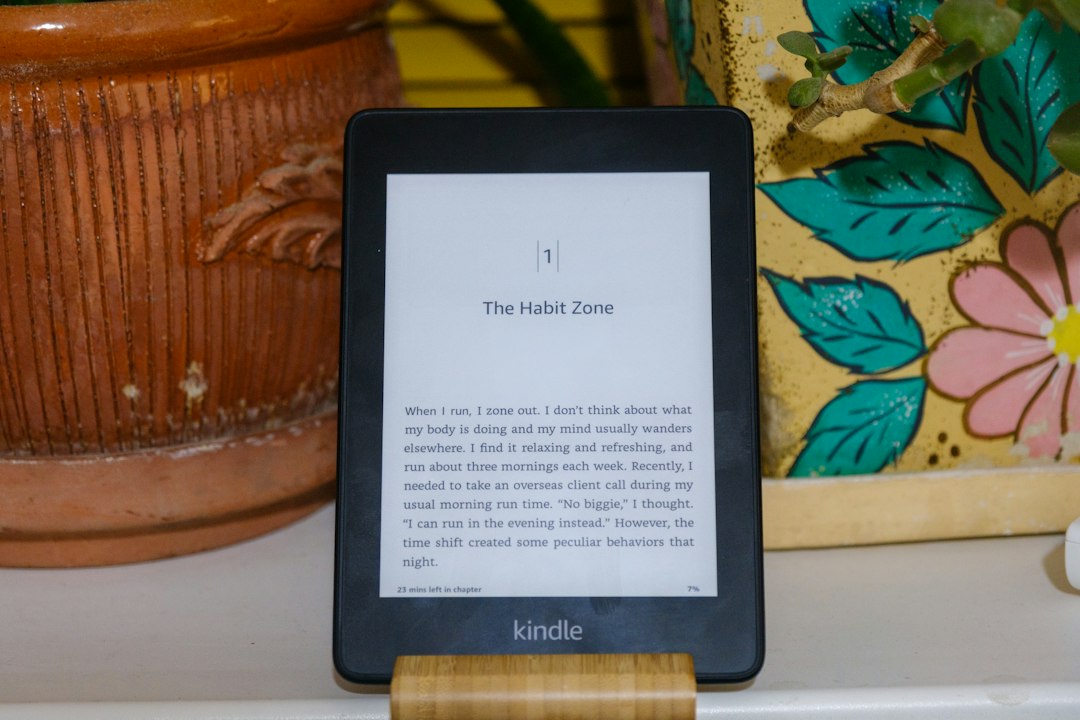
The visual experience of reading on an electronic device is a crucial factor for many users, and for e-readers like Amazon’s Kindle, screen resolution plays a paramount role in achieving that desirable crispness. When considering a Kindle, understanding its screen resolution and what it translates to in terms of reading quality is essential. This article delves into the intricacies of Kindle screen resolution, exploring its impact on text clarity, image rendering, and the overall immersive reading experience, and addresses what users can realistically expect from these devices.
Decoding Pixels and DPI: The Foundation of Kindle Clarity
At its core, screen resolution refers to the number of pixels displayed on a device’s screen. These pixels are the tiny dots that, when illuminated, form the images and text we see. A higher resolution means more pixels are packed into the same physical space, leading to a sharper and more detailed display. For e-readers, this translates directly to how clearly text appears. However, with e-ink technology, the concept of Dots Per Inch (DPI) is often more pertinent than simply the pixel count. DPI measures how densely pixels are packed together. A higher DPI indicates a tighter arrangement of pixels, resulting in smoother lines and a reduced perception of individual pixelation, which is particularly important for the sharp edges of text.
The Significance of E-Ink Technology
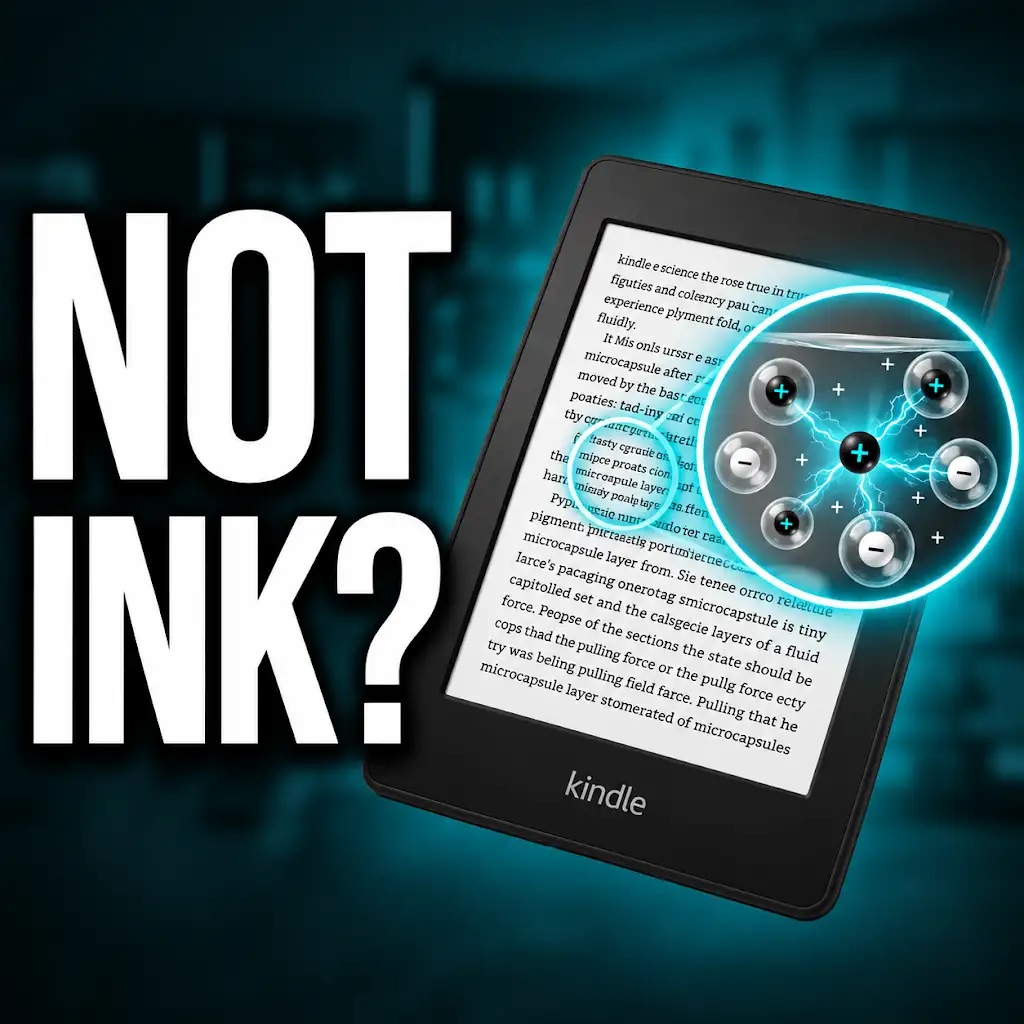
Kindle devices primarily utilize E-Ink technology, a display type designed to mimic the appearance of ordinary ink on paper. Unlike traditional LCD or OLED screens that emit light, E-Ink displays reflect ambient light. This fundamental difference contributes significantly to their readability, especially in bright conditions, and also influences how resolution is perceived. E-Ink screens are bistable, meaning they only consume power when changing the image, leading to exceptional battery life. However, this technology also has limitations regarding refresh rates and color reproduction compared to emissive displays. For resolution, E-Ink’s ability to render sharp, black text against a white background with minimal glare is its key advantage. The underlying technology dictates the precision with which these pixels can be controlled and displayed.
Pixel Density: DPI as the E-Reader’s Metric
While screen resolutions are often quoted in terms of width and height (e.g., 1024 x 768), for e-readers, the Dots Per Inch (DPI) is a more practical measure of clarity. DPI quantifies the sharpness of the displayed content. A higher DPI means that the text characters are formed by a greater number of pixels, resulting in smoother curves and straighter lines. For instance, a 300 DPI screen can display text with a level of sharpness that closely approximates printed books. Lower DPI screens, while still perfectly readable, might exhibit slightly more “jagged” edges on text, especially when viewed up close or when using very small font sizes. Amazon has progressively increased the DPI on its Kindle models over the years, reflecting a commitment to improving reading quality.
When considering the impact of screen resolution on reading experiences, it’s essential to explore various factors that contribute to overall user satisfaction. A related article that delves into the nuances of display quality and its effects on digital reading can be found at Freaky Science. This resource provides valuable insights into how different resolutions can enhance or detract from the clarity and comfort of reading on devices like the Kindle.
Evolving Kindle Resolutions: A Historical Perspective
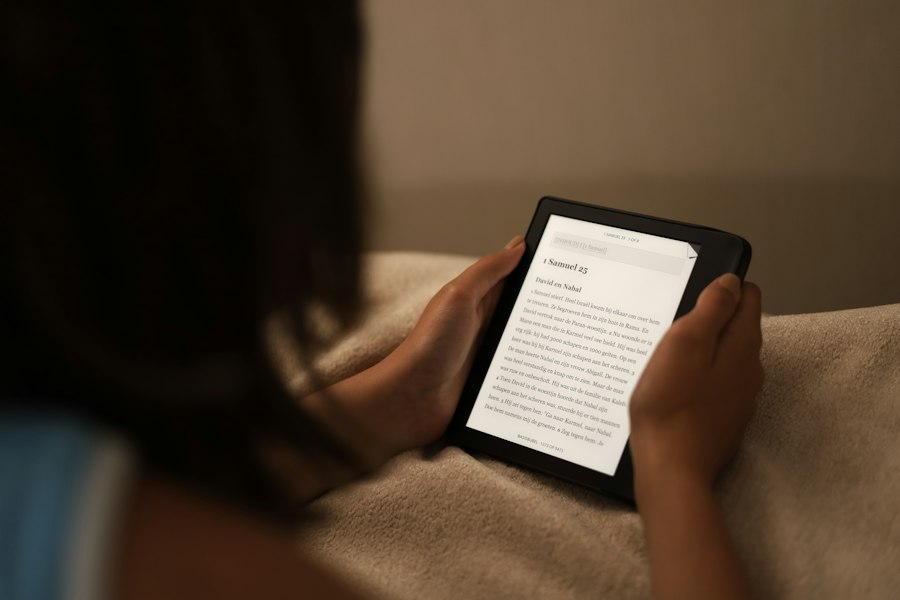
Amazon’s Kindle line has seen a steady evolution in screen technology, with resolution improvements being a key focus for enhancing the reading experience. Early Kindle models featured lower resolutions, which were adequate for basic text reading but less impressive for detailed images or graphic novels. As technology advanced and user expectations grew, newer Kindle generations have incorporated higher resolution E-Ink displays, bringing them closer to the visual fidelity of printed materials. This progression underscores Amazon’s dedication to refining the digital reading experience.
The Dawn of Higher Resolution: Kindle Paperwhite’s Impact
The introduction of the Kindle Paperwhite series marked a significant leap forward in Kindle screen technology. By increasing the DPI, the Paperwhite models offered a much sharper and more comfortable reading experience. The enhanced resolution meant that text appeared crisper, with fewer visible pixelation artifacts. This made reading for extended periods more enjoyable, as the strain on the eyes was reduced. The Paperwhite’s higher DPI became a benchmark for subsequent Kindle models, establishing a new standard for clarity in the e-reader market.
Current Generation Kindles: Pushing the Boundaries of Clarity
Today’s flagship Kindle models, such as the Kindle Oasis and the latest Kindle Paperwhite generations, boast impressive resolutions, often reaching 300 DPI. This high pixel density ensures that text is rendered with exceptional clarity, virtually indistinguishable from print in most reading scenarios. This focus on DPI means that even small font sizes appear sharp and well-defined. The smooth rendering of characters contributes to a more immersive reading experience, allowing users to get lost in their books without being distracted by screen artifacts. For users who prioritize the visual quality of their reading, the current generation of Kindles offers a top-tier E-Ink display.
What to Expect: Text Clarity and Readability on Modern Kindles
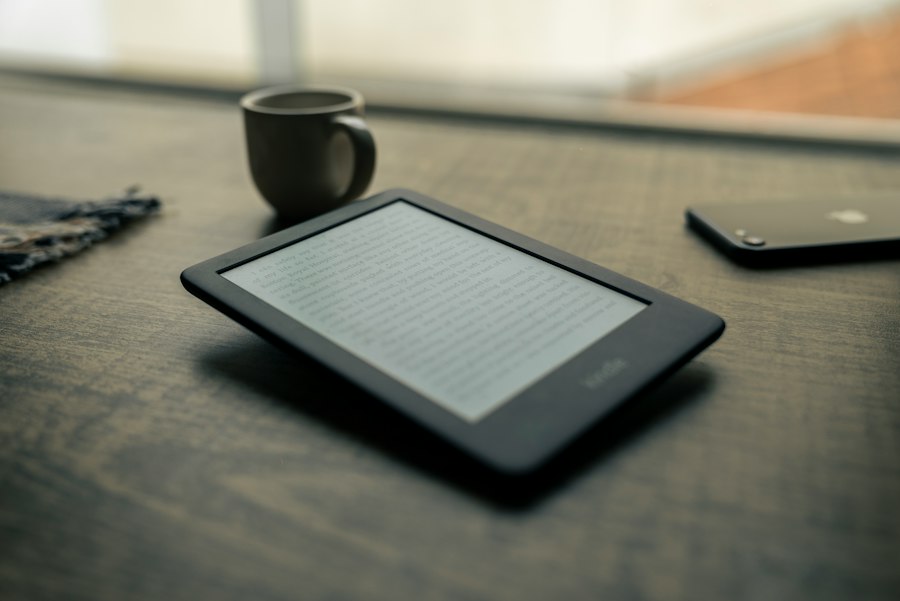
The most noticeable impact of Kindle screen resolution is on text clarity. With higher resolutions and DPI, the characters appear sharper, with smoother edges and less of a “digital” look. This translates to a more comfortable and engaging reading experience, reducing eye strain and making it easier to read for longer periods. The crispness of the text is particularly appreciated by avid readers who might otherwise prefer physical books due to perceived superior readability.
The Perception of Sharpness: Beyond Raw Numbers
While raw DPI numbers are important, the actual perception of sharpness can also be influenced by other factors. The quality of the E-Ink display itself, the font rendering engine used by the Kindle software, and even the type of font chosen by the user can all play a role. For example, a well-designed font with clear strokes will appear sharper on a high-resolution screen than a poorly designed one. Furthermore, the contrast between the text and the background is crucial. Amazon has invested in optimizing contrast ratios on their E-Ink displays, further enhancing the perception of text clarity.
Font Sizes and Styles: Adapting to Your Preference
A significant advantage of digital readers like the Kindle is the ability to adjust font size and style. On a high-resolution screen, these adjustments are rendered with greater fidelity. Whether you prefer a large, bold font or a smaller, more compact one, the text will remain sharp and legible. This flexibility allows users to customize their reading experience to their individual needs and preferences, without sacrificing readability due to screen limitations. For those with visual impairments, the ability to increase font size while maintaining crispness is an invaluable feature.
Image and Graphic Rendering: Beyond Textual Purity
While Kindles are primarily designed for text, they can also display images, graphics, and even comics. The screen resolution plays a critical role in how these visual elements are rendered. For black and white content like illustrations in novels or diagrams, higher resolutions and DPI mean more detail and finer lines can be reproduced. However, it’s important to manage expectations when it comes to color and complex graphics, as E-Ink technology has inherent limitations in these areas.
Black and White Illustrations: Detail and Nuance
For books that include black and white illustrations, such as classic literature or technical manuals, a higher resolution Kindle can display these with greater detail. Finer lines, subtle shading, and intricate patterns will be reproduced more accurately, making the illustrations more informative and aesthetically pleasing. This is particularly beneficial for academic texts or art books where visual clarity is paramount. The improved resolution allows for a more faithful representation of the artist’s or author’s intended visual elements.
Comics and Graphic Novels: Navigating the Limitations
Reading comics and graphic novels on E-Ink devices presents a unique set of challenges and rewards. While modern Kindles with high resolutions can render panels and lines with impressive sharpness, the lack of color is a significant limitation for many comic fans. Dedicated comic readers might find that the grayscale E-Ink display doesn’t fully capture the vibrancy and detail of full-color art. However, for black and white graphic novels or for readers who prioritize the story and dialogue over color, a high-resolution Kindle can still provide a very enjoyable experience, with crisp panel layouts and clear text bubbles. The improved clarity of line art is a definite advantage.
When considering the best reading experience on a Kindle, screen resolution plays a crucial role in clarity and comfort. A related article that delves deeper into this topic can be found at Freaky Science, where various aspects of Kindle technology, including display quality and its impact on reading habits, are discussed. Understanding these factors can help users make informed decisions about their e-reader choices.
Choosing the Right Kindle for Your Visual Needs
| Kindle Model | Screen Size (inches) | Resolution (pixels) | Pixels Per Inch (PPI) | Display Type |
|---|---|---|---|---|
| Kindle (10th Gen) | 6 | 600 x 800 | 167 | E Ink Carta |
| Kindle Paperwhite (11th Gen) | 6.8 | 1236 x 1648 | 300 | E Ink Carta |
| Kindle Oasis (10th Gen) | 7 | 1680 x 1264 | 300 | E Ink Carta |
| Kindle Voyage | 6 | 1440 x 1080 | 300 | E Ink Carta |
| Kindle Paperwhite Signature Edition | 6.8 | 1236 x 1648 | 300 | E Ink Carta |
With various Kindle models available, each offering different screen resolutions and features, making the right choice depends on individual priorities. For users who primarily read text and seek the best possible reading experience without breaking the bank, a mid-range Paperwhite often strikes an excellent balance. For those who demand the absolute pinnacle of E-Ink display quality, including the sharpest text and best lighting, the higher-end models are worth considering.
The Value Proposition of the Kindle Paperwhite
The Kindle Paperwhite has consistently offered an exceptional balance between price and performance, especially concerning its screen resolution. It typically features a 300 DPI E-Ink display, which is more than sufficient for delivering crisp text that rivals printed books. For most readers, the Paperwhite provides all the visual clarity they could desire, making it a highly recommended option for those seeking a premium reading experience without the premium price tag of the top-tier devices. Its integrated adjustable warm light further enhances its appeal for comfortable reading in any lighting condition.
Flagship Devices: The Ultimate E-Ink Experience
For users who want the absolute best that E-Ink technology has to offer in a Kindle, the flagship models like the Kindle Oasis or the top-tier Paperwhite versions are the way to go. These devices often feature the highest resolution displays available from Amazon, along with advanced features like adaptive front lights, premium build materials, and sometimes larger screen sizes. While they come at a higher cost, they deliver an unparalleled reading experience in terms of text sharpness, overall display quality, and comfort, making them ideal for the most discerning readers. These devices represent the current zenith of E-Ink technology as applied to e-reading.
Why Your Kindle Screen Doesn’t Work the Way You Think
FAQs
What is the screen resolution of a Kindle?
The screen resolution of a Kindle varies depending on the model. For example, the Kindle Paperwhite has a resolution of 300 pixels per inch (PPI), while the Kindle Oasis has a resolution of 300 PPI for the 7-inch model and 300 PPI for the 9-inch model.
How does the screen resolution of a Kindle affect the reading experience?
A higher screen resolution on a Kindle results in sharper text and images, making it easier on the eyes and providing a more enjoyable reading experience. It allows for clearer fonts and better rendering of graphics.
Can you adjust the screen resolution on a Kindle?
No, the screen resolution on a Kindle is fixed and cannot be adjusted by the user. However, users can customize other display settings such as font size, font type, and brightness to suit their preferences.
Is there a noticeable difference in screen resolution between different Kindle models?
Yes, there can be a noticeable difference in screen resolution between different Kindle models. Higher-end models like the Kindle Oasis typically have a higher resolution compared to entry-level models like the Kindle Basic, resulting in crisper text and images.
Does the screen resolution of a Kindle impact battery life?
While a higher screen resolution may require more power to operate, the impact on battery life is usually minimal. Kindle devices are designed to optimize battery performance, so the screen resolution alone is unlikely to significantly affect battery life under normal usage conditions.