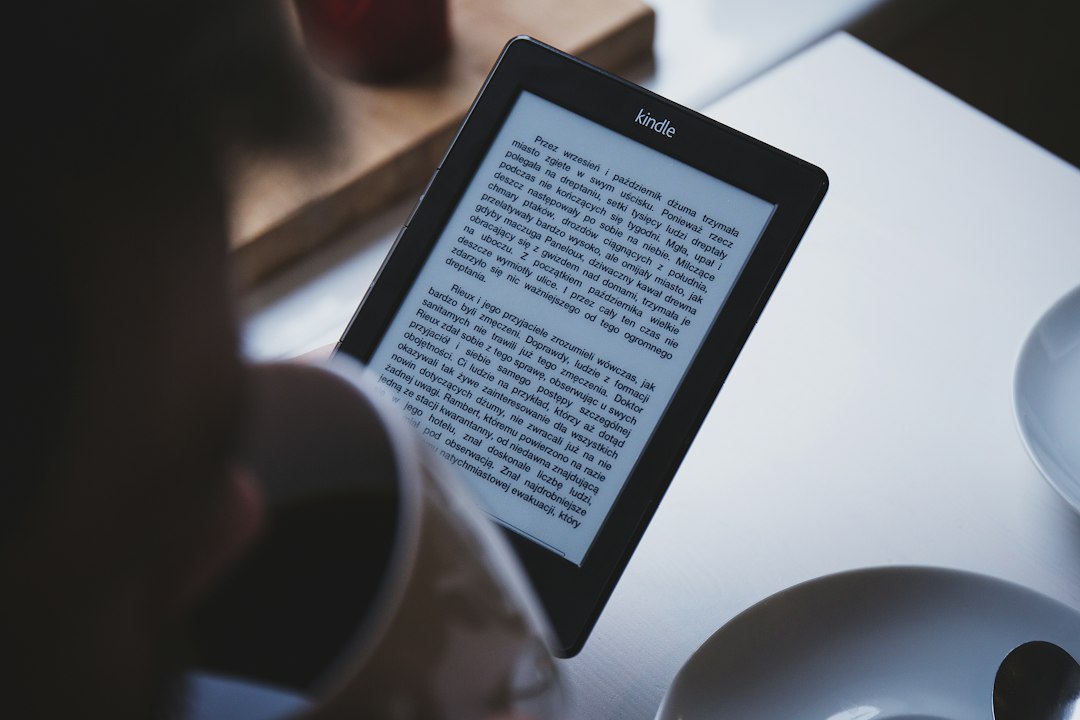
The Kindle, a ubiquitous device for modern readers, presents a fascinating technological marvel: its screen remains visible even when the battery is depleted, a stark contrast to the black screens of smartphones and tablets. This peculiar characteristic stems from the innovative E-Ink technology that powers its display, a system fundamentally different from the light-emitting diodes and liquid crystals found in most electronic screens. Understanding this difference unlocks the secret behind the Kindle’s enduring readability and its unique place in the digital reading landscape. The magic lies in E-Ink’s electrophoretic display, a technology that mimics the appearance of ink on paper, offering a visual experience that is both familiar and remarkably power-efficient.
The Electrophoretic Foundation of E-Ink
At its core, E-Ink technology relies on a microencapsulated display. Imagine countless tiny, transparent capsules, each no larger than a human hair, scattered across the screen’s surface. Within each of these microcapsules are suspended tiny particles, typically black and white. These particles possess contrasting electrical charges. The magic happens when an electrical field is applied to the screen. This field manipulates the movement of the charged particles within the microcapsules, pushing them towards the surface or away from it.
The Dance of Charged Particles
The black and white particles within each microcapsule are designed to respond differently to electrical charges. When a positive charge is applied to a specific area of the screen, the negatively charged black particles are drawn to the surface, making that area appear black. Conversely, when a negative charge is applied, the positively charged white particles are repelled, and the black particles are pushed away, revealing the white background. By precisely controlling the electrical fields across millions of these microcapsules, the E-Ink display can form the intricate patterns of text and images that we see on a Kindle screen.
Bistability: The Key to Persistence
The truly revolutionary aspect of E-Ink’s design is its bistability. This means that once the particles are positioned to form an image or text, they remain in that configuration even after the electrical charge is removed. Unlike traditional LCD or OLED screens that require a constant power supply to refresh and maintain the image, E-Ink displays “lock” the particles in place. This “persistence of vision,” as it were, is why a Kindle can display a page of text for extended periods without consuming any battery power. The screen essentially holds its state until a new command is given to change it, such as turning a page. This fundamental difference in operation is the primary reason why a Kindle’s screen can remain perfectly readable long after its battery has died.
If you’ve ever wondered why your Kindle screen remains on even when it’s not connected to a power source, you might find the insights in this article particularly enlightening. The article delves into the technology behind e-ink displays and how they maintain an image without continuous power, which is a fascinating aspect of Kindle devices. To learn more about this topic, you can read the full article here: Why Kindle Screen Stays On Without Power.
Power Efficiency: The E-Ink Advantage
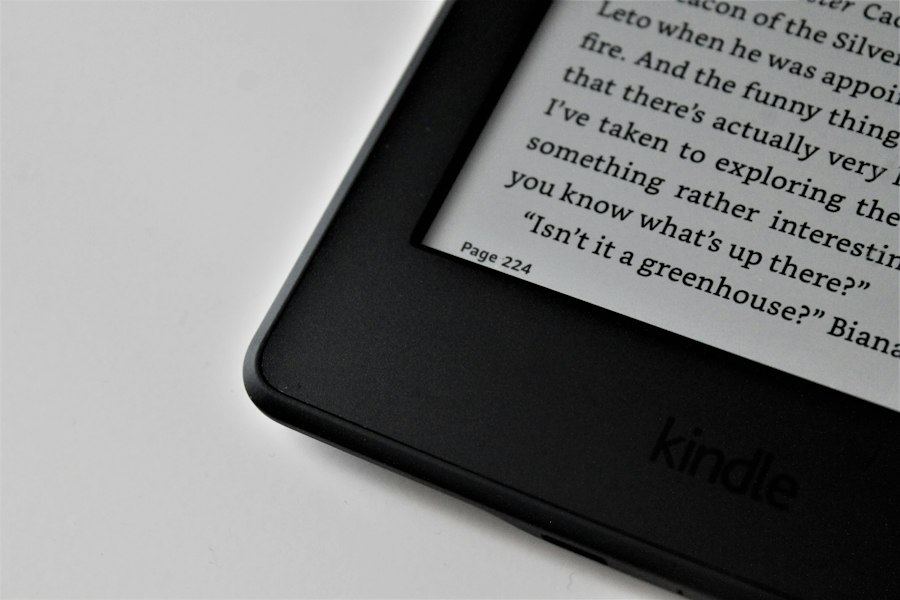
The bistable nature of E-Ink directly translates into unparalleled power efficiency, a cornerstone of the Kindle’s user experience. Because the display only consumes power when actively changing the image (i.e., when turning a page or updating the screen), its battery life is measured in weeks, not hours or days, as is typical for most electronic devices. This drastically reduces the need for frequent charging, allowing users to immerse themselves in reading without the constant anxiety of a dying battery.
Reduced Refresh Cycles and Battery Drain
The infrequent need to refresh the screen is the single biggest contributor to the Kindle’s longevity. When a user turns a page, a minimal amount of energy is required to reposition the black and white particles. Once the new page is displayed, the screen then consumes virtually no power until the next page turn. This is in stark contrast to smartphones and tablets, where the backlight and constantly refreshing pixels necessitate a continuous power draw, leading to rapid battery depletion. Even when a Kindle is “off” in the traditional sense (meaning the screen is blanked), the display itself is not actively consuming power; the device is merely in a low-power standby mode. The screen may appear black, but the underlying technology isn’t actively rendering anything.
Ambient Light Reading and Backlight Absence
Further contributing to power efficiency is E-Ink’s reliance on ambient light for readability. Similar to how ink on paper is read, the E-Ink display reflects ambient light. This eliminates the need for a power-hungry backlight, which is a significant drain on the batteries of other portable electronic devices. While newer Kindle models do incorporate a frontlight to illuminate the screen in dark environments, this is a directed light that shines onto the screen from the edges, rather than a backlight that shines through the display. This frontlight system is significantly more efficient than a traditional backlight, further contributing to the Kindle’s extended battery life. When the frontlight is off, the device is purely relying on the ambient light, making it as power-efficient as a physical book.
Visual Experience: Paper-like Readability
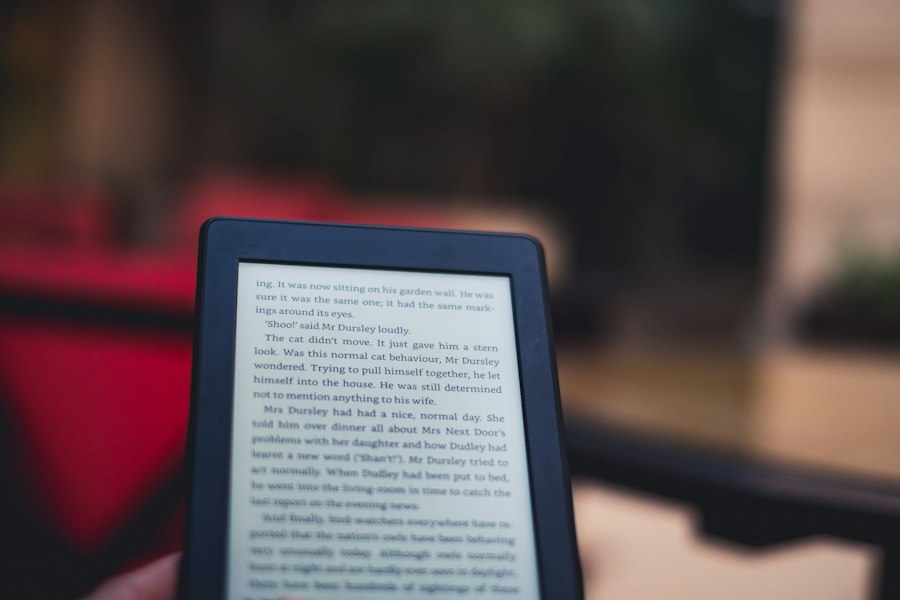
The E-Ink display’s resemblance to physical paper is not merely an aesthetic choice; it’s a deliberate design decision that significantly impacts the reading experience. The technology aims to replicate the comfort and clarity of reading a printed book, minimizing eye strain and providing a superior reading experience, especially for extended periods.
Minimizing Eye Strain
The reflective nature of E-Ink displays means that they don’t emit light directly into the user’s eyes. This is a stark contrast to backlit LCD or OLED screens, which can cause significant eye fatigue and strain, particularly during prolonged reading sessions. The way E-Ink mimics paper by reflecting ambient light reduces glare and the harshness often associated with illuminated screens. This makes reading on a Kindle feel more natural and less taxing on the eyes, allowing for longer, more comfortable reading sessions without the discomfort often associated with staring at a computer or tablet screen. The absence of flicker, which is often imperceptible but present in some backlit displays, also contributes to reduced eye strain.
High Contrast and Sharp Text
E-Ink technology excels at producing high contrast between the text and the background. The stark black of the “ink” particles against the crisp white “paper” background results in exceptionally sharp and clear text. This clarity is crucial for reading, as it reduces ambiguity and makes it easier for the brain to process the information. The resolution of E-Ink displays, combined with the distinct separation of particles, allows for fine details in both text and images to be rendered with remarkable precision, closely approximating the look and feel of high-quality printed material. This sharp rendering is vital for academic texts, novels with intricate prose, and even graphic novels.
Evolutionary Improvements in E-Ink Technology
While the fundamental principles of E-Ink have remained consistent, the technology has undergone significant advancements over the years, addressing limitations and enhancing the user experience. These improvements have made E-Ink displays more vibrant, faster, and more versatile.
Faster Refresh Rates and Reduced Ghosting
One of the historical criticisms of E-Ink displays was their relatively slow refresh rates, which could lead to a noticeable “ghosting” effect – faint remnants of previous images lingering on the screen. Manufacturers have made substantial strides in improving refresh rates, making page turns and image transitions much smoother and quicker. This not only improves the overall user experience but also makes E-Ink displays more suitable for displaying dynamic content, such as simple animations or webpage browsing, albeit still with limitations compared to traditional displays. New generations of E-Ink technology employ advanced algorithms and improved particle control to minimize the appearance of ghosting.
Color E-Ink Displays: A New Frontier
Perhaps one of the most exciting advancements has been the development of color E-Ink displays. While early color E-Ink was often muted and less vibrant than traditional color screens, newer iterations have significantly improved color saturation and accuracy. This opens up new possibilities for e-readers, allowing for the display of magazines, comics, and illustrated books in their intended colorful glory. While color E-Ink still consumes slightly more power than its monochrome counterpart and may not yet match the vibrancy of LCD or OLED, it offers a power-efficient and paper-like alternative for color content. This innovation is slowly but surely bringing color to the power-efficient world of E-Ink.
If you’ve ever wondered why your Kindle screen remains on even when it’s not connected to power, you might find the insights in a related article quite enlightening. The article delves into the technology behind e-ink displays and how they maintain an image without consuming battery life. For a deeper understanding of this fascinating topic, you can check out the article on Freaky Science, which explores the science behind various electronic devices and their functionalities.
Beyond the Kindle: The Broader Impact of E-Ink
| Reason | Description | Impact on Screen | Possible Solutions |
|---|---|---|---|
| Screen Refresh Technology | Kindle uses E Ink technology which retains the last image without power. | Screen remains visible even when device is off or without power. | No action needed; this is normal behavior. |
| Battery Drain | Battery may be low but not completely dead, allowing screen to stay on briefly. | Screen may stay on until battery fully drains. | Charge device fully or replace battery if old. |
| Software Glitch | Firmware bugs can cause screen to freeze or not turn off properly. | Screen may stay on displaying the last page or a frozen image. | Restart device or update firmware. |
| Sleep Mode Settings | Device may be set to sleep mode that keeps screen on longer. | Screen stays on until timeout or manual sleep. | Adjust sleep settings in device menu. |
| Hardware Malfunction | Faulty power button or internal components can prevent screen from turning off. | Screen remains on despite power off attempts. | Seek professional repair or replacement. |
The success of the Kindle has highlighted the significant advantages of E-Ink technology, leading to its adoption in a variety of other applications beyond dedicated e-readers. Its unique characteristics make it an ideal choice for scenarios where power efficiency, readability, and durability are paramount.
Electronic Shelf Labels and Public Displays
The retail industry has embraced E-Ink for electronic shelf labels (ESLs). These small, low-power displays can be updated remotely, allowing retailers to change prices and product information instantaneously without the need for manual labor. The E-Ink’s ability to remain visible in varying lighting conditions and its incredibly low power consumption make it perfect for this application, as ESLs can operate for months or even years on a single coin-cell battery. Similarly, E-Ink displays are finding their way into public signage, bus schedules, and other information displays where static or infrequently updated content needs to be clearly visible for extended periods without constant power.
Smartwatches and Wearable Technology
The pursuit of longer battery life is a constant challenge in the wearable technology market. E-Ink displays, particularly monochrome variants, are being integrated into some smartwatches and fitness trackers. This allows these devices to display essential information like time, step counts, and notifications with exceptional battery efficiency, often extending battery life into weeks or even months. While they might not offer the full graphical capabilities of traditional smartwatch displays, their power savings and always-on readability are significant advantages for certain types of wearable devices. This demonstrates the adaptability of E-Ink across a spectrum of electronic devices.

Why Your Kindle Screen Doesn’t Work the Way You Think
FAQs
Why does my Kindle screen stay on even when it’s not powered on?
Some Kindle models have a feature called “screensaver mode” that displays images or ads even when the device is not in use. This can give the appearance that the screen is on, but it is actually in a low-power state.
How can I turn off the screensaver mode on my Kindle?
To turn off the screensaver mode on your Kindle, go to the settings menu and look for an option related to screensavers or sleep mode. You can usually adjust the settings to either display a screensaver or turn off the feature completely.
Is it normal for the Kindle screen to stay on for a long time after I’ve stopped using it?
Yes, it is normal for the Kindle screen to stay on for a period of time after you’ve stopped using it. This is to allow you to quickly resume reading without having to wait for the device to fully power back on.
Can a malfunction cause the Kindle screen to stay on without power?
In some cases, a malfunction or software glitch can cause the Kindle screen to stay on without power. If you are experiencing this issue, try restarting your Kindle or performing a factory reset to see if it resolves the problem.
Does the Kindle screen staying on without power drain the battery?
While the Kindle screen staying on without power may use a small amount of battery, it is designed to conserve power and should not significantly drain the battery. However, if you notice a rapid battery drain or other unusual behavior, it may be worth contacting Amazon customer support for assistance.