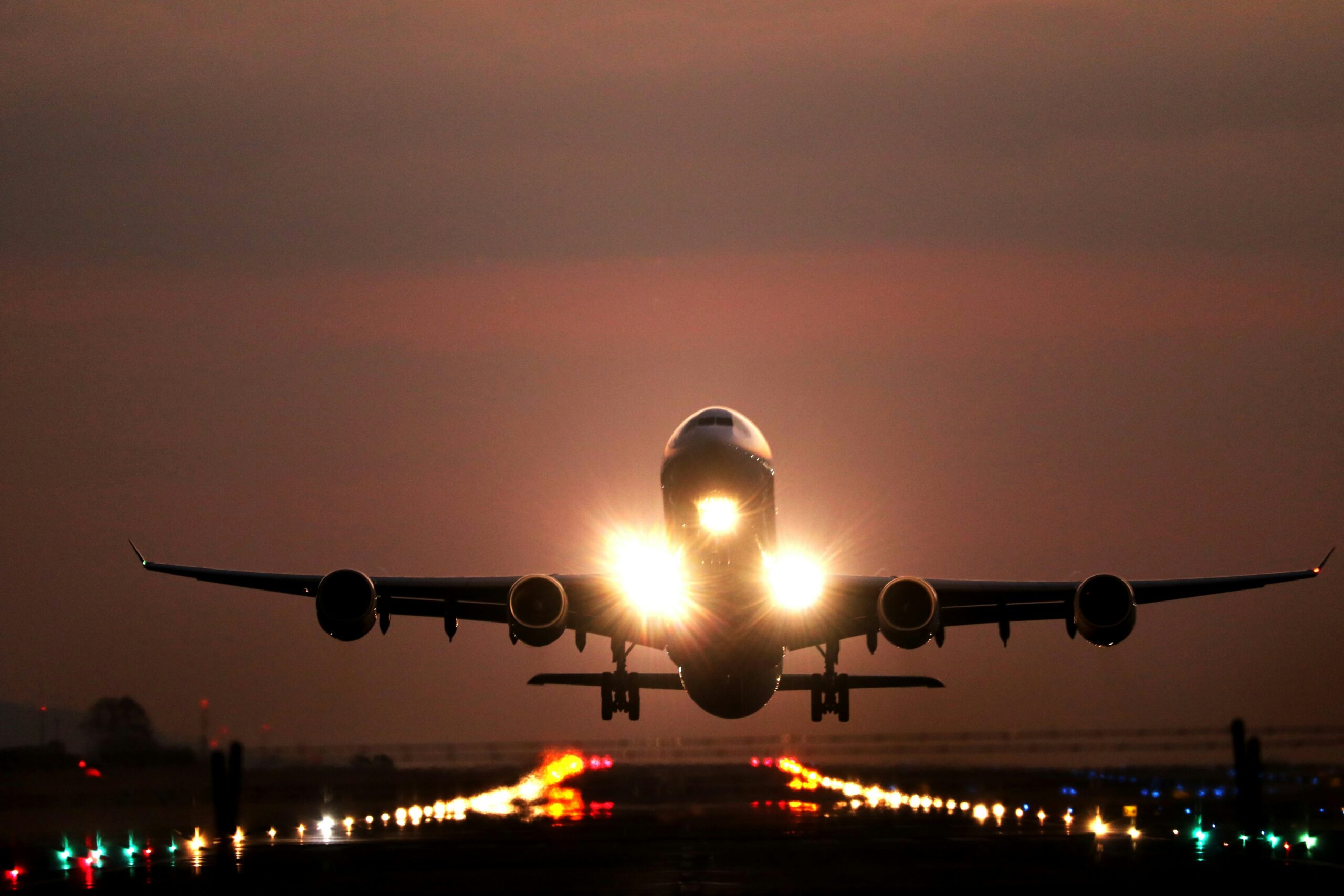
You’ve probably seen it a thousand times. That little airplane icon on your phone or tablet. And you’ve heard the instructions: “Please turn on Airplane Mode” or “Remember to switch to Airplane Mode before takeoff.” It’s become such a ingrained part of the flying experience that you do it without thinking. But have you ever stopped to wonder why? Or, more importantly, have you ever heard whispers of airplane mode being a bunch of hogwash? You might be surprised to learn that some of the deeply held beliefs surrounding this ubiquitous digital setting are actually… well, myths.
Let’s take a dive into the world of airplane mode and separate fact from fiction. You’re about to embark on a journey that debunks those pesky myths, leaving you with a clearer understanding of this essential in-flight feature and its true purpose.
This is the granddaddy of all airplane mode myths. The idea that your phone, a small, portable device, can somehow bring down a massive metal aircraft weighing tons and traveling at hundreds of miles per hour. It sounds like something out of a disaster movie, doesn’t it? You’ve likely heard the stern warnings from flight attendants, the hushed conversations between passengers, all pointing to a single culprit: your electronic devices.
The Physics of Interference: A Deeper Dive
Let’s get a little technical here, but don’t worry, we’ll keep it accessible. Your phone, when not in airplane mode, is constantly trying to connect to cellular towers and Wi-Fi networks. It does this by emitting radio frequency (RF) signals. These signals are essentially electromagnetic waves. Modern aircraft are incredibly sophisticated pieces of engineering, designed with robust systems that are shielded against many forms of electromagnetic interference.
Understanding Radio Frequency Signals
Think of RF signals like tiny invisible waves. Your phone uses them to communicate. When you’re on the ground, these signals bounce off cell towers, allowing you to make calls, send texts, and browse the internet. When you’re on a plane, there are no cell towers within range, so your phone, if left to its own devices, will keep searching for them, broadcasting these RF signals.
The Shielding of Aircraft Systems
Aircraft are built with multiple layers of protection against interference. Critical navigation and communication systems are housed in shielded compartments, and the aircraft’s structure itself acts as a Faraday cage, which is a conductive enclosure that blocks external electromagnetic fields. This is a fundamental aspect of aircraft design, ensuring the safety and reliability of onboard systems.
The Evolution of Aircraft Technology
It’s crucial to understand that aircraft have evolved significantly. The early days of aviation were a different story. The technology on board was less advanced and less shielded than what we see today. Back then, the potential for interference from electronic devices was a more legitimate concern.
Early Aviation and Analog Systems
In the early days, aircraft relied on more analog systems for navigation and communication. These systems were, in some cases, more susceptible to external RF signals. Imagine a simpler radio receiver; a strong nearby signal could easily overpower its intended reception.
Modern Digital Systems and Redundancy
Today’s aircraft use highly sophisticated digital systems. These systems are designed with advanced filtering and error correction mechanisms. Furthermore, there are often redundant systems in place. This means that if one system experiences a glitch, another can take over, ensuring continued operation. The level of sophistication and redundancy in modern aircraft makes them incredibly resilient to minor interference.
The “Just in Case” Principle
So, if modern planes are so well-protected, why the persistent rule? The answer often boils down to a principle of extreme caution. Airlines and aviation authorities operate on a “better safe than sorry” philosophy. The potential consequences of any interference, however unlikely, are so catastrophic that they err on the side of absolute safety.
Minimizing Risk in Aviation
In aviation, risk management is paramount. Every decision, every procedure, is designed to minimize the possibility of an accident. Even a minuscule risk, when multiplied by the vast number of flights and passengers, becomes a significant consideration. Turning off electronic devices or putting them in airplane mode is a simple, low-cost measure that further reduces this already minuscule risk.
The Cumulative Effect of Devices
While a single smartphone might not cause a problem, consider the sheer number of electronic devices on a modern airliner. Hundreds of phones, laptops, tablets, and other gadgets are all potentially emitting RF signals. While each individual signal is weak, the cumulative effect, even if negligible in most modern aircraft, is something that aviation authorities want to eliminate entirely. It’s a preventative measure that removes a variable from the equation.
Many travelers are often confused about the implications of using airplane mode on their devices, leading to various misconceptions about its functionality and necessity during flights. For a deeper understanding of these common misunderstandings, you can check out the article on Freaky Science that addresses these issues in detail. It provides insights into why airplane mode is important and clarifies some of the myths surrounding its use. To read more, visit this article.
Myth Number Two: Airplane Mode Blocks All Signals, Completely!
You flip that switch, and you feel a sense of digital isolation. No more notifications, no more calls, no more internet. It feels like a complete digital blackout. But is that really the case? It turns out that airplane mode isn’t quite the all-encompassing signal killer you might imagine.
What Airplane Mode Actually Does
Airplane mode is designed to disable your device’s wireless communication radios. This primarily includes your cellular radio (for making calls and using mobile data), your Wi-Fi radio, and your Bluetooth radio. However, the “blocking” isn’t a physical barrier; it’s a software command that tells these radios to power down or cease transmitting.
Disabling Cellular Transmissions
The most significant effect of airplane mode is shutting down your phone’s ability to connect to cellular networks. This is the primary reason for the rule during takeoff and landing, as explained in the previous section. By disabling this, your phone stops its attempts to communicate with cell towers.
Turning Off Wi-Fi and Bluetooth
Airplane mode also typically disables your Wi-Fi and Bluetooth connectivity. This means you won’t be able to connect to the in-flight Wi-Fi offered by the airline, nor will you be able to use your Bluetooth headphones or other accessories. This is a part of the broader goal of minimizing RF emissions.
The Exceptions to the Rule
Here’s where the myth starts to unravel. While airplane mode disables external communication, it doesn’t necessarily shut down all wireless functionality.
Wi-Fi and Bluetooth Re-enabling
Most modern devices allow you to re-enable Wi-Fi and Bluetooth after you’ve switched to airplane mode. This is a crucial distinction. You can put your phone into airplane mode, and then, if the airline permits, turn your Wi-Fi back on to access their in-flight network. This proves that airplane mode isn’t a universal kill switch.
GPS Functionality
What about your GPS? Your GPS receiver uses signals from satellites, not terrestrial towers or Wi-Fi networks. Airplane mode typically does not disable your GPS receiver. This is why you can often still use navigation apps or check your location even when your phone is in airplane mode. The GPS signal is passive; your device is receiving, not transmitting, so it doesn’t pose the same interference risk.
The “On/Off” Switch Illusion
The confusion often stems from the fact that airplane mode is presented as a single toggle. You flip it, and everything goes off. But the reality is more nuanced. It’s about disabling specific transmission capabilities, not shutting down every single component that uses electromagnetic waves. You can think of it as disabling the “communication” functions of your device, while leaving “listening” or “receiving” functions that are deemed safe to operate.
Myth Number Three: You Must Turn Off Your Devices Entirely

This is a common misconception that likely stems from the early days of electronic devices. The idea that even a switched-off phone could still emit some sort of disruptive signal. Fortunately, this is largely outdated.
The True Meaning of “Off”
When you properly shut down most modern electronic devices, especially smartphones and tablets, they enter a deep sleep mode. In this state, their power consumption is minimal, and their radio transmitters are completely inactive. There are no active signals being broadcast.
Modern Device Power States
Modern operating systems are designed to manage power efficiently. When a device is “off” in the conventional sense (holding down the power button until it shuts down), all non-essential processes are terminated, including wireless radio functions.
The Exception: Devices That Need to Stay On
Some devices, like heart pacemakers or certain medical equipment, are designed to operate continuously and are built with robust shielding. However, for the average consumer electronic device, a proper shutdown means a complete cessation of wireless transmission.
The Role of Airplane Mode vs. Full Shutdown
So, why the emphasis on airplane mode if a full shutdown is sufficient? It’s about convenience and consistency for flight attendants. It’s easier and quicker to instruct everyone to put their devices in airplane mode than to explain the nuances of “off” versus “sleep” for every single device.
Streamlining the Process for Cabin Crew
Flight attendants are responsible for the safety of hundreds of passengers. They need clear, concise instructions that can be easily understood and followed by everyone. “Put your device in airplane mode” is a straightforward command that covers the vast majority of electronic devices and achieves the desired outcome of minimizing RF emissions.
The “Active” vs. “Passive” Distinction
The key difference often lies in whether a device is actively trying to transmit. A fully shut-down device is not actively transmitting. However, a device in airplane mode, while its external communication is limited, might still have certain internal processes running. The airline industry’s preference for airplane mode is a blanket approach to ensure no active transmissions are occurring, even if the risk is exceedingly small.
Myth Number Four: You Can’t Use Your Devices At All in Airplane Mode
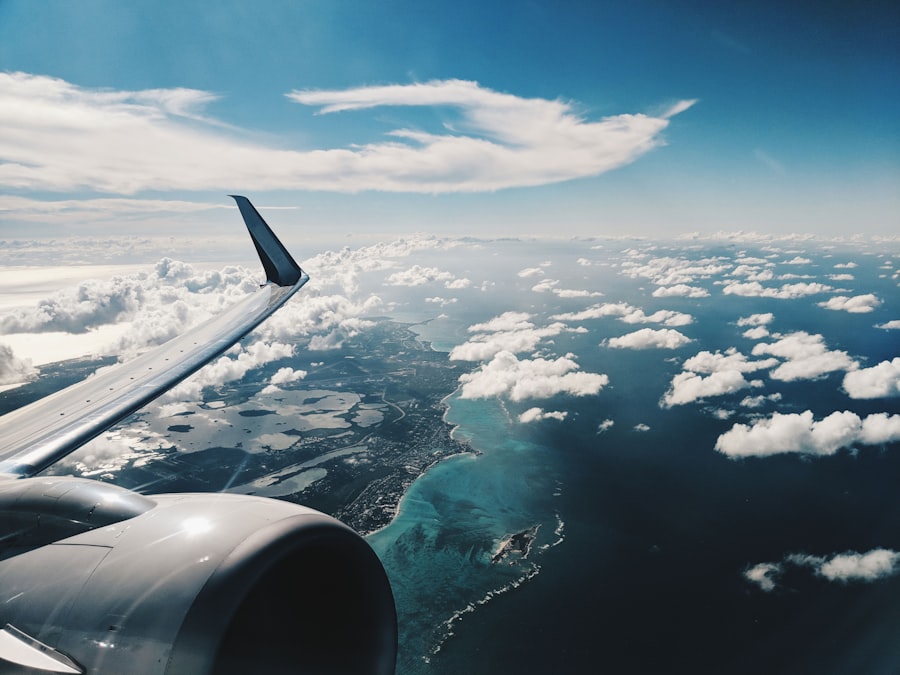
This myth perpetuates the idea that airplane mode is a total digital lockout, rendering your phone or tablet useless for the duration of the flight. This couldn’t be further from the truth.
Entertainment is Your Friend
The primary purpose of keeping your devices available during a flight is for entertainment and productivity. Airplane mode, as we’ve discussed, is not a complete shutdown.
Offline Media Consumption
This is where airplane mode truly shines. You can download your favorite movies, TV shows, podcasts, and music before you fly. Once in airplane mode, you can enjoy all of this content without any interruption or need for an internet connection. It’s the perfect opportunity to catch up on your binge-watching or delve into that audiobook you’ve been meaning to listen to.
Gaming Without Connection
Many mobile games are designed to be playable offline. Whether it’s a puzzle game, a strategy game, or an adventure, you can enjoy hours of entertainment without needing an internet connection, as long as you’ve downloaded them beforehand.
Productivity Tools Still Work
Beyond entertainment, your device is still a powerful tool for work and personal organization, even in airplane mode.
Reading and Note-Taking
You can still read e-books, articles, or documents saved on your device. Similarly, you can use note-taking apps to jot down ideas, make to-do lists, or journal your thoughts. These functionalities are all self-contained and do not rely on external network connections.
Offline Document Editing
If you have productivity suites like Microsoft Office or Google Docs installed on your device, you can often edit documents offline. This is incredibly useful if you need to finalize a presentation or review a report before landing.
The “In-Flight Entertainment” Connection
The myth is further debunked by the very existence of in-flight Wi-Fi. As mentioned earlier, you can often enable Wi-Fi after activating airplane mode. This allows you to connect to the airline’s network, purchase access, and then stream movies directly from their entertainment portal or browse the internet. So, not only can you use your device, but you can also use it for a wider range of connected activities, depending on the airline’s offerings.
Many people often misunderstand the purpose of airplane mode on their devices, believing it only disables cellular connectivity. However, a related article on common airplane mode misconceptions sheds light on its broader functionality, including how it can help save battery life and reduce distractions during flights. To explore these insights further, you can read the full article here. Understanding these aspects can enhance your travel experience and ensure you are using your device effectively while in the air.
Myth Number Five: Airplane Mode is an Outdated Rule That’s No Longer Necessary
| Misconception | Reality |
|---|---|
| Airplane mode is only for use on airplanes | Airplane mode can be used in various situations to disable wireless communication, such as in hospitals or to save battery life. |
| Airplane mode affects the airplane’s navigation systems | Airplane mode is designed to prevent interference with aircraft systems and has no impact on navigation. |
| Using airplane mode will damage the phone’s hardware | Airplane mode is a feature built into the phone and using it as intended will not cause any damage. |
| Airplane mode completely shuts off the phone | Airplane mode disables wireless communication but allows other functions like playing games, listening to music, or using apps. |
This is a common sentiment, especially as technology advances and aircraft become more sophisticated. You might wonder if the rule is simply a relic of the past, an unnecessary inconvenience in the modern age.
The Continued Relevance of the Rule
While the risk of interference from individual devices has diminished significantly, the rule persists for a reason: the principle of caution and the cumulative effect.
Aviation Safety is a Multi-Layered Approach
Aviation safety isn’t based on a single protective measure. It’s a complex system of redundancies, stringent regulations, and preventative protocols. Airplane mode is one small but consistent layer in this comprehensive safety net. It’s not about a single device causing a catastrophic failure; it’s about eliminating any potential, however small, for disruption.
The Impact on Critical Flight Phases
Takeoff and landing are the most critical phases of flight. During these times, pilots are heavily reliant on precise navigation and communication. Minimizing any potential for electronic interference, even if the risk is theoretical, is paramount. The cabin crew is trained to ensure compliance with these rules during these crucial moments.
The Evolution of Airline Policies
It’s also worth noting that airline policies do evolve. You’ve likely observed that the rules are sometimes less strict than they used to be. For instance, the blanket ban on using devices during taxiing has often been lifted. This demonstrates that airlines are reassessing and adapting their regulations as technology and understanding progress.
Gradual Relaxation of Rules
Airlines have gradually relaxed rules, for example, allowing devices to be used in airplane mode during taxiing. This shows a willingness to adapt based on evidence and technological advancements. However, the core rule of airplane mode during critical flight phases remains, a testament to its perceived importance in maintaining safety.
The “Why” Behind the “When”
Understanding when you need to use airplane mode is also important. The strict rules for takeoff and landing are for a reason, even if the exact mechanism of interference is less understood or more theoretical than it once was. The continued enforcement highlights a commitment to a highly conservative approach to safety.
Your Role in Aviation Safety
Ultimately, complying with the airplane mode rule is a small act that contributes to the overall safety of your flight. It’s a way for you to participate in maintaining a secure environment for everyone on board. Think of it as your contribution to the collective effort of ensuring a safe journey. You are a part of the system, and your adherence to these guidelines helps the entire aviation ecosystem function as intended.
So, the next time you’re asked to switch to airplane mode, you can do so with a clearer understanding of why. It’s not about some ancient superstition, but rather a combination of historical context, technological realities, and a deeply ingrained commitment to aviation safety. You’ve now got the inside scoop, and you can fly with more knowledge and a debunked sense of myth.
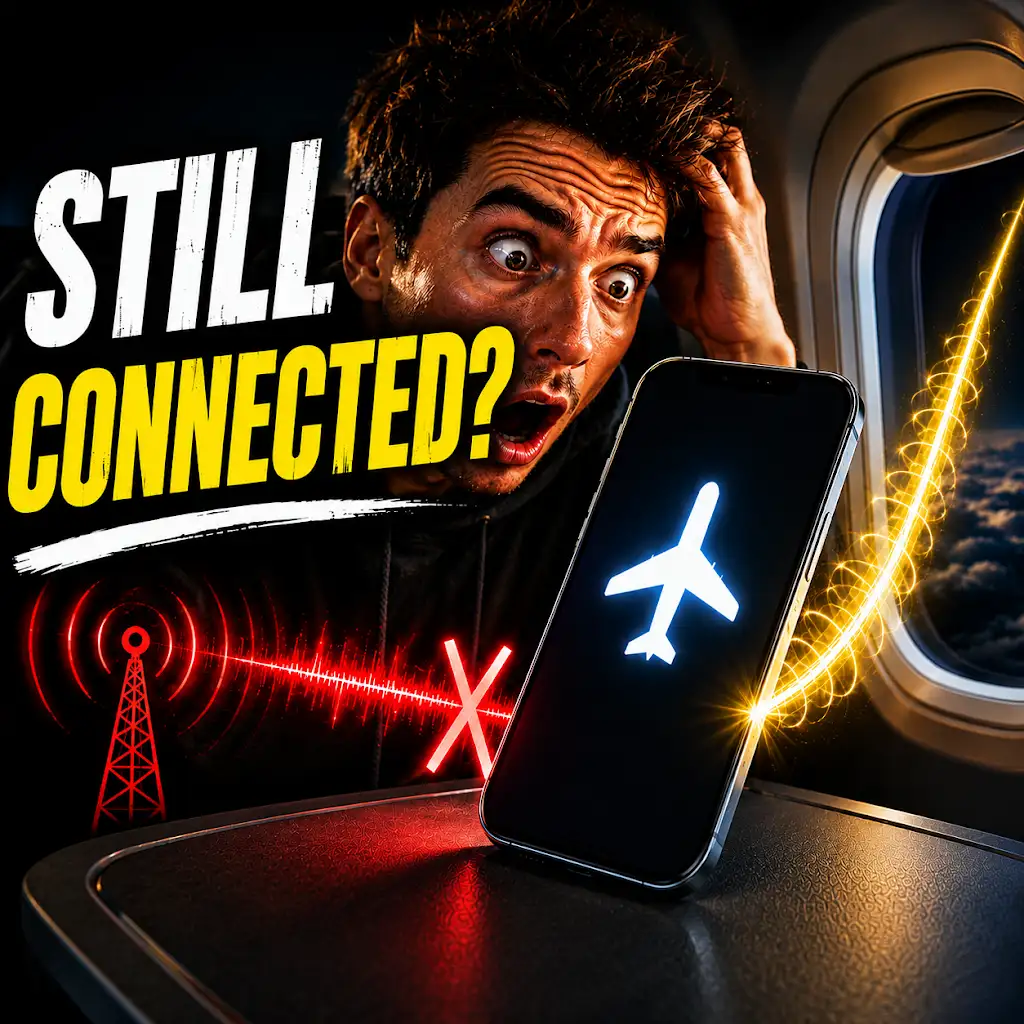
Your Phone Can Still Know Where You Are in Airplane Mode
FAQs
What is airplane mode?
Airplane mode is a setting available on most smartphones and other electronic devices that disables the device’s wireless communication functions. This includes disabling cellular, Wi-Fi, and Bluetooth connections.
Does using airplane mode save battery life?
Yes, using airplane mode can help save battery life. When in airplane mode, the device is not constantly searching for cellular or Wi-Fi signals, which can drain the battery.
Can I use Wi-Fi and Bluetooth while in airplane mode?
While in airplane mode, Wi-Fi and Bluetooth are typically disabled. However, some devices allow users to manually re-enable Wi-Fi and Bluetooth while in airplane mode.
Can I use my phone’s camera while in airplane mode?
Yes, you can use your phone’s camera while in airplane mode. Airplane mode only disables wireless communication functions and does not affect the device’s camera.
Do I need to turn off my device completely during a flight?
While it is recommended to switch your device to airplane mode during a flight, it is not necessary to turn off the device completely. Airplane mode disables the wireless communication functions, allowing you to use the device for activities such as reading e-books or playing games.