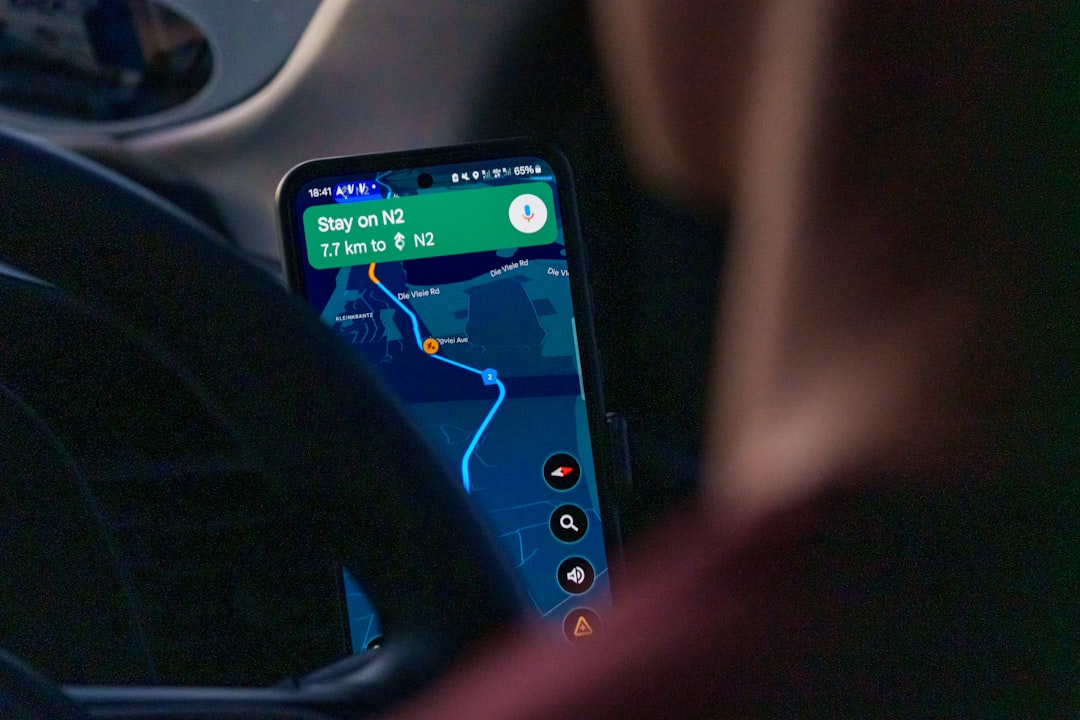
You’re settling into your seat, the cabin lights dimming, and the flight attendant announces the familiar plea to switch your electronic devices to airplane mode. You tap your phone, a quick swipe and it’s done. But a nagging question might have popped into your head: does airplane mode actually disable location services? You’re not alone in wondering about this. It’s a common misconception, and the reality is a little more nuanced than a simple on or off switch for your whereabouts.
Before we delve into the specifics of location services, it’s crucial to understand what airplane mode is designed to do. Its primary function is to prevent your device from transmitting or receiving radio frequency (RF) signals that could interfere with the aircraft’s navigation and communication systems. Think of it as a digital silence button for your phone.
The Interference Myth and Reality
For years, the prevailing wisdom was that cellular signals, Wi-Fi, and Bluetooth transmissions from personal devices posed a significant risk of interfering with sensitive aircraft electronics. While the risk is now understood to be lower than initially feared, especially with modern aircraft that are more shielded, the airlines and aviation authorities maintain the airplane mode requirement as a precautionary measure. It’s about erring on the side of caution to ensure the safety and smooth operation of the flight.
What Airplane Mode Actually Disables
When you activate airplane mode, several wireless radios within your device are systematically turned off. These include:
Cellular Radio
This is the most significant radio that airplane mode targets. It’s responsible for your phone’s ability to connect to cellular networks for calls, texts, and mobile data. By disabling this, airplane mode stops your device from communicating with cell towers, thus preventing any potential interference with ground-based infrastructure and, more importantly for flight safety, the aircraft’s own communication systems.
Wi-Fi Radio
Similarly, the Wi-Fi radio is also deactivated. This prevents your device from connecting to wireless internet networks, both on the ground and, potentially, the in-flight Wi-Fi offered by airlines.
Bluetooth Radio
The Bluetooth radio, used for connecting to wireless headphones, speakers, smartwatches, and other peripherals, is also typically turned off. This is why your Bluetooth headphones will disconnect when you switch to airplane mode.
If you’re curious about how airplane mode affects your device’s functionality, particularly regarding location services, you might find the article titled “Understanding Airplane Mode and Its Impact on Your Device” insightful. This article delves into the mechanics of airplane mode and clarifies whether it truly disables location tracking on your smartphone. For more information, you can read it here: Understanding Airplane Mode and Its Impact on Your Device.
The Mechanics of Location Services
Now, let’s pivot to how your device determines your location. Location services, whether on your smartphone, tablet, or smartwatch, rely on a combination of technologies to pinpoint your position. Understanding these technologies will help clarify whether airplane mode truly impacts their functionality.
Global Positioning System (GPS)
The most well-known location technology is GPS, a satellite-based navigation system. Your device has a GPS receiver that listens for signals from a constellation of satellites orbiting Earth. By triangulating the signals from multiple satellites, your device can calculate your precise latitude, longitude, and altitude.
How GPS Works
GPS is a passive system. Your device only receives signals from the satellites; it doesn’t transmit anything back to them. This is a critical distinction when considering airplane mode.
Wi-Fi Positioning
Your device can also use Wi-Fi networks to estimate your location. This works by maintaining a database of known Wi-Fi access points and their geographic locations. When your device detects nearby Wi-Fi networks, it compares their signal identifiers (SSIDs) and signal strengths to this database to infer your approximate position.
Limitations of Wi-Fi Positioning
Wi-Fi positioning is generally less precise than GPS, especially in areas with few Wi-Fi networks or when the networks are not accurately mapped. However, it’s very effective indoors or in dense urban environments where GPS signals might be weak.
Cellular Tower Triangulation
Similar to Wi-Fi positioning, your device can use cellular towers to determine its location. By measuring the signal strength from multiple nearby cell towers, your device can estimate its position.
Cell ID and Its Accuracy
This method, often referred to as Cell ID, is the least accurate of the three. It provides a broader estimate of your location, often down to a neighborhood level, and is primarily used as a fallback or supplementary location source.
Assisted GPS (A-GPS)
Assisted GPS (A-GPS) is a system that enhances the performance of GPS. It uses cellular network data or Wi-Fi to quickly download satellite orbital data and other information that the GPS receiver would normally have to download itself. This significantly speeds up the time it takes to get a GPS fix, especially in challenging environments.
The Role of Network Data in A-GPS
A-GPS relies on a connection to a network (cellular or Wi-Fi) to function optimally. This is a key point that will become relevant when discussing airplane mode.
Does Airplane Mode Truly Disable Location Services? The Nuance

Here’s where we address the core of your question. The answer is not a simple yes or no. Airplane mode disables the wireless radios that transmit and receive signals. However, some location technologies operate differently.
GPS Receiver: A One-Way Street
As mentioned, your GPS receiver is a receiver only. It listens for satellite signals. Airplane mode, in its standard configuration, does not disable the GPS receiver itself. Therefore, even when airplane mode is on, your device is still capable of receiving GPS satellite signals. This means your device can still determine its location via GPS.
The Catch: A-GPS and Network Dependence
The nuance comes in with Assisted GPS (A-GPS). While the GPS receiver itself might be active, A-GPS relies on receiving data from cellular networks or Wi-Fi to function efficiently. When airplane mode disables the cellular and Wi-Fi radios, it prevents your device from accessing this crucial data for A-GPS.
Impact on GPS Lock Time
Without A-GPS assistance, acquiring a GPS lock (getting an initial location fix) can take significantly longer. You might experience a delay of several minutes, or even longer, before your device can accurately pinpoint your location using only raw GPS satellite signals.
Wi-Fi and Cellular Location Services: Definitely Disabled
Since airplane mode explicitly disables the Wi-Fi and cellular radios, any location services that rely on these technologies will be rendered inoperable. This means:
Wi-Fi Positioning Won’t Work
Your device cannot scan for Wi-Fi networks or communicate with Wi-Fi positioning databases if the Wi-Fi radio is off.
Cellular Tower Triangulation is Impossible
Similarly, without a cellular radio, your device cannot connect to cell towers to determine its location through triangulation.
The Practical Implications for You on a Flight

So, what does this mean for you the next time you’re on a plane?
Your Location on the Flight Map
Many in-flight entertainment systems display a map showing your flight’s progress. This map typically relies on the aircraft’s own GPS system and is not directly tied to your personal device’s location services. Therefore, even with airplane mode on, you’ll still see your flight progressing on the screen.
Location History and Apps
If you have apps that track your location in the background, such as fitness trackers or journaling apps, they will stop recording new location data once airplane mode is activated. Any location data they had previously collected will remain, but no new updates will be made until airplane mode is turned off.
Third-Party App Behavior
It’s important to note that how individual apps behave can vary. Some apps might explicitly check for network connectivity or location service status and pause their tracking accordingly. Others might continue to try and access location services, only to find them unavailable due to airplane mode.
Using Location Services After Landing
Once the aircraft has landed and you’ve disembarked, you’ll likely want to turn off airplane mode to regain connectivity. As soon as you do this, your device will attempt to re-establish its connections.
Reacquiring Location Services
Your device will then try to access A-GPS, Wi-Fi positioning, and cellular triangulation again, depending on what’s available. You’ll likely notice your location services snapping back to life relatively quickly, especially if you have a clear view of the sky and are within range of Wi-Fi networks.
When considering whether airplane mode stops location services, it’s important to understand how these features interact on your device. Airplane mode disables all wireless communications, but it doesn’t necessarily turn off location services, which can still function using GPS. For a deeper dive into this topic, you can read a related article that explores the nuances of mobile device settings and their implications for privacy and connectivity. Check out this insightful piece on Freaky Science to learn more about how your device manages location data in different modes.
Can You Re-Enable Location Services While in Airplane Mode?
| Device | Airplane Mode | Location Services |
|---|---|---|
| Smartphone | Yes | Disabled |
| Tablet | Yes | Disabled |
| Laptop | Yes | Disabled |
This is a common follow-up question. Yes, in most modern smartphones, you can re-enable specific radios within airplane mode.
The Smart Airplane Mode Feature
Many operating systems, like iOS and Android, offer a “smart” airplane mode. This means that when you re-enable Wi-Fi or Bluetooth while airplane mode is active, the system remembers your preference for that session.
Re-enabling Wi-Fi
If you want to use the in-flight Wi-Fi, you can go into your Wi-Fi settings while airplane mode is still enabled and turn Wi-Fi back on. Your device will then connect to the available Wi-Fi network. Crucially, the cellular radio will remain off, and the system will typically prompt you to confirm this choice, ensuring you don’t accidentally re-enable cellular transmission.
Re-enabling Bluetooth
Similarly, if you want to use your Bluetooth headphones, you can navigate to your Bluetooth settings and turn it back on. Your Bluetooth headphones will then reconnect. Again, the cellular radio remains disabled.
What About GPS?
The GPS receiver itself is not typically something you can “turn on” or “turn off” within airplane mode settings like Wi-Fi or Bluetooth. It’s a hardware component that operates independently. However, as we’ve discussed, its utility is impacted by the disabling of A-GPS data from cellular and Wi-Fi.
GPS Without A-GPS Assistance
While you can’t directly re-enable GPS in the same way you can Wi-Fi, the fact that it remains operational in airplane mode means that if you have a strong, unobstructed view of the sky, you could eventually get a GPS fix, albeit a slow one. This is rarely practical or necessary on an aircraft.
The Verdict: Does Airplane Mode Disable Location Services?
To provide a definitive answer: **Airplane mode primarily disables the radios used for cellular, Wi-Fi, and Bluetooth communication, which indirectly affects the speed and reliability of some location services, particularly A-GPS, Wi-Fi positioning, and cellular triangulation. However, the GPS receiver itself is generally not disabled, meaning your device can still potentially determine its location via GPS satellites, albeit with a significant delay if A-GPS assistance is unavailable.**
Key Takeaways for Your Next Flight:
- GPS Receiver Remains Active: Your device’s ability to receive GPS signals is not typically turned off by airplane mode.
- A-GPS is Hampered: The speed and accuracy of getting a location fix using Assisted GPS (A-GPS) will be reduced because airplane mode disables the cellular and Wi-Fi connections needed to download crucial data.
- Wi-Fi and Cellular Location Are Disabled: Services relying on Wi-Fi scanning or cellular tower triangulation will not function.
- Re-enabling Wi-Fi/Bluetooth is Possible: You can often re-enable Wi-Fi and Bluetooth individually while keeping the cellular radio off.
- Flight Maps are Independent: The location displayed on your in-flight entertainment map is from the aircraft’s systems, not your phone.
So, the next time you’re asked to switch to airplane mode, you can do so with a clearer understanding. Your phone is still listening to the satellites, but its ability to quickly tell you exactly where you are is temporarily limited by the digital silence imposed for your flight’s safety.

Your Phone Can Still Know Where You Are in Airplane Mode
FAQs
1. What is airplane mode on a smartphone or tablet?
Airplane mode is a setting on mobile devices that disables the device’s wireless communication functions, such as cellular, Wi-Fi, and Bluetooth. It is commonly used during flights to comply with airline regulations.
2. Does airplane mode stop location services on a smartphone or tablet?
Yes, airplane mode disables all wireless communication functions, including GPS, which means that location services will be turned off when airplane mode is activated.
3. Can I still use GPS or location-based apps while in airplane mode?
No, when airplane mode is activated, the device’s GPS and location-based apps will not be able to determine the user’s location or provide navigation services.
4. Are there any exceptions to airplane mode disabling location services?
In some cases, users may be able to manually enable GPS while in airplane mode, depending on the specific device and its settings. However, this may not be possible on all devices.
5. How does airplane mode affect location tracking and privacy?
Activating airplane mode prevents the device from transmitting location data, which can help protect the user’s privacy and prevent location tracking by apps or services.