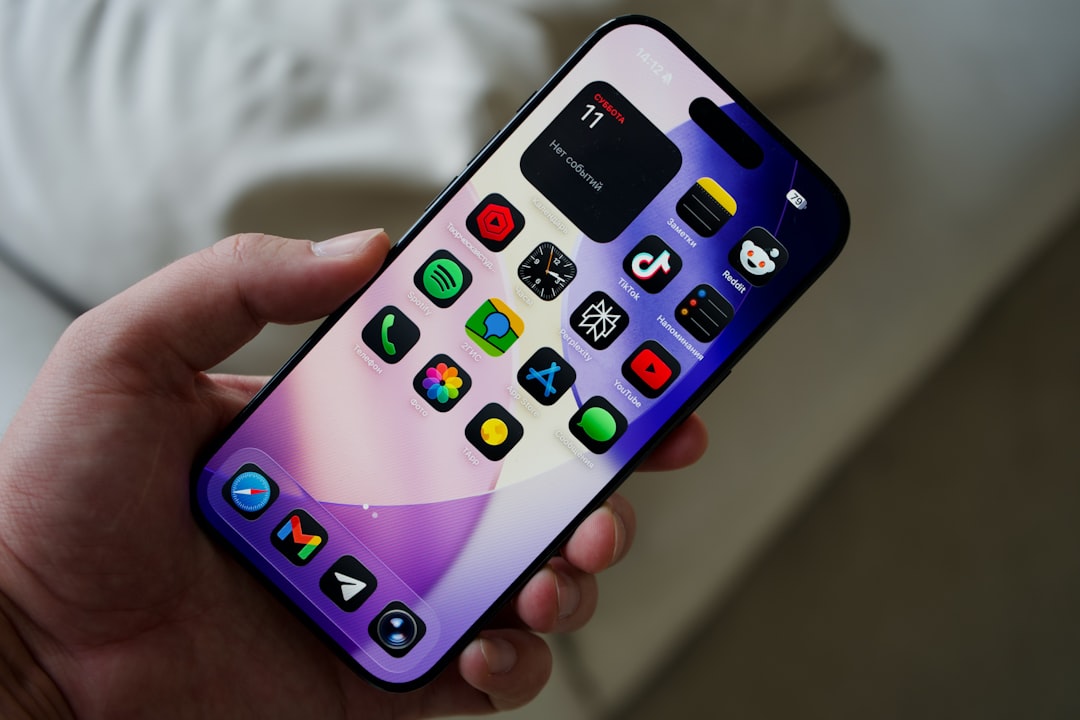
You’re holding a sleek rectangle of glass and metal, a portal to an entire universe. Your smartphone. You know it’s capable of incredible things, but sometimes, do you feel like you’re only scratching the surface? Like there’s a hidden layer of magic you’re not quite tapping into? You’re not alone. The sheer volume of features packed into these devices can be overwhelming, leaving you wondering about the secrets they hold. This isn’t just about making calls or sending texts anymore; it’s about understanding the intricate symphony of technology that orchestrates your digital life. Let’s embark on a journey to unravel the mystery of your smartphone’s features, transforming you from a passive user into a digital maestro.
Before you can truly master your smartphone’s capabilities, you need to have a basic understanding of what’s going on under the hood. It’s not about becoming an electrical engineer, but rather about appreciating the fundamental components that enable all the amazing things you do. Think of it like understanding the engine of your car; you don’t need to rebuild it, but knowing its purpose helps you appreciate its performance and troubleshoot minor issues.
The Brain: The Processor (CPU) and Graphics Processor (GPU)
Your smartphone’s processor, or CPU, is its brain. This is where all the heavy lifting happens – from launching apps to processing your commands. You’ve probably seen terms like “quad-core” or “octa-core” in the specs. This refers to the number of processing cores, essentially multiple mini-brains working together. More cores generally mean faster performance, allowing you to multitask seamlessly and run demanding applications without a hitch.
Closely related is the GPU, or Graphics Processing Unit. While the CPU handles general tasks, the GPU is specifically designed to render images and videos. This is why your games look so vibrant and your videos play so smoothly. A powerful GPU is essential for immersive gaming experiences and high-definition media consumption. When you’re scrolling through photos or watching a movie, you’re directly benefiting from the GPU’s prowess. Understanding this distinction helps you appreciate why some apps are more resource-intensive than others and why your phone might slow down when performing certain tasks.
The Memory: RAM and Storage
You’ve likely heard the term “RAM” thrown around. Random Access Memory (RAM) is your phone’s short-term memory. Think of it as your desk space; the more RAM you have, the more applications and processes you can have open and running simultaneously without your phone bogging down. When you switch between apps, it’s the RAM that allows for that quick transition. Insufficient RAM can lead to apps closing unexpectedly or a general sluggishness as your phone struggles to keep track of everything.
Then there’s storage. This is your phone’s long-term memory, where you keep all your photos, videos, apps, and music. You’ll see storage measured in gigabytes (GB). This is where you decide how much space you need for your digital life. Running out of storage can be a real pain, forcing you to delete precious memories or uninstall useful apps. Understanding the difference between RAM and storage is crucial for managing your phone’s performance and ensuring you have enough space for everything you want to keep.
The Senses: Cameras, Sensors, and Connectivity
Your smartphone is equipped with an array of sensors that allow it to interact with the world around you. The camera, of course, is the most obvious. But beyond megapixels, there’s a whole ecosystem of components that enhance its functionality. Think about the accelerometer and gyroscope, which detect motion and orientation. This is what allows your screen to automatically rotate or your games to respond to your movements.
Then there’s the proximity sensor, which turns off your screen when you hold the phone to your ear during a call, preventing accidental touches. The ambient light sensor adjusts your screen brightness based on your surroundings, saving battery and reducing eye strain. GPS is essential for navigation, while Bluetooth and Wi-Fi are your gateways to wireless communication. Understanding these seemingly small components reveals the sophisticated environmental awareness your phone possesses, enabling features you often take for granted.
Many users often misunderstand the various features of their smartphones, leading to confusion about their capabilities. For instance, the difference between 4G and 5G connectivity can be quite perplexing, as many people are unaware of how these technologies impact internet speed and performance. To gain a clearer understanding of smartphone features and their functionalities, you can read this informative article on the topic. Check it out here: Understanding Smartphone Features.
Unlocking Visual Brilliance: Mastering Your Display and Camera Features
The visual experience is paramount on a smartphone, and your device offers a wealth of features to enhance both how you see content and how you capture your own moments. It’s not just about looking at a screen; it’s about optimizing that view and transforming fleeting moments into lasting memories.
Display Settings: Beyond Brightness
You probably fiddle with the brightness slider regularly, but your display settings go much deeper. Many phones offer customizable color profiles, allowing you to adjust the warmth or coolness of the screen to your preference. This can make reading for extended periods more comfortable or bring out the vibrancy of your photos.
Night mode or blue light filters are invaluable for reducing eye strain, especially before bed. They reduce the amount of blue light emitted by the screen, which can interfere with your sleep patterns. Exploring these settings can significantly improve your viewing experience and overall well-being. Furthermore, some phones allow you to adjust the refresh rate of the display, leading to smoother scrolling and animations, especially in high-end devices. This subtle but significant adjustment can make your daily interactions feel more fluid and responsive.
Camera Modes and Settings: More Than Just Point and Shoot
Your camera app is a miniature studio. Beyond the automatic mode, there are often dedicated modes for specific scenarios. Portrait mode, for instance, uses software to create a bokeh effect, blurring the background and making your subject pop. This simulates the professional look of DSLR cameras.
Night mode is another game-changer, using longer exposure times and computational photography to capture stunning images in low light. Don’t underestimate the power of manual or pro modes, where you can control settings like ISO, shutter speed, and white balance, giving you creative control over your shots. Experimenting with these modes will elevate your photography from snapshots to deliberate compositions. You might discover a hidden talent for capturing the perfect sunset or a captivating portrait. Even seemingly simple features like HDR (High Dynamic Range) can dramatically improve the detail and balance in your photos by capturing a wider range of light and shadow.
Editing Tools: Polishing Your Masterpieces
Once you’ve captured your images, your phone often provides built-in editing tools to enhance them further. These aren’t just basic filters; you can often adjust brightness, contrast, saturation, sharpness, and even crop and straighten your photos. For those who want to go a step further, many apps allow for more advanced editing, like selective adjustments or even object removal. Learning to use these tools can save you from needing separate editing software and allows you to quickly refine your photos before sharing them. Think of it as giving your photos a professional polish right from your pocket.
Harnessing the Power of Connectivity: Wi-Fi, Bluetooth, and Beyond
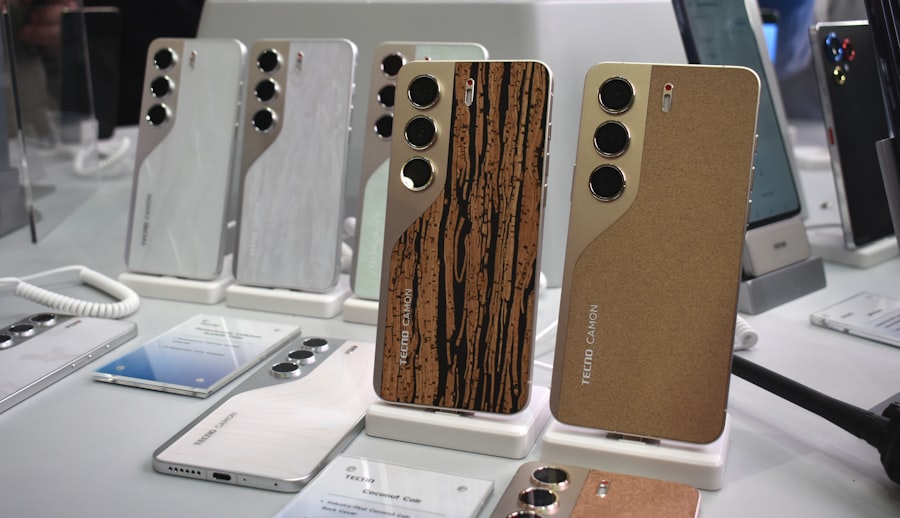
Your smartphone is a hub for communication, connecting you to the digital world and the devices around you. Understanding how these connections work unlocks a new level of convenience and functionality. It’s about seamless integration and effortless interaction with your surroundings.
Wi-Fi and Cellular Data: Navigating Your Network
You’re likely familiar with connecting to Wi-Fi networks to save your cellular data. But did you know about the nuances? You can often configure advanced Wi-Fi settings, like static IP addresses or DNS settings, which can be useful for troubleshooting or advanced network configurations. Understanding how to switch between Wi-Fi and cellular data automatically can optimize your experience and prevent unexpected charges.
Cellular data itself has evolved. You might have options for 4G LTE, 5G, and even specific data saver modes. Understanding these settings can help you manage your data usage and ensure you’re getting the best possible connection speed when you need it. Exploring your mobile network settings can reveal options for call forwarding, voicemail settings, and even network locking, which can be important for international travel.
Bluetooth: Seamless Device Integration
Bluetooth is your invisible tether to a world of accessories. From wireless headphones and smartwatches to car stereos and speakers, Bluetooth makes it all possible. Pairing devices is usually straightforward, but understanding different Bluetooth profiles can be helpful. For instance, A2DP is for high-quality audio streaming, while HFP is for hands-free calling.
You can also set up Bluetooth to automatically connect to certain devices when they are in range, offering a truly seamless experience. Imagine your music automatically resuming when you get into your car, or your earbuds connecting the moment you pick them up. Exploring your Bluetooth settings can also reveal options for file sharing, though this is less common now than in the past.
NFC and Hotspot: Convenience and Sharing
Near Field Communication (NFC) is a technology that allows for short-range wireless communication. You might use it for contactless payments, but it also has other applications, like tapping your phone to a smart tag to trigger an action or quickly sharing contact information. You might be surprised by how many everyday objects are becoming NFC-enabled.
Your smartphone can also act as a Wi-Fi hotspot, allowing you to share your cellular data connection with other devices. This is incredibly useful when you’re on the go and need to connect a laptop or tablet to the internet. Understanding how to set up and manage your hotspot, including password protection, is a valuable skill for staying connected anywhere.
Personalization and Productivity: Tailoring Your Device to Your Needs
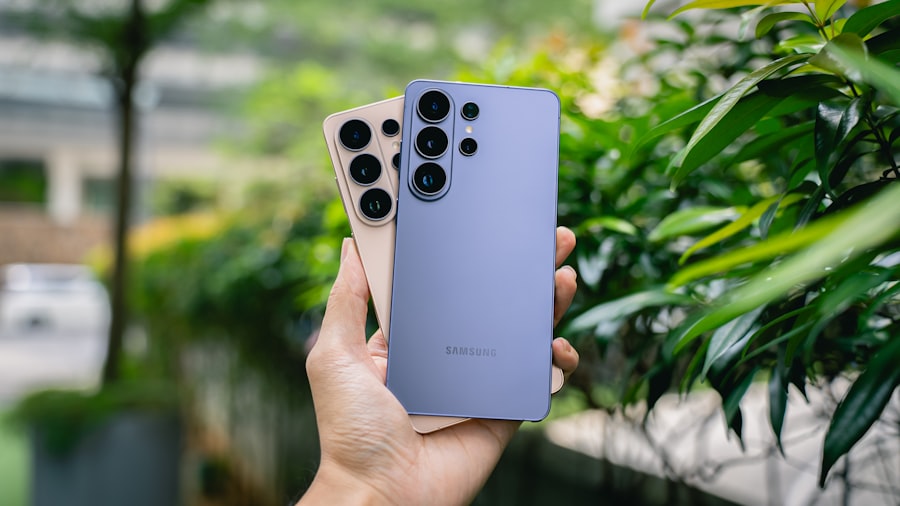
Your smartphone is more than just a tool; it’s an extension of yourself. Mastering its personalization and productivity features allows you to craft an experience that perfectly suits your workflow and preferences. It’s about making your device work for you, not the other way around.
App Management and Customization: Organizing Your Digital Life
You’ve downloaded dozens, maybe hundreds, of apps. Organizing them is key to efficiency. Beyond simple folders, explore features like app libraries or app drawers that automatically categorize your applications. Many launchers allow for extensive customization of icons, widgets, and app layouts, transforming your home screen into a functional dashboard.
Widgets are particularly powerful. You can place live previews of your favorite apps on your home screen, from weather forecasts and news feeds to calendar events and to-do lists, allowing you to get information at a glance without even opening the app. Exploring notification settings for each app is also crucial. You can prioritize which notifications you receive and how they appear, ensuring you’re not overwhelmed by constant pings.
Voice Assistants: Your Hands-Free Companion
Whether you use Google Assistant or Siri, your voice assistant is a powerful tool for productivity and information retrieval. Beyond asking for the weather or setting alarms, you can use your voice assistant to send messages, make calls, control smart home devices, open apps, and even perform complex searches.
Learn to use specific commands and phrases to unlock its full potential. For instance, instead of just saying “set a timer,” you might say “set a timer for 15 minutes for pasta.” You can also customize your voice assistant’s wake word, personality, and even link it to your various accounts to provide more personalized responses. Think of it as having a personal assistant at your beck and call.
Accessibility Features: Inclusive Technology
Your smartphone is designed to be accessible to everyone, regardless of ability. Explore features like screen readers for visually impaired users, magnification for those with low vision, or captioning for audio content. Voice control options can allow users with motor impairments to navigate and operate their phones using just their voice.
These features aren’t just for those with disabilities; they can be incredibly useful for anyone. For example, live captioning can be a lifesaver in noisy environments or when watching videos with poor audio. Exploring these accessibility settings can not only make your device more usable for a wider range of people but also introduce you to innovative ways of interacting with your technology.
Many people often misunderstand the various features of their smartphones, leading to confusion about how to utilize them effectively. For instance, the intricacies of camera settings can be particularly perplexing, as users may not realize the impact of different modes on their photography. A related article that delves into the complexities of phone features and offers valuable insights is available at Freaky Science, where you can explore tips and tricks to enhance your smartphone experience. Understanding these features can significantly improve how you interact with your device and make the most of its capabilities.
Security and Privacy: Protecting Your Digital Fortress
| Feature | Description |
|---|---|
| RAM | Random Access Memory – temporary storage for data and instructions for the CPU |
| Processor | The central processing unit that carries out instructions of a computer program |
| Camera Megapixels | The resolution of the camera, higher megapixels generally mean better image quality |
| Battery Capacity | The amount of energy a battery can store, usually measured in milliampere-hours (mAh) |
| Operating System | The software that manages computer hardware and software resources |
In today’s digital landscape, safeguarding your information is paramount. Your smartphone offers a robust suite of security and privacy features that, when understood and utilized, can create a strong defense against unwanted intrusion. It’s about taking control of your digital footprint and ensuring your personal data remains your own.
Biometric Authentication: Beyond the PIN
Fingerprint scanners and facial recognition have become commonplace, offering a more convenient and secure alternative to traditional PINs or passwords. Understanding how these systems work and ensuring they are properly configured is a crucial first step. Some devices allow you to register multiple fingerprints or set up different facial profiles for added flexibility.
However, it’s important to remember that no biometric system is foolproof. Always have a strong backup PIN or password as a fallback. Furthermore, be aware of the implications of granting apps access to your biometric data.
App Permissions: Understanding What You’re Allowing
Every app you download asks for permissions – access to your contacts, location, camera, microphone, and more. It’s easy to blindly tap “allow,” but this can have significant privacy implications. Take the time to review the permissions each app requests and consider if they are truly necessary for the app’s functionality.
Most operating systems allow you to manage app permissions after installation. You can revoke access to certain data if you feel an app is overstepping its bounds. Regularly auditing your app permissions is a proactive step in protecting your privacy. Think of it as a digital gatekeeper, ensuring only authorized access is granted.
Data Encryption and Cloud Backups: Securing Your Information
Many smartphones come with built-in encryption, which scrambles your data so it’s unreadable to anyone who doesn’t have the decryption key (your passcode or biometric data). Ensure this feature is enabled. In the event your phone is lost or stolen, encryption adds a vital layer of protection.
Cloud backups, while convenient for restoring your data, also present a point of consideration. Understand the privacy policies of your cloud provider and ensure you are comfortable with how your data is being stored and accessed. Consider using strong, unique passwords for your cloud accounts and enabling two-factor authentication for an extra layer of security.
Location Services and Tracking: Controlling Your Digital Trail
Your phone’s location services are powerful but can also be a significant privacy concern if not managed carefully. You can often choose to grant location access only while using an app, or deny it altogether. Some operating systems also offer features that allow you to see which apps have recently accessed your location, giving you transparency into your device’s activity.
Beyond app-specific settings, understand your device’s overall location history. Some platforms store your location history, which can be reviewed and deleted if desired. Being mindful of how and when your location is being tracked empowers you to maintain greater control over your digital presence.
By understanding and actively engaging with these features, you’ll move beyond simply using your smartphone and begin to truly master it. Each setting, each option, is a key to unlocking greater efficiency, creativity, and security. So, dive in, explore, and discover the full potential of the incredible device you hold in your hands. The mystery isn’t so mysterious anymore; it’s an invitation to empowerment.

Your Phone Can Still Know Where You Are in Airplane Mode
FAQs
What are some common phone features that are often misunderstood?
Some common phone features that are often misunderstood include NFC (Near Field Communication), Do Not Disturb mode, and Airplane mode.
What is NFC and how is it misunderstood?
NFC (Near Field Communication) is a technology that allows for contactless communication between devices. It is often misunderstood as only being used for mobile payments, but it can also be used for sharing files, connecting to Bluetooth devices, and more.
How is Do Not Disturb mode misunderstood?
Do Not Disturb mode is often misunderstood as simply silencing calls and notifications. However, it can also be customized to allow certain contacts or apps to still come through, and can be scheduled to turn on and off at specific times.
What is Airplane mode and how is it misunderstood?
Airplane mode is a setting that disables a device’s wireless communication capabilities, such as cellular, Wi-Fi, and Bluetooth. It is often misunderstood as only being necessary during flights, but it can also be useful for conserving battery life and reducing distractions.
How can users better understand and utilize these phone features?
Users can better understand and utilize these phone features by reading the device’s user manual, exploring the settings and options within the phone’s menus, and seeking out online tutorials or guides. Additionally, experimenting with the features in a safe environment can help users become more familiar with their functionality.