
Computers, marvels of modern engineering, have become indispensable tools in our daily lives. From the powerful processors that crunch complex calculations to the intricate circuitry that enables seamless communication, these devices hum with activity. However, this constant activity comes at a cost: heat. Understanding why computers generate heat and how this thermal process works is crucial for appreciating their design, performance, and longevity. This article will delve into the fundamental reasons behind computer heat generation, exploring the physics and engineering principles involved.
At the heart of every computer lies a complex web of electrical components, primarily semiconductors like transistors. These tiny switches are the building blocks of microprocessors, memory modules, and graphics processing units (GPUs). When electricity flows through these components, it encounters resistance. This resistance, though often minute, is the primary culprit behind heat generation. The fundamental principle at play is the conversion of electrical energy into thermal energy.
The Joule Heating Effect
The phenomenon responsible for this energy conversion is known as Joule heating, or resistive heating. Named after English physicist James Prescott Joule, this effect describes the release of energy as heat when an electric current passes through a conductor. Mathematically, the power dissipated as heat is given by the formula P = I²R, where P is the power in watts, I is the current in amperes, and R is the resistance in ohms. Even with the incredibly low resistances found in modern microelectronic components, the sheer number of transistors and the high frequencies at which they operate lead to significant heat output.
Electron Collisions and Vibrations
To understand Joule heating at a microscopic level, we can visualize the flow of electrons through the conductive pathways within a semiconductor. As electrons are propelled by an electric field, they don’t move unimpeded. They collide with atoms within the crystal lattice of the material. These collisions impart kinetic energy to the atoms, causing them to vibrate more vigorously. These atomic vibrations are what we perceive as heat. The more frequent and energetic these collisions, the greater the heat generated.
The Role of Semiconductor Materials
Semiconductors, such as silicon, are chosen for their ability to conduct electricity under controlled conditions. Their electrical properties can be manipulated through doping, which introduces impurities to alter their conductivity. While ideal conductors like copper offer very low resistance, they are not suitable for the intricate switching required in processors. Semiconductors offer a balance, allowing for the creation of millions or billions of tiny switches (transistors) that can be turned on and off rapidly. However, this switching process, involving the movement of charge carriers (electrons and holes) and the overcoming of energy barriers within the semiconductor material, inherently involves energy loss in the form of heat due to resistive effects.
Transistor Switching and Energy Dissipation
Each transistor within a CPU or GPU acts as a switch. When a voltage is applied, it changes the conductivity of the transistor, allowing or blocking the flow of current. This transition between states is not instantaneous and involves the movement of charge carriers. During these transitions, there are moments when the transistor is neither fully “on” nor fully “off,” leading to a partially resistive state. In this state, a significant amount of current flows through a relatively high resistance, resulting in substantial heat dissipation. The faster these transistors switch (which is directly related to the clock speed of the processor), the more frequently these energy-dissipating transitions occur, leading to increased heat output.
Computers generate heat primarily due to the electrical resistance encountered by the components as they process data and perform calculations. This heat generation is a natural byproduct of the energy consumption of various parts, such as the CPU and GPU, which work tirelessly to execute tasks. For a deeper understanding of the science behind this phenomenon, you can read a related article that explores the intricacies of heat generation in electronic devices at Freaky Science.
Beyond Resistance: Other Contributors to Computer Heat
While electrical resistance is the primary driver of heat generation, several other factors contribute to the overall thermal load within a computer system. These include the inefficiencies of power conversion, the operation of peripheral components, and the physical characteristics of the device itself.
Power Supply Unit (PSU) Inefficiencies
The Power Supply Unit (PSU) in a computer is responsible for converting the alternating current (AC) from the wall outlet into the direct current (DC) voltages required by the various components. This conversion process is not perfectly efficient. There are always energy losses due to the components within the PSU, such as transformers, capacitors, and voltage regulators, which generate heat as a byproduct of their operation. The efficiency rating of a PSU (e.g., 80 Plus Bronze, Gold, Platinum) indicates how much energy is lost as heat during this conversion. Higher efficiency PSUs generate less waste heat.
Graphics Processing Units (GPUs) – The Heat Maestros
Modern GPUs are incredibly powerful, designed to handle the immense computational demands of graphics rendering, artificial intelligence, and scientific simulations. These processors contain billions of transistors and operate at very high frequencies, making them significant heat generators. The parallel processing architecture of GPUs, with thousands of cores working simultaneously, exacerbates the heat output. When demanding tasks are performed, such as playing graphically intensive video games or training machine learning models, GPUs can become exceptionally hot, often requiring robust cooling solutions.
Memory and Storage Devices
While not as significant as CPUs and GPUs, other components also contribute to the overall heat. Random Access Memory (RAM) modules, for instance, dissipate heat during operation as electrical signals are constantly being read from and written to them. Solid-state drives (SSDs), particularly high-performance NVMe SSDs, also generate heat due to the electrical activity of their flash memory controllers and NAND flash chips. Even the spinning platters and read/write heads of traditional Hard Disk Drives (HDDs) produce a small amount of heat.
Peripheral Devices and Expansion Cards
Various peripheral devices connected to the computer, such as sound cards, network interface cards (NICs), and USB devices, also consume power and, consequently, generate some heat. While individually their contribution might be small, collectively they add to the thermal burden of the system. High-performance expansion cards, like specialized data acquisition cards or professional GPUs, can be particularly heat-intensive.
Physical Characteristics and Airflow
The physical design of a computer case and its internal layout play a crucial role in managing heat. The materials used in the construction of the case, the placement of components, and the presence and type of cooling fans all influence how effectively heat is dissipated. Poor airflow within a computer can trap hot air, leading to elevated component temperatures even if individual components are not excessively hot. The chassis’s ability to allow for convection, the natural movement of air as it heats up and rises, is also a factor.
The Physics of Heat Transfer: How it Moves
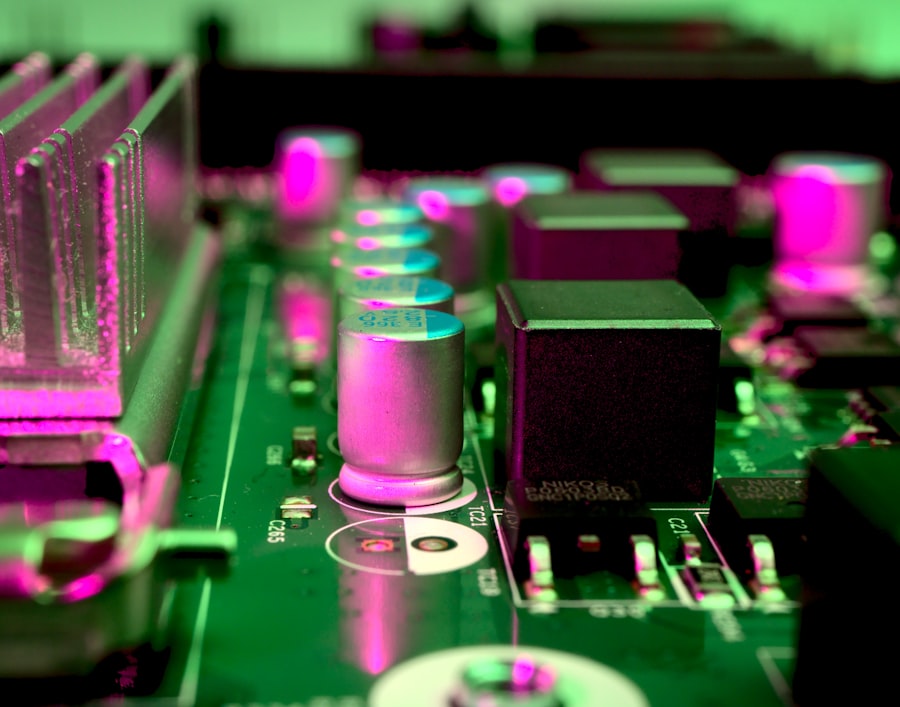
Once heat is generated within computer components, it needs to be transferred away to prevent overheating. This process of heat transfer occurs through three primary mechanisms: conduction, convection, and radiation. Understanding these principles is fundamental to the design of effective cooling systems.
Conduction: The Direct Path of Heat
Conduction is the transfer of heat through direct contact. When a hot component touches a cooler one, heat energy flows from the hotter object to the cooler one. Within a computer, heat is conducted from the silicon die of a CPU or GPU to its heat spreader, then to the base of a heat sink, and finally to the fins of the heat sink. Materials with high thermal conductivity, like copper and aluminum, are used in heat sinks and heat pipes to facilitate efficient heat conduction. Thermal paste, applied between the component and the heat sink, further enhances conduction by filling microscopic air gaps, which are poor conductors of heat.
Convection: The Movement of Fluids
Convection involves the transfer of heat through the movement of fluids, which can be liquids or gases. In computers, air is the primary fluid used for convective cooling. Fans create airflow, blowing cooler air across hot components and carrying away the heat. This process is known as forced convection. Natural convection also plays a role, where hotter air, being less dense, rises and is replaced by cooler air. The efficiency of convective cooling depends on the volume of airflow, the temperature difference between the component and the air, and the surface area available for heat transfer.
Radiation: Emitting Thermal Energy
Radiation is the transfer of heat through electromagnetic waves. All objects with a temperature above absolute zero emit thermal radiation. While generally a less significant mode of heat transfer in typical computer cooling compared to conduction and convection, it still plays a role. Components radiate heat outwards into the surrounding environment. Darker, matte surfaces tend to radiate heat more effectively than shiny, reflective surfaces. However, in most computer designs, the focus is on maximizing conduction and convection for efficient heat removal.
Heat Pipes: A Hybrid Approach
Heat pipes are a highly efficient passive cooling technology that utilizes a combination of conduction and phase change to transfer heat. A sealed tube contains a working fluid that evaporates at the hot end, absorbing heat. The vapor travels to the cooler end, where it condenses back into a liquid, releasing the absorbed heat. The liquid then returns to the hot end via capillary action, completing the cycle. This process allows for very effective heat transfer with minimal temperature difference, making heat pipes ideal for compact and high-performance cooling solutions in laptops and desktops.
The Impact of Heat on Computer Performance and Longevity
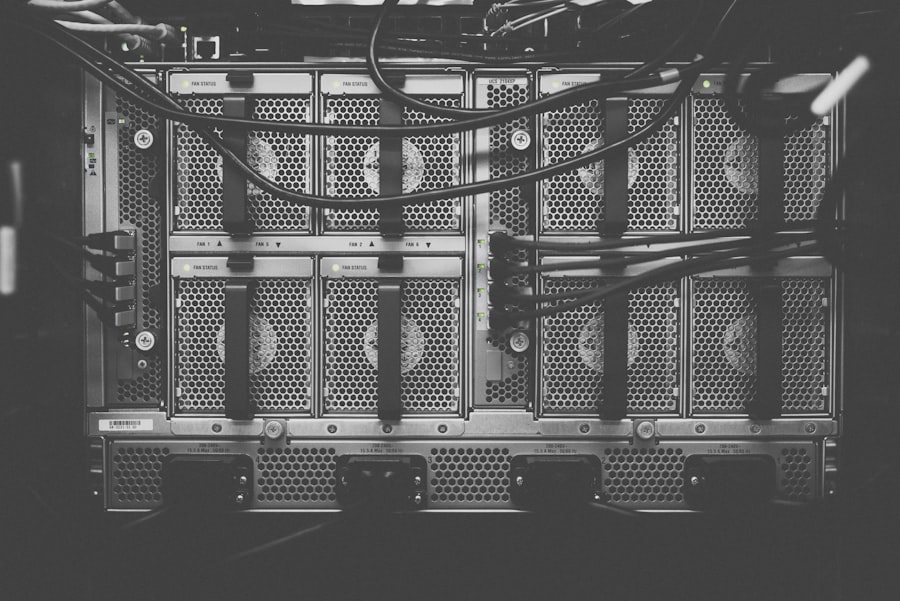
The heat generated by computer components is not just an operational byproduct; it has significant implications for both performance and the lifespan of the device. Unmanaged heat can lead to a cascade of negative effects.
Thermal Throttling: The Performance Sacrifice
When computer components, particularly CPUs and GPUs, reach a certain temperature threshold, they activate a protective mechanism called thermal throttling. To prevent damage from overheating, the component will deliberately reduce its clock speed and performance. This means that even if your system is theoretically capable of higher performance, it will slow down significantly under heavy load if it cannot dissipate the generated heat effectively. This can result in stuttering gameplay, slow application responsiveness, and a generally sluggish user experience.
Reduced Component Lifespan
Prolonged exposure to high temperatures can accelerate the degradation of electronic components. Semiconductors, solder joints, and capacitors are all susceptible to damage from excessive heat. Over time, this can lead to increased error rates, unpredictable behavior, and ultimately, component failure. A computer that consistently runs hot is likely to have a shorter operational lifespan than one that is kept at optimal temperatures.
Increased Power Consumption
While it may seem counterintuitive, higher temperatures can sometimes lead to increased power consumption. As components heat up, their electrical resistance can change, potentially leading to less efficient operation. Furthermore, cooling fans running at high speeds to combat heat also draw power, adding to the overall energy draw of the system.
System Instability and Crashes
When components overheat, they can become unstable, leading to unexpected errors, system freezes, and even random shutdowns or reboots. This instability can be particularly frustrating during critical tasks or when playing demanding games, as it can result in lost work and interrupted sessions.
The Importance of Effective Cooling
The implications of heat generation underscore the critical importance of effective cooling solutions in computer design. From the humble heatsink and fan found in basic desktops to the elaborate liquid cooling systems in high-end gaming rigs, all aim to manage and dissipate heat efficiently.
Computers generate heat primarily due to the electrical resistance encountered by the components as they process data. As transistors switch on and off at high speeds, they produce heat as a byproduct of their operation. This phenomenon is explained in detail in a related article that discusses the intricacies of thermal management in computing systems. For more insights on this topic, you can read the article here: Freaky Science. Proper cooling solutions are essential to maintain optimal performance and prevent overheating, which can lead to hardware failure.
Cooling Solutions: The Battle Against the Heat
| Reasons for Heat Generation in Computers |
|---|
| 1. Electrical Resistance: When electricity passes through the components, it encounters resistance, leading to heat generation. |
| 2. CPU Processing: The central processing unit (CPU) performs millions of calculations per second, generating heat as a byproduct. |
| 3. Graphics Processing: Graphics cards also perform intensive calculations, leading to heat generation. |
| 4. Hard Drive Activity: The spinning platters and moving parts in hard drives generate heat during operation. |
| 5. Power Supply: The conversion of AC power to DC power within the power supply unit generates heat. |
The electronics industry has developed a sophisticated array of cooling technologies to combat the relentless heat generated by modern computers. These solutions range from passive methods that rely on natural processes to active systems that employ mechanical intervention.
Passive Cooling: The Art of Letting Nature Do the Work
Passive cooling relies on the natural principles of heat transfer without the need for active mechanical components like fans.
Heat Sinks: Absorbing and Dissipating Heat
Heat sinks are the most common form of passive cooling. They are typically made of highly conductive materials like aluminum or copper and are designed with a large surface area through fins. Heat is conducted from the hot component to the heat sink, and then dissipated into the surrounding air through convection and radiation. The larger the surface area and the more conductive the material, the more effectively the heat sink can dissipate heat.
Thermal Compounds: Bridging the Gap
Thermal paste, thermal pads, and thermal epoxy are all used to improve thermal conduction between a heat-generating component and its heat sink. These materials fill microscopic air gaps, which are excellent insulators, allowing for a more direct and efficient transfer of heat.
Chassis Design and Airflow
The design of the computer chassis itself plays a vital role in passive cooling. Proper ventilation, strategic placement of vents, and the use of materials that promote airflow can help in the natural dissipation of heat. Some high-end passive cooling solutions even use specialized chassis designs that act as massive heat sinks.
Active Cooling: Forcing the Heat Away
Active cooling solutions employ powered components to actively move heat away from sensitive parts.
Fans: The Air Movers
Computer fans are the workhorses of active cooling. They are designed to create airflow, drawing cooler air into the case and expelling hot air. Different types of fans exist, including case fans, CPU fans (mounted on CPU coolers), and GPU fans. Fan speed can often be adjusted to balance cooling performance with noise levels.
CPU Coolers: Dedicated Heat Management
CPU coolers are specialized devices designed to dissipate the heat generated by the processor. They typically consist of a heat sink, a fan, and a mounting mechanism. High-performance CPU coolers often employ heat pipes or vapor chambers to enhance heat transfer efficiency.
Liquid Cooling: The Ultimate Heat Conquerors
Liquid cooling systems, also known as water cooling, offer superior cooling performance compared to air cooling. They use a closed loop system that circulates a liquid coolant (usually a mixture of distilled water and additives) through a water block mounted on the CPU or GPU. The heated coolant then travels to a radiator, where fans dissipate the heat into the surrounding air. Liquid cooling is favored by enthusiasts and gamers for its ability to keep components at very low temperatures, even under extreme loads.
Peltier Coolers (Thermoelectric Coolers): A Niche Solution
Peltier coolers, or thermoelectric coolers, are solid-state devices that create a temperature difference when an electric current is passed through them. They can be used to actively cool components, but they are generally less efficient and consume more power than other cooling methods, making them more of a niche solution for specific applications.
The Future of Thermal Management in Computers
As computing power continues to increase, so too does the challenge of managing heat. The industry is constantly innovating to develop more efficient and effective thermal management solutions.
Miniaturization and Higher Densities
The ongoing trend of miniaturization in electronics means that more components are being packed into smaller spaces. This leads to higher power densities and increased heat generation in confined areas, posing significant challenges for cooling.
Advanced Materials and Designs
Researchers are exploring new materials with superior thermal conductivity, such as graphene and carbon nanotubes, for use in heat sinks and thermal interfaces. Innovations in heat sink design, including micro-channel heat sinks and advanced fin structures, are also being developed to maximize surface area and airflow.
Intelligent Cooling Systems
The development of more sophisticated sensors and intelligent control systems allows for dynamic adjustment of fan speeds and pump speeds based on real-time component temperatures and workloads. This ensures optimal cooling while minimizing noise and energy consumption.
Immersion Cooling: A Radical Approach
For high-performance computing and data centers, immersion cooling is gaining traction. This method involves submerging entire servers or components in a non-conductive dielectric fluid, which directly absorbs and dissipates heat. This offers significant advantages in terms of cooling efficiency and energy savings.
The Unseen Struggle
The generation of heat within computers is a fundamental consequence of the physics governing electrical energy and its interaction with matter. From the microscopic dance of electrons to the macroscopic engineering of cooling systems, the battle against heat is an ongoing and essential aspect of computer design and operation. Understanding this thermal process is not just an academic exercise; it is key to appreciating the performance limitations, the importance of maintenance, and the continuous innovation that keeps our digital devices functioning at their best.

Why the Universe Makes You Pay to Forget
FAQs
1. Why do computers generate heat?
Computers generate heat as a byproduct of the electrical energy used to power their components, such as the central processing unit (CPU), graphics processing unit (GPU), and hard drive. The resistance in the electrical circuits and the movement of electrons within the components contribute to the generation of heat.
2. What components in a computer contribute to heat generation?
The main components in a computer that contribute to heat generation are the CPU, GPU, hard drive, and power supply unit. These components consume electrical energy and produce heat as a result of their operation. Additionally, inadequate cooling systems can exacerbate heat generation.
3. How does heat affect computer performance?
Excessive heat can negatively impact computer performance by causing components to throttle, reducing their processing speed to prevent overheating. In extreme cases, prolonged exposure to high temperatures can lead to component failure and system instability. Proper cooling and heat management are essential for maintaining optimal computer performance.
4. What are the common cooling methods used to manage computer heat?
Common cooling methods used to manage computer heat include air cooling, which utilizes fans and heat sinks to dissipate heat from components, and liquid cooling, which uses a closed-loop system to transfer heat away from the components. Additionally, thermal paste is often used to improve heat transfer between the components and their heat sinks.
5. How can users prevent overheating in their computers?
Users can prevent overheating in their computers by ensuring adequate airflow within the computer case, regularly cleaning dust from fans and heat sinks, using high-quality thermal paste when installing or reseating components, and monitoring temperatures with software utilities. Additionally, investing in aftermarket cooling solutions can help maintain lower operating temperatures.