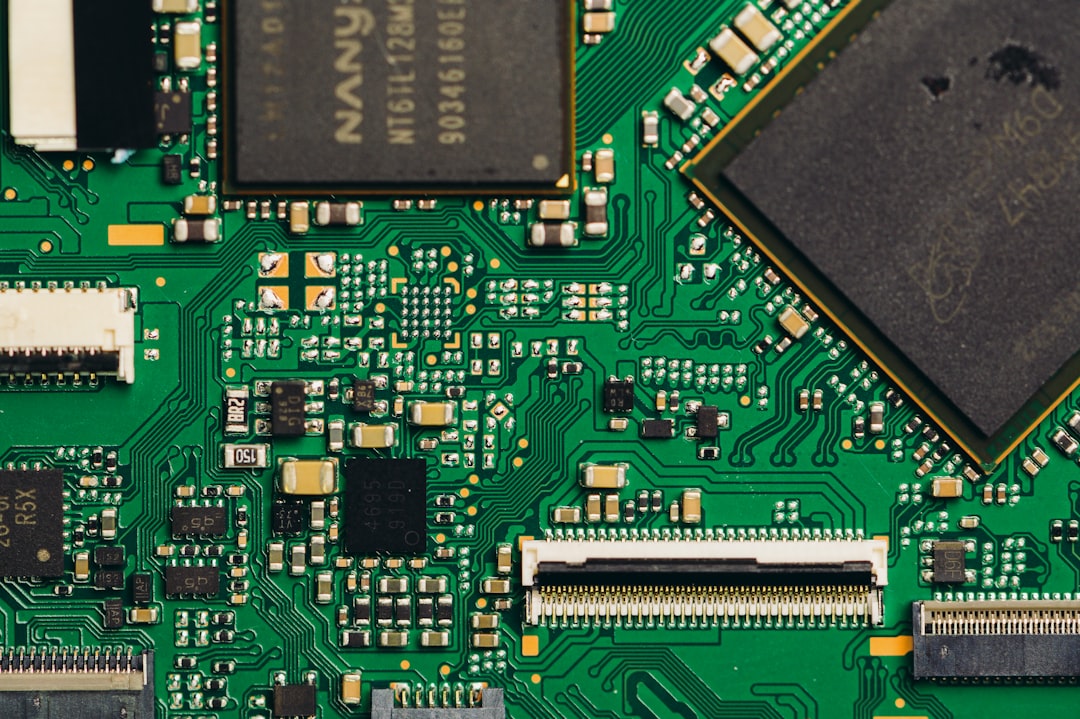
The digital world, a landscape of abstract concepts and unseen forces, often feels as intangible as a dream. Yet, at its very foundation, it is built upon the most fundamental of components: computer bits. These microscopic entities, representing either a 0 or a 1, are the building blocks of all information, from the simplest text message to the most complex video game. Understanding these bits, however, can be a challenge, particularly for those without a background in computer science or engineering. This is where the power of physical models comes into play, offering a tangible and intuitive approach to unraveling the mysteries of computer bits. By translating abstract digital concepts into concrete, manipulable forms, these models democratize understanding and foster a deeper appreciation for the inner workings of the technology that permeates our lives.
The inherent challenge in teaching computer science, especially at introductory levels, lies in the abstract nature of its core components. A bit, a theoretical construct, has no physical form in itself. It’s a state, a condition, a conceptual placeholder. This lack of immediate sensory input makes it difficult for many learners to grasp its significance and how it contributes to the vast edifice of digital information. Analogies abound, from light switches to magnets, but these often fall short of fully capturing the multifaceted nature of a bit’s role.
The “On” and “Off” Dichotomy: A Foundation for Understanding
The most basic representation of a bit is its binary state: 0 or 1. This binary nature is a fundamental concept that underpins all digital computation. Physical models can effectively illustrate this dichotomy.
Light Switches as the Simplest Analogy
Perhaps the most accessible physical model for representing a bit is the humble light switch. A light switch, in its simplest form, has two distinct states: “on” and “off.” This directly maps to the 1 and 0 of a binary system. When a switch is “on,” it represents a 1; when it’s “off,” it represents a 0. This simple tactile experience allows learners to physically manipulate a representation of a bit’s state.
Demonstrating Individual Bits
A single light switch can be used to represent a single bit. Its position—up or down, illuminated or dark—provides a clear visual and physical cue for the binary state. This allows for discussions about how even the simplest piece of information is encoded.
Grouping Bits to Form Meaning
Moving beyond a single switch, multiple light switches arranged in a line can represent a sequence of bits, forming a byte. The ability to flip individual switches allows learners to construct different binary combinations and begin to understand how these combinations can represent more complex information. For instance, a series of switches could be used to represent a letter in the alphabet, demonstrating that a group of bits, not just an individual one, carries meaning.
Other Physical Representations of Binary States
While light switches are a common starting point, other physical objects can also effectively represent the binary nature of bits.
Colored Blocks or Marbles
Using two distinct colors of blocks or marbles can serve as another intuitive model. For example, red could represent 0 and blue could represent 1. Learners can then arrange these blocks or marbles in sequences to form binary numbers or even simple characters. The act of physically selecting and placing the colored items reinforces the concept of discrete states.
Magnetic Flip-Chips
More advanced physical models might involve magnetic flip-chips. These small components have two distinct magnetic poles, which can be flipped to represent a 0 or a 1. While these are closer to the actual physical mechanisms used in some older computing technologies, they still offer a tangible way to interact with binary states. The act of physically flipping the chip reinforces the idea of a state change.
The Limitations of Simple Analogies
While light switches and colored blocks are excellent starting points, it’s crucial to acknowledge their limitations. They represent the state of a bit but don’t fully convey its dynamic nature, its role in processing, or its relationship with other bits within a larger system.
Static Representation vs. Dynamic Processing
A light switch is a static representation. It doesn’t inherently do anything with the information it represents. This is a key difference from how bits function within a computer, where they are constantly being manipulated, transferred, and processed by logic gates. Physical models need to evolve to address this dynamic aspect.
The Concept of Information Storage
These initial models primarily focus on representing a bit’s state. They don’t, in themselves, fully explain how this state is stored or how it persists over time. This requires moving beyond simple on/off switches to models that incorporate elements of memory.
The physical representation of computer bits is a fascinating topic that delves into how information is stored and processed in various forms. For a deeper understanding of this subject, you can explore the article on Freaky Science, which discusses the different methods of encoding data and the implications of these technologies. To read more, visit this article.
Beyond the Single Bit: Building Blocks of Information
A single bit, while fundamental, is insufficient to represent meaningful information. It is through the combination and organization of multiple bits that we can encode text, images, sounds, and all the data that makes up our digital world. Physical models can effectively illustrate how these smaller units are aggregated to form larger, more complex representations.
The Power of the Byte: Eight Bits Together
The byte, a group of eight bits, is a fundamental unit of digital information. It’s the standard for representing characters, small numbers, and other basic data types. Physical models that demonstrate the formation and manipulation of bytes are crucial for understanding data representation.
Building a Byte with Physical Components
Using multiple light switches, colored blocks, or magnetic chips arranged in a group of eight allows for the construction of a byte. Learners can then experiment with creating different combinations, understanding that each unique arrangement of 0s and 1s within the byte represents a different piece of information.
Visualizing Binary Numbers
Arranging eight switches or colored blocks allows for the direct visualization of 8-bit binary numbers. This is invaluable for teaching concepts like binary arithmetic and the conversion between binary and decimal systems. For example, learners can physically set switches to represent the binary number 10110010 and then discuss its decimal equivalent.
Representing Characters
This model can be extended to represent alphanumeric characters. By associating specific 8-bit patterns with letters and symbols (as defined by character encoding schemes like ASCII), learners can physically construct these patterns and see how a seemingly abstract string of 0s and 1s translates into a visible character.
The Role of Encoding Schemes
Physical models can also be used to introduce the concept of encoding schemes. By having a pre-defined chart that maps binary patterns to characters, learners can actively engage in the process of encoding and decoding.
ASCII as a Tangible Example
Using a physical chart that shows ASCII codes—the decimal number, its binary representation (using the byte model), and the corresponding character—allows learners to see the direct relationship. They can then build the binary representation for a given character, solidifying their understanding of how character data is stored digitally.
Expanding to Larger Data Structures
As we move from bytes to larger data structures, the need for more sophisticated physical models becomes apparent. However, the core principles of aggregation and representation remain the same.
Representing Numbers with Multiple Bytes
Physical models can be scaled up to represent larger numbers that require more than one byte. This could involve multiple rows of eight switches or colored blocks, demonstrating how data is segmented and organized.
Visualizing Data Organization
While complex data structures like arrays or linked lists are challenging to represent purely physically, simpler organizational concepts can be illustrated. For instance, a series of bytes representing a list of numbers could be arranged sequentially, emphasizing the linear organization of data in memory.
The Logic Gates: The Brains of the Bit Manipulation

Understanding how bits are manipulated is as important as understanding what they represent. This is where logic gates come into play. Logic gates are the fundamental building blocks of digital circuits, performing basic logical operations on binary inputs. Physical models of logic gates offer a tangible way to grasp these abstract operations.
Introducing Basic Logic Gates
The most common logic gates are AND, OR, and NOT. Physical models for these gates allow learners to see how they process binary inputs to produce a binary output.
AND Gate Models
An AND gate outputs a 1 only if all of its inputs are 1. Physical models can be constructed using simple electrical circuits with switches and an indicator light. For an AND gate model, the light will only illuminate if all input switches are in the “on” position. This provides a clear, hands-on demonstration of the AND operation.
Input and Output Relationships
Learners can experiment with different combinations of input switches and observe the resulting output. This allows them to build truth tables physically and understand the logical function of the AND gate.
OR Gate Models
An OR gate outputs a 1 if at least one of its inputs is 1. Physical models of OR gates work similarly to AND gates, but the circuit is configured such that the indicator light turns on if any of the input switches are “on.” This emphasizes the inclusive nature of the OR operation.
Exploring Combinations
By manipulating the input switches, learners can discover that the OR gate is more permissive than the AND gate, highlighting the different logical behaviors.
NOT Gate Models
A NOT gate, also known as an inverter, has a single input and outputs the opposite of that input. If the input is 0, the output is 1, and vice versa. A simple physical model can be a switch that controls an LED, where the LED is on when the switch is off, and off when the switch is on.
The Concept of Inversion
This model clearly demonstrates the concept of inversion, showing how a bit’s state can be flipped.
Combining Logic Gates: Building Complexity
The true power of logic gates lies in their ability to be combined to perform more complex operations. Physical models can demonstrate this as well.
Creating Simple Circuits
By connecting multiple logic gate models together, learners can build simple circuits. For example, they can connect two AND gates and an OR gate to build a circuit that performs a more complex logical function.
Demonstrating Addition with Logic Gates
A particularly impactful demonstration is building a half-adder or a full-adder using logic gates. These circuits are the foundation of binary addition, a core operation in all computers. Physically constructing these circuits and seeing them perform addition based on the input bits provides a profound understanding of how computers perform arithmetic.
The Foundation of Processors
These physical logic gate models, when scaled up and integrated, form the basis of the central processing unit (CPU) of a computer. This connection helps learners appreciate the hierarchical nature of computer architecture, starting from simple bits and progressing to complex processing units.
Memory and Storage: Where Bits Reside
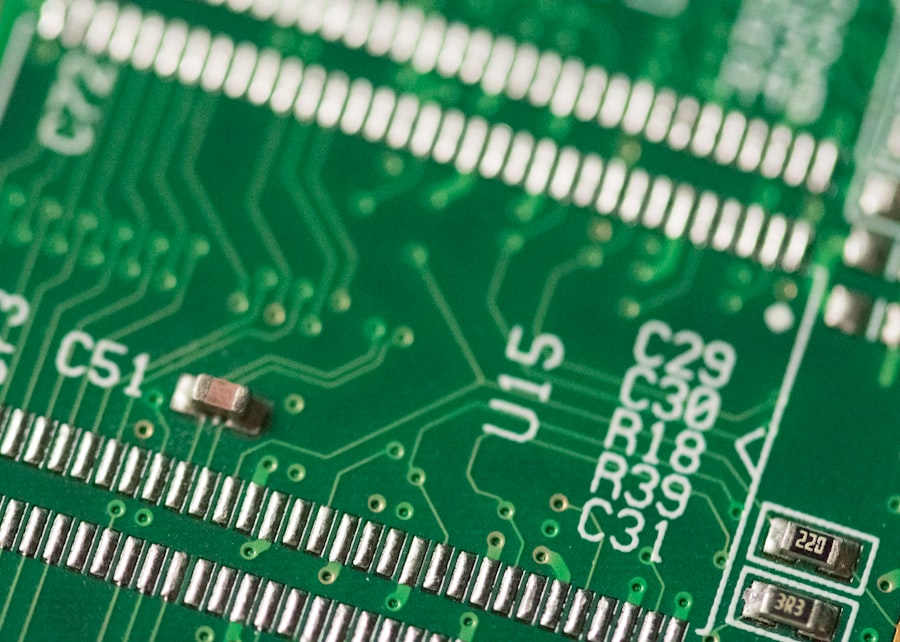
Bits don’t just exist in processing; they also need to be stored. Physical models can help illustrate the concepts of memory and storage, explaining how binary information is retained.
The Concept of Volatile vs. Non-Volatile Memory
A key distinction in computing is between volatile memory (like RAM), which loses its data when power is removed, and non-volatile memory (like hard drives or SSDs), which retains data. Physical models can differentiate these.
Representing RAM with Flip-Flops
Flip-flops are electronic circuits that can store a single bit of data. Physical models of flip-flops, often built with integrated circuits and LEDs, can demonstrate how a bit is held in a particular state. When power is applied, the flip-flop maintains its state, representing the storage of a 0 or 1. However, when power is removed, the state is lost, illustrating the volatility of RAM.
The Process of Writing and Reading Bits
Learners can interact with these flip-flop models by providing input signals to “write” a 0 or 1 and then observing the output to “read” the stored bit. This physical interaction demystifies the process of data access in memory.
Illustrating Non-Volatile Storage
Representing non-volatile storage is more challenging with simple physical models. However, analogies can be employed.
Physical Books and Libraries
A physical library, with its vast collection of books, can be an analogy for non-volatile storage. Each book contains information (analogous to data), and the library as a whole stores this information persistently, even when the lights are off.
Magnetic Storage Analogy
More technically, the concept of magnetic storage can be explained using physical magnets. Imagine a surface with tiny regions that can be magnetized in one direction (representing 0) or the opposite direction (representing 1). This is analogous to how hard drives store data. While not a direct manipulation model, it provides a concrete visual for the underlying principle.
The Hierarchy of Storage
Computers utilize a hierarchy of storage, from fast, small caches to slower, larger main memory and then even slower, larger secondary storage. Physical models can introduce this concept of tiered access.
Caches as Small, Fast Notepads
A small, easily accessible notepad can represent a CPU cache—a small amount of very fast memory used to store frequently accessed data.
Main Memory as a Larger Desk
A larger desk area can represent main memory (RAM), where more data is stored but access is slightly slower than the cache.
Long-Term Storage as a Filing Cabinet
A filing cabinet located further away can represent hard drives or SSDs, where vast amounts of data are stored but access is the slowest. This physical arrangement helps learners understand the trade-offs between speed, capacity, and cost in computer storage.
The physical representation of computer bits is a fascinating topic that delves into how information is encoded and processed in digital systems. For those interested in exploring this subject further, an insightful article can be found at Freaky Science, which discusses various methods of representing data and the implications for technology and computing. Understanding these concepts can enhance our appreciation of the intricate workings behind the devices we use every day.
The Journey from Bits to Meaning: Bridging the Abstract and the Real
| Data | Metrics |
|---|---|
| Bit | Smallest unit of data in a computer |
| Byte | 8 bits, basic unit of measurement for computer memory |
| KB (Kilobyte) | 1024 bytes |
| MB (Megabyte) | 1024 kilobytes |
| GB (Gigabyte) | 1024 megabytes |
| TB (Terabyte) | 1024 gigabytes |
Ultimately, the purpose of understanding computer bits is to appreciate how they give rise to the rich and complex digital experiences we encounter daily. Physical models serve as essential bridges, connecting the abstract world of binary code to tangible representations.
From Bits to Bytes to Characters
As discussed, the aggregation of bits into bytes is the first step in creating meaningful information. Physical models that allow learners to construct bytes and then map them to characters are crucial for this understanding. This process moves from raw data to something humans can readily interpret.
Encoding and Decoding in Action
By using physical models alongside encoding charts, learners can actively participate in the encoding and decoding process. They can take a word, physically build its binary representation bit by bit, and then see how this binary sequence is stored and retrieved.
The Role of Software in Orchestrating Bits
While physical models often focus on the hardware aspects, they can also be used to conceptually introduce how software interacts with bits.
Programming as Giving Instructions
The concept of programming can be introduced by framing it as providing instructions to the logic gates and memory units represented by the physical models. A “program” becomes a sequence of operations that the physical components can perform.
Simple Algorithmic Concepts
Even simple algorithms can be demonstrated. For example, a sorting algorithm could be visualized by physically rearranging colored blocks representing numbers, showing how a sequence of “steps” (instructions) leads to a desired outcome.
The Interplay of Hardware and Software
Physical models help illustrate that hardware provides the capabilities (processing, storage), while software dictates how those capabilities are used to achieve specific tasks. This symbiotic relationship is fundamental to how computers function.
The Impact on Digital Literacy
By demystifying computer bits through physical models, educators and enthusiasts can significantly enhance digital literacy. Understanding the fundamental building blocks of digital information empowers individuals to be more critical consumers and creators of technology.
Informed Decision-Making
When individuals understand how data is represented and processed at a fundamental level, they can make more informed decisions about technology use, privacy, and security.
Fostering Innovation
A solid understanding of the underlying principles can also spark curiosity and innovation. Learners who grasp the essence of bits and logic gates may be inspired to explore further into computer engineering, software development, and other related fields.
In conclusion, unraveling the mysteries of computer bits with physical models is not merely an educational exercise; it’s a fundamental step towards demystifying the digital world. By providing tangible, interactive experiences, these models transform abstract concepts into understandable realities, empowering individuals to engage with technology on a deeper, more meaningful level. From the simple flick of a light switch to the intricate dance of logic gates, the journey of a bit, when made physical, reveals the elegant simplicity and profound power that underpins our connected existence.

Why the Universe Makes You Pay to Forget
FAQs
What is the physical representation of computer bits?
Computer bits are physically represented by electrical or optical signals. In electronic computers, bits are represented by the presence or absence of an electrical charge, while in optical computers, they are represented by the presence or absence of light.
How are computer bits stored in electronic devices?
In electronic devices, computer bits are stored using various methods such as magnetic storage (hard drives), semiconductor-based storage (RAM and ROM), and optical storage (CDs and DVDs). These storage methods use different physical mechanisms to represent and store the binary information.
What is the significance of physical representation of computer bits?
The physical representation of computer bits is crucial for the functioning of digital devices and computers. It determines how data is stored, processed, and transmitted within electronic systems, and plays a fundamental role in the operation of modern technology.
Can computer bits be represented using mechanical systems?
While computer bits are traditionally represented using electrical or optical signals in electronic devices, there are emerging technologies that explore the use of mechanical systems for representing and processing bits. These include mechanical computers and devices based on nanoscale mechanical components.
How does the physical representation of computer bits impact computing performance?
The physical representation of computer bits directly impacts computing performance in terms of speed, reliability, and energy efficiency. Advances in materials science and engineering have led to the development of faster and more efficient ways to represent and manipulate bits, leading to improvements in computing capabilities.